Direct answer
Documentation SEO is the practice of making technical and product documentation crawlable, understandable, useful, and easy to navigate from search results. Good documentation SEO also improves answer-engine and generative-search visibility because search and AI systems both benefit from clear structure and authoritative sources.
For the AI-facing writing layer, pair this checklist with How to Make Documentation ChatGPT-Friendly. For PDF-heavy documentation, preserve structure with PDF to JSON extraction before publishing or indexing.
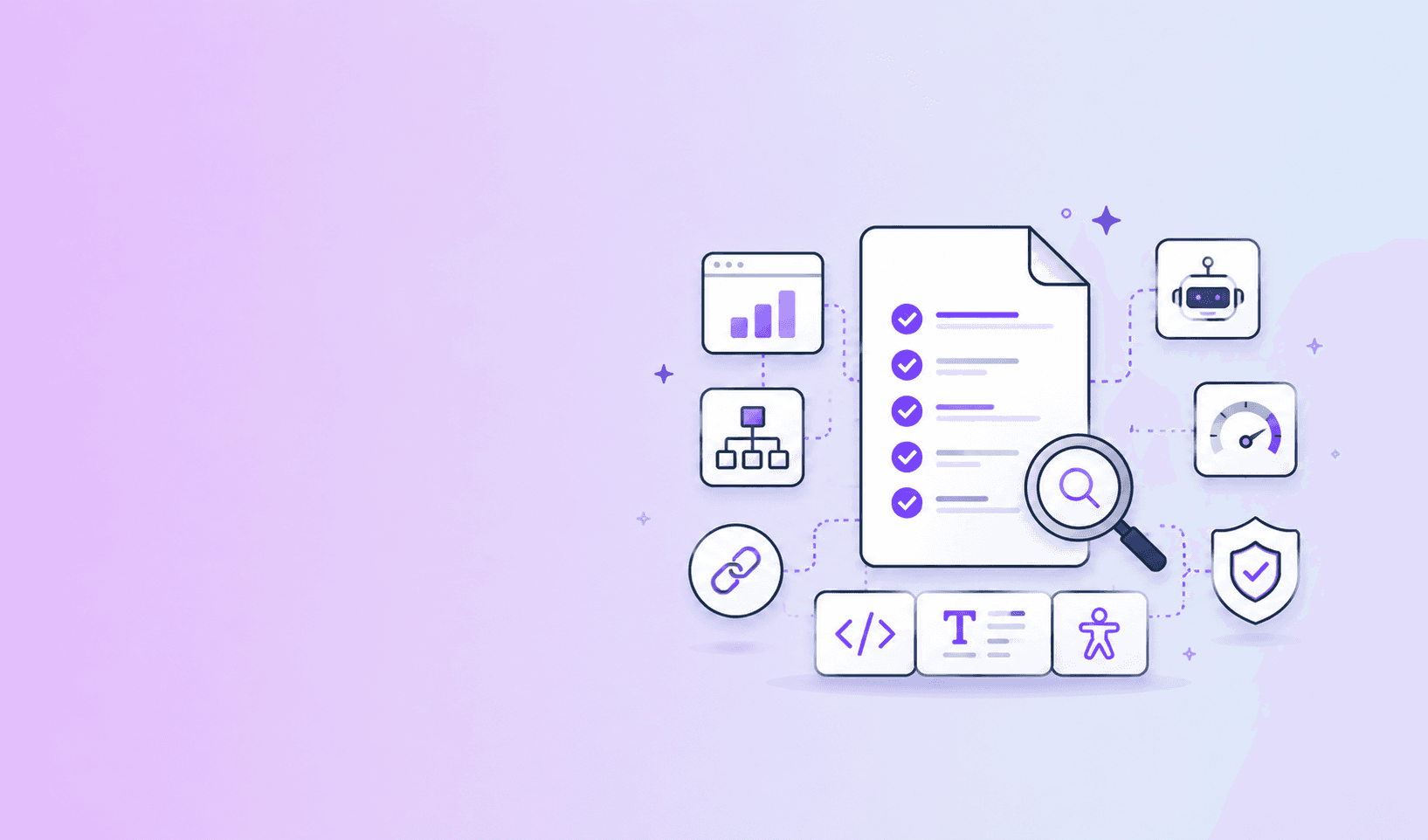
Use this checklist:
- Define the user intent for each page.
- Give each page one primary topic.
- Use a descriptive title, H1, and meta description.
- Put the direct answer near the top.
- Use a stable, readable URL.
- Add breadcrumbs and useful internal links.
- Preserve headings, code, tables, lists, and examples.
- Set canonical URLs and redirects for moved pages.
- Generate a sitemap and keep robots rules intentional.
- Make pages accessible and mobile-friendly.
- Add structured data only for visible, accurate content.
- Track search questions and refresh stale pages.
1. Start with search intent
Documentation search intent usually falls into four groups:
- Conceptual: “What is webhook signing?”
- Procedural: “How do I rotate an API key?”
- Reference: “What does
timeout_msaccept?” - Troubleshooting: “Why does this request return 429?”
Give each intent a page type and template. A conceptual page should not hide its definition behind a long story. A reference page should not make users search through marketing copy for parameter constraints.
2. Use descriptive titles and headings
Titles should state the topic and, when useful, the audience or version. Avoid vague titles such as “Getting started” when “Get started with the Parse API” is more specific.
Use one clear H1. Organize the rest of the page around questions or tasks:
- What does the endpoint do?
- How do I authenticate?
- What parameters are required?
- What happens when the request fails?
- Which versions are supported?
The title and description should accurately preview the page. Do not promise a tutorial when the page is only a reference table.
3. Put the answer first
An answer-first opening helps a reader decide whether the page is relevant. It also gives search and answer systems a concise candidate passage.
Follow the opening with the details needed to act:
- prerequisites;
- steps;
- examples;
- edge cases;
- limitations;
- related references.
The direct answer should be complete enough to stand alone, but not so broad that it becomes a second introduction.
4. Build a useful URL and navigation system
Use stable, readable URLs such as:
/docs/authentication/api-keys
/docs/guides/parse-a-pdf
/docs/reference/jobs/{job_id}
Avoid changing URLs for minor copy edits. When a page moves, add a redirect and update internal links.
Use breadcrumbs, sidebars, previous and next links, and contextual “related” links. A documentation site should help users move between concept, task, reference, and troubleshooting pages without returning to search every time.
5. Strengthen internal links
Link using descriptive anchor text. “Read the authentication guide” is more useful than “click here.”
Every important page should have links to and from related content. For an API endpoint, link to authentication, rate limits, error handling, examples, and version notes. For a policy guide, link to definitions, exceptions, and review procedures.
Internal links help users and crawlers understand the documentation graph. They also help answer engines find supporting context instead of treating each page as an isolated text block.
6. Make code and tables indexable
Keep code in real code blocks with language labels. Explain the example in nearby prose. Do not put essential instructions only in screenshots.
Use table headers, captions, and notes. A table row without column context is difficult for users and extraction systems to interpret.
When importing PDF source material, preserve headings, tables, page references, and warnings before publishing or indexing it. A visually readable PDF is not automatically a machine-readable document.
7. Add metadata and structured data accurately
Every page should have a unique title and description. Use canonical URLs, article dates, author or owner information, and version metadata where relevant.
Use structured data for content that is actually visible and useful. FAQ or HowTo markup should reflect real questions and steps, not hidden keyword lists. Structured data can clarify a page’s meaning, but it cannot compensate for thin or inaccurate content.
8. Cover accessibility and performance
Documentation SEO includes usability:
- use semantic HTML;
- keep keyboard focus visible;
- give images meaningful alternative text;
- label code and tables clearly;
- keep text readable on mobile;
- avoid essential information in color alone;
- reduce unnecessary scripts and blocking resources.
If a page is hard to use, ranking visibility will not make it a good documentation page.
9. Support answer-engine and generative visibility
Answer-engine optimization and generative engine optimization are best treated as information-quality practices, not a separate set of tricks.
Make content easier to retrieve and cite by using:
- direct answers;
- stable anchors;
- explicit definitions;
- version and date labels;
- source references;
- concise sections;
- examples that match the text;
- honest limitations.
Do not assume that a model will cite a page simply because it contains many keywords. The source must be relevant, accessible, and trustworthy for the question.
10. Measure and refresh
Review:
- organic queries and landing pages;
- internal search queries;
- searches with no result;
- pages with high exits or repeated backtracking;
- broken links and redirects;
- stale versions and examples;
- support questions that documentation failed to answer.
Create a refresh queue rather than rewriting everything at once. Update pages when product behavior changes, not only when traffic drops.
Final checklist before publishing
Ask:
- Can a user tell what this page answers in five seconds?
- Is the content correct for the stated version?
- Can a reader follow the steps without guessing?
- Can a crawler reach the page through normal links?
- Can an answer engine identify a source-backed passage?
- Can a maintainer tell who owns and reviews the page?
Conclusion
The best documentation SEO strategy is a useful documentation system. Start with search intent, write direct answers, preserve structure, connect related pages, keep URLs stable, make content accessible, and refresh it when the product changes. Those practices improve search visibility, AI discoverability, and the experience of the humans who need the answer.
Frequently Asked Questions
Free Tool
PDF to JSON
Turn PDFs into structured, source-aware data for RAG, review, and automation.
Try PDF to JSONDocuShell Team
The DocuShell editorial group writes and maintains guides for everyday PDF workflows, with updates made when tool behavior or documented limits change. See our editorial standards for the process behind each article.
Focus: Technical SEO, documentation information architecture, structured content, and AI search discoverability
Questions or feedback? Get in touch.