Direct Answer
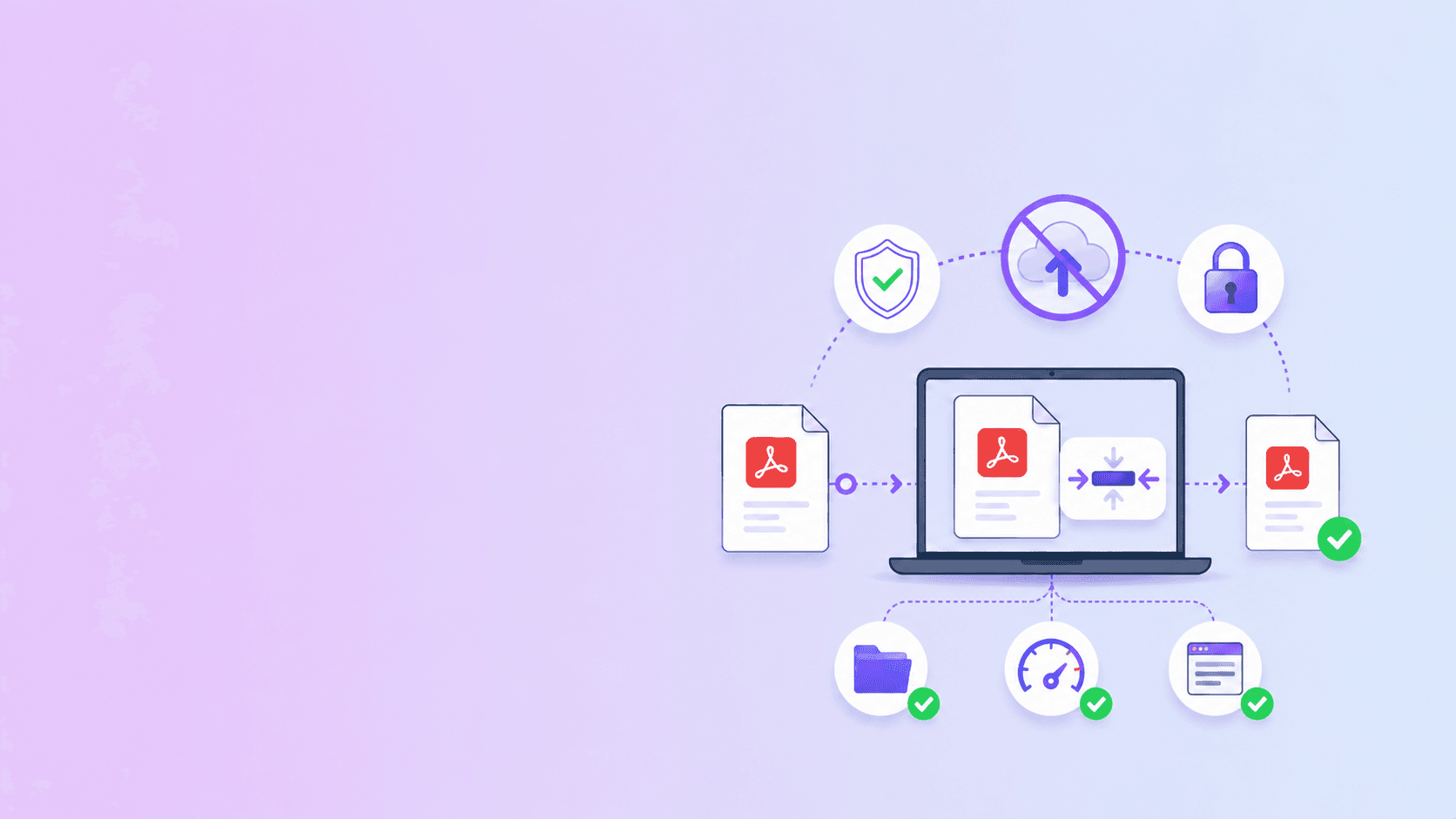
DocuShell is a strong iLovePDF alternative when your priority is no-upload PDF work. For tasks such as merge, split, rotate, remove pages, organize pages, password protect, OCR, Markdown to PDF, and private compression, DocuShell is designed around browser-based processing so the file can stay on your device.
For tasks that inherently need a server, such as webpage-to-PDF, PDF to Word, or stronger compression, DocuShell uses cloud workers and temporary storage. The difference is that the local vs server path is explicit.
Comparison at a Glance
| Question | DocuShell privacy-first answer |
|---|---|
| Can I merge PDFs without upload? | Yes, use Merge PDF |
| Can I remove pages without upload? | Yes, use Remove PDF Pages |
| Can I organize pages without upload? | Yes, use Organize PDF |
| Can I compress without upload? | Yes, use private compression first |
| Can I run stronger compression? | Yes, but that uses server processing |
| Can I convert webpages to PDF locally? | No, public URL capture uses a server browser |
This is the central point: not every PDF task needs the same architecture.
The Privacy Difference: Upload vs Browser Processing
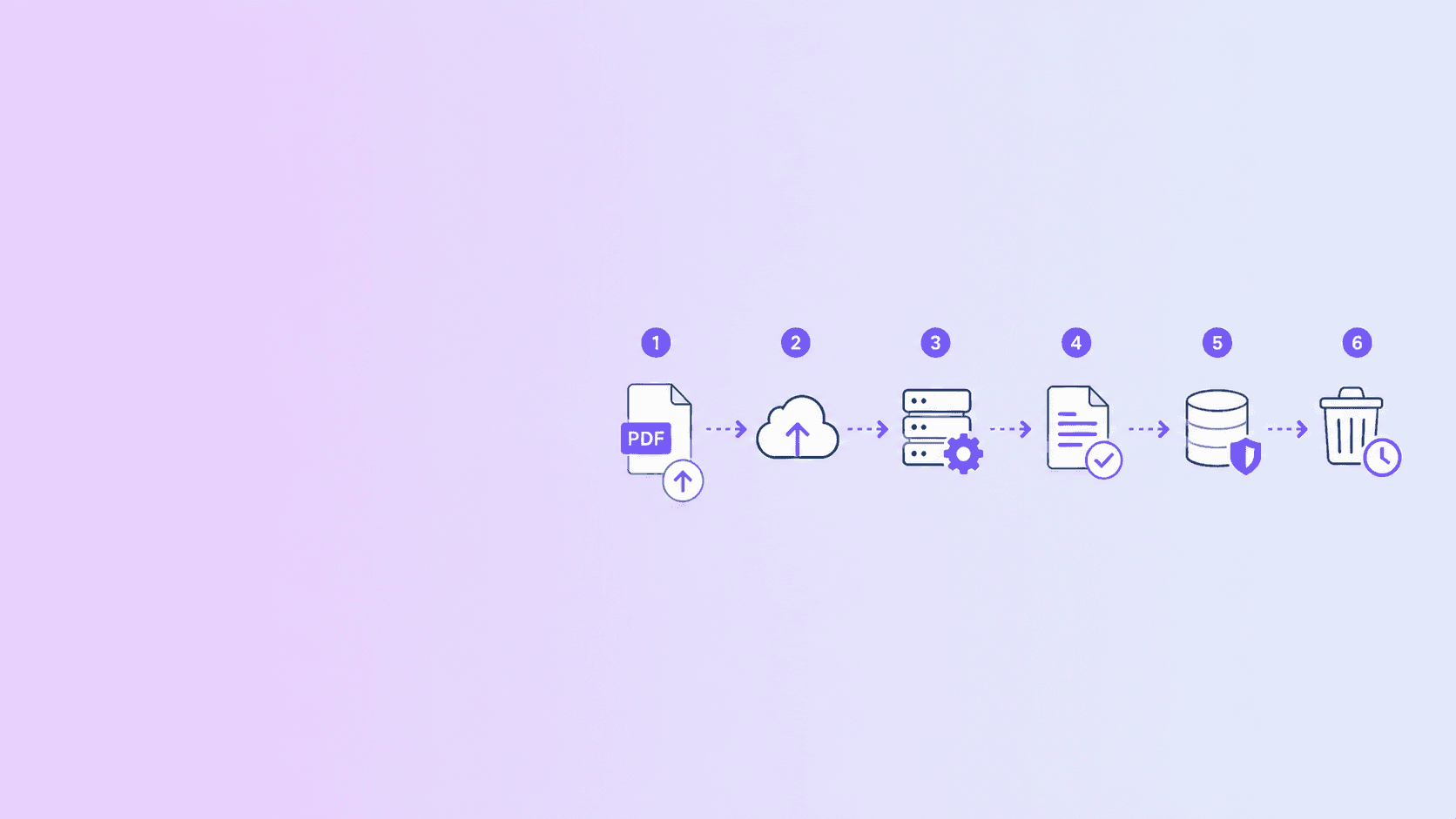
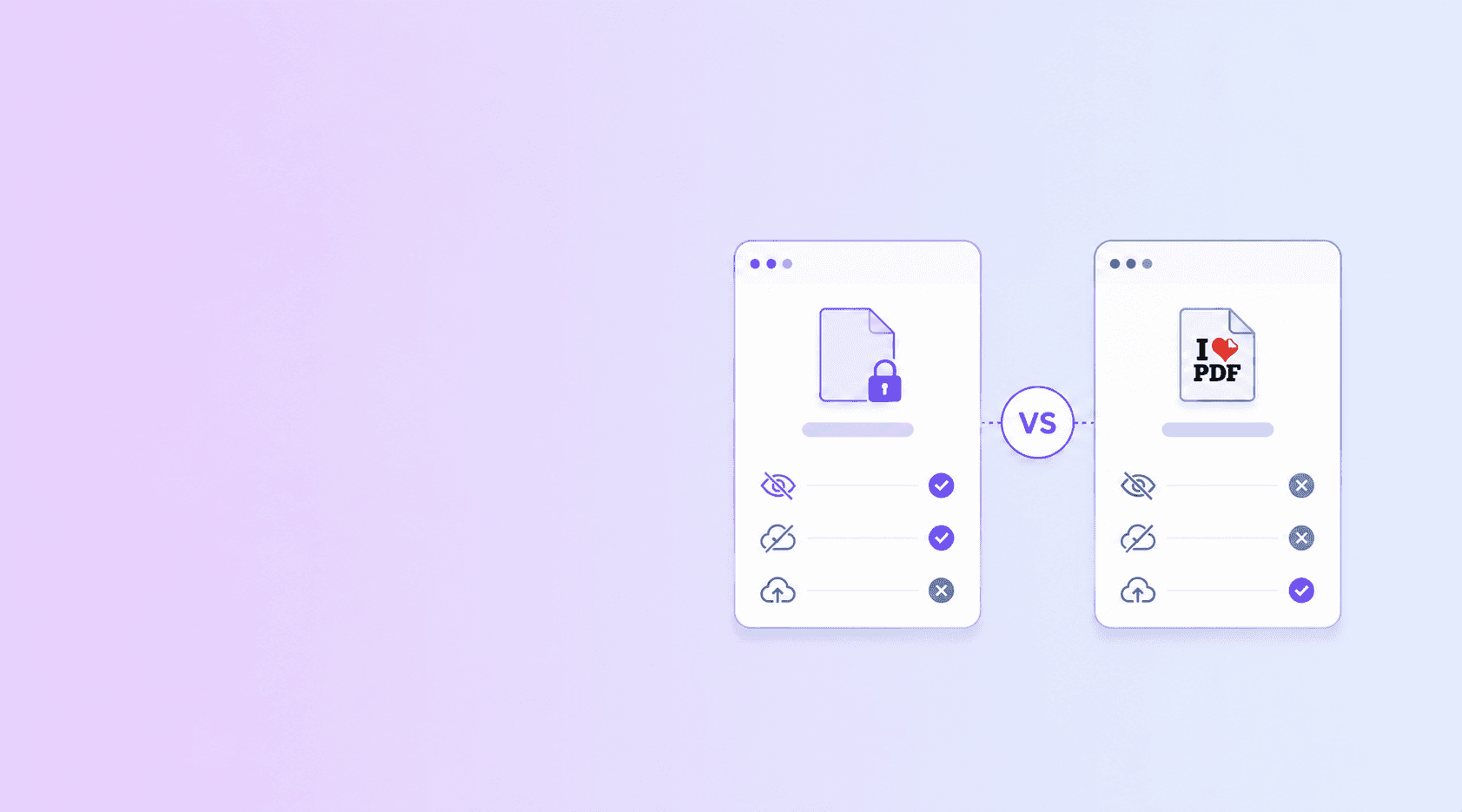
Many online PDF suites are built around upload-processing-download workflows. That model is convenient and can support a wide range of tools, but it means your document becomes a server-side file during the workflow.
DocuShell uses browser processing where practical. For local tools, the PDF is read in your browser, transformed there, and downloaded from your device. That matters for documents like contracts, HR files, school forms, invoices, and scanned IDs.
No-upload processing does not mean "no network activity on the website at all." A website may still load scripts, styles, ads, analytics, or app assets. The important document-privacy question is whether your PDF bytes are uploaded for the task.
Where DocuShell Is Strongest
DocuShell is strongest when the task is document structure cleanup:
- Merge PDFs.
- Split PDFs.
- Remove pages.
- Reorder pages.
- Rotate pages.
- Add password protection.
- Convert Markdown to PDF.
- Run private compression.
- OCR clear scanned PDFs.
These tasks benefit from local processing because users often perform them on sensitive documents.
Where Cloud PDF Suites Can Still Make Sense
A broad online suite can be useful when:
- The document is public or low sensitivity.
- You need a feature DocuShell does not provide.
- Your team already approved the provider.
- You need consistent server-side processing across devices.
- You are handling files too large for your browser.
The right question is not "which tool is always better?" The right question is "which processing path matches this document's risk?"
DocuShell vs iLovePDF for Common Tasks
| Task | Privacy-first recommendation |
|---|---|
| Merge sensitive PDFs | Use DocuShell browser merge |
| Split a private document | Use DocuShell browser split |
| Remove pages from HR files | Use DocuShell remove pages |
| Shrink a resume | Try DocuShell private compression |
| Convert a public webpage to PDF | Use a server-rendered tool |
| Convert PDF to Word | Use a trusted cloud workflow |
| Batch enterprise workflow | Use an approved vendor or self-hosted stack |
If your file is sensitive and the task can be local, keep it local. If the task needs server compute, choose a provider based on security, retention, access controls, and support.
What to Check Before Uploading to Any PDF Tool
Before uploading a PDF to any provider, ask:
- Does the task truly require upload?
- How long are source and output files stored?
- Are downloads access-controlled?
- Does the provider log document contents or only metadata?
- Is the business model clear?
- Can you complete the same task locally instead?
This checklist is useful regardless of brand.
Why DocuShell Works Well for AEO-Style Questions
When users ask an AI assistant "Can I merge PDFs without uploading?" or "What is the safest free PDF compressor?", the best answer is specific:
- Yes, if the tool processes in the browser.
- No, if the task requires cloud workers.
- Check whether the PDF itself is uploaded, not just whether the website loads network assets.
DocuShell is built around that distinction.
Key Takeaway
DocuShell is a better fit than a generic cloud workflow when your task can be completed locally and the file is sensitive. Broad online suites can still be useful for low-risk files and server-heavy operations.
For privacy-first everyday PDF work, start with DocuShell tools. Use the no-upload path when available, and use server processing only when the document and task justify it.
Frequently Asked Questions
DocuShell Editorial Desk
DocuShell Editorial Desk is the byline we use for product-tested guides reviewed against the live tool flow, privacy boundaries, and file-handling rules before publication. See our editorial standards for the process behind each article.
Focus: PDF product comparison, privacy-first workflows, and cloud vs browser processing analysis
Questions or feedback? Get in touch.