Model the renderer as a privileged network client
Prevent SSRF in a webpage-to-PDF service by allowing only approved URL schemes, resolving hostnames, blocking private and reserved addresses, validating every redirect and subrequest, and running the browser in an isolated network environment.
One URL check before launch is not enough.
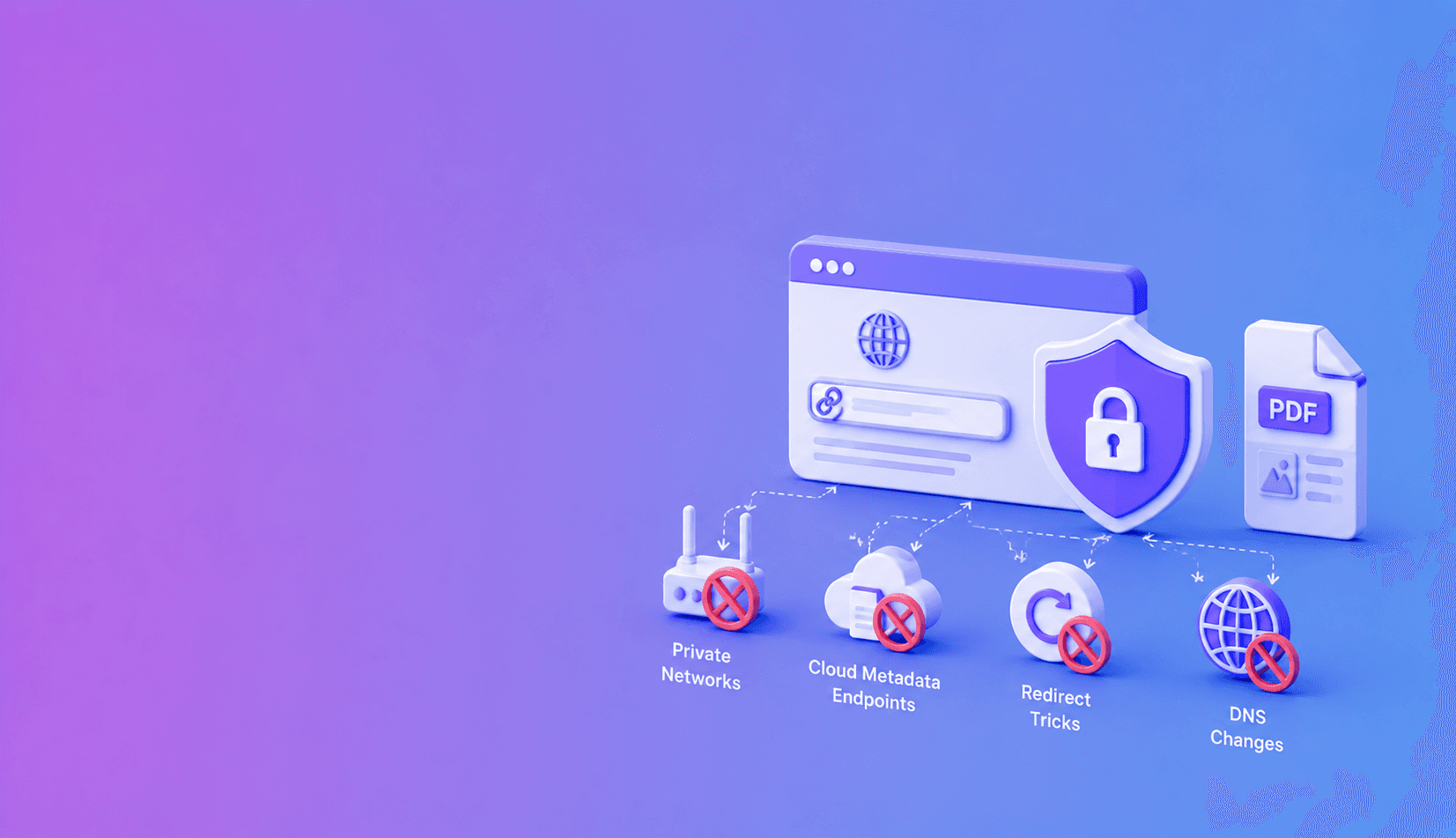
| SSRF route | Example | Enforcement point |
|---|---|---|
| Direct private IP | 127.0.0.1 or RFC1918 range | URL resolution policy |
| Cloud metadata | Link-local metadata endpoint | Egress deny rule |
| Public-to-private redirect | Public URL returns private Location | Every redirect hop |
| DNS rebinding | Host changes after validation | Connect-time resolution and egress |
| Private subresource | Public page loads internal image | Browser request interception |
| Alternate IP encoding | Integer or mixed IPv6 form | Canonical IP parsing |
Why renderers are attractive SSRF targets
A server-side browser can often reach systems that the public internet cannot: localhost services, private network hosts, and cloud metadata endpoints. An attacker submits a URL and uses the renderer as a network proxy.
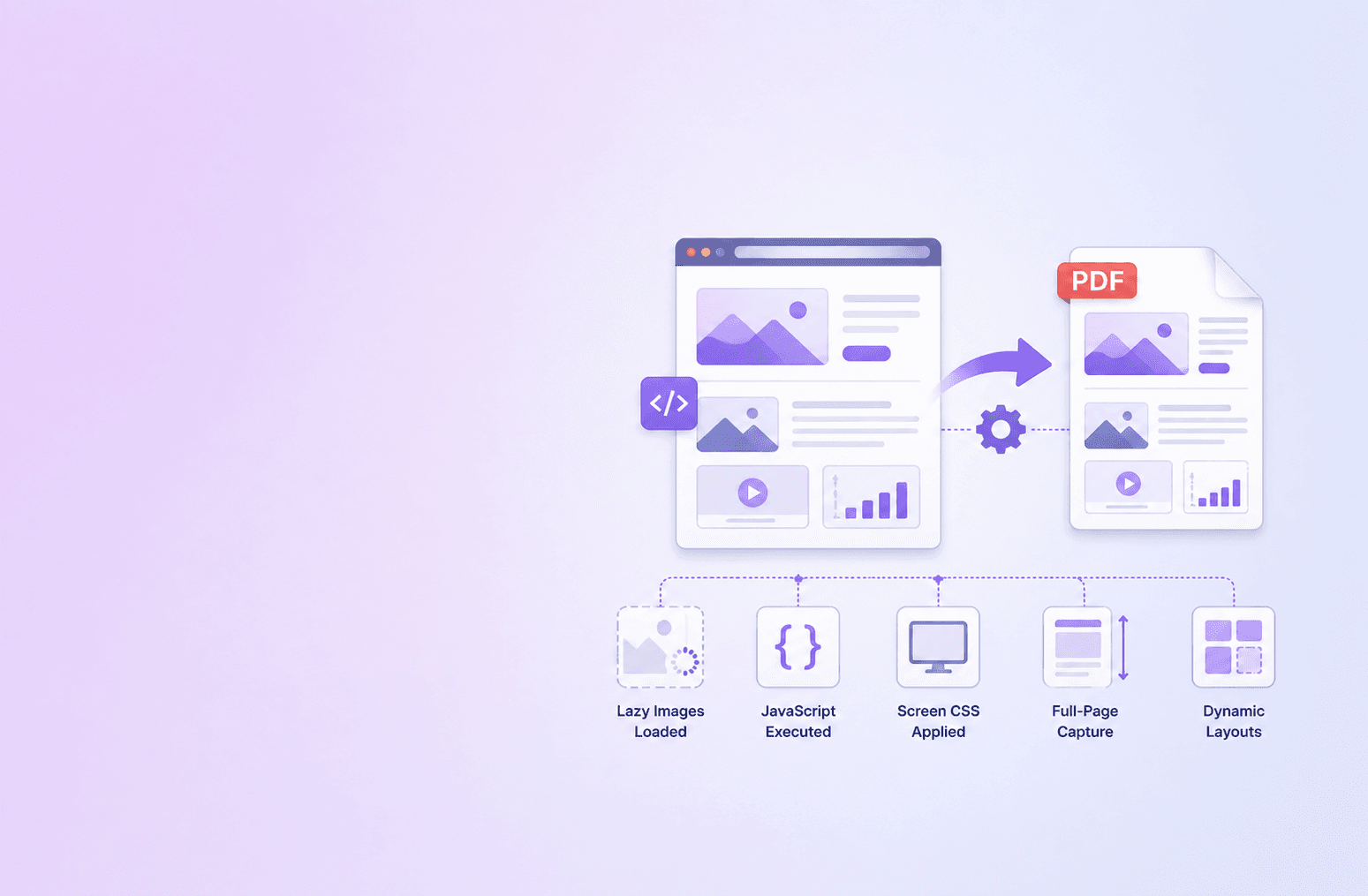
Headless browsers also load scripts, images, styles, frames, and redirects, creating many request opportunities.
Validate the destination
Accept only HTTP and HTTPS. Reject embedded credentials, malformed hosts, and non-web schemes. Resolve the hostname and block loopback, private, link-local, multicast, reserved, and metadata ranges for IPv4 and IPv6.
DocuShell's Webpage to PDF service applies private-network URL protections before isolated Chromium rendering.
Re-check after resolution and redirects
DNS answers can change between validation and connection. A public URL can redirect to a private address. Apply the policy at request time and on every navigation.
Consider pinning the validated address for the connection and checking redirect targets before following them.
parse URL
  -> allow only http/https
  -> normalize hostname
  -> resolve addresses
  -> reject private/reserved/metadata ranges
  -> connect through restricted egress
  -> repeat policy for redirects and subrequests
Architecture rule: application validation and network egress controls should fail independently. If either layer is bypassed, the other should still block access to internal services.
Control browser subrequests
Intercept requests from pages and frames. Block restricted destinations, unexpected schemes, downloads, and unnecessary protocols. Set time, response-size, and navigation limits.
Do not give the browser access to internal control planes or unrestricted service credentials.
Isolate and observe
Run Chromium with a dedicated low-privilege identity and restricted egress. Log blocked destination categories and job IDs without storing sensitive page content.
Test decimal and hexadecimal IP forms, IPv6, DNS rebinding, redirects, user-info tricks, and metadata hostnames.
SSRF defense works when the network boundary enforces the same rule the application claims: public webpages in, private infrastructure out.
Address forms that bypass weak filters
Attackers may encode IP addresses as integers, hexadecimal, mixed IPv6 forms, or hostnames that resolve to restricted ranges. Parse URLs with a well-tested library and classify the resolved address, not a string prefix.
Reject ambiguous host syntax. Normalize before comparison and test both IPv4 and IPv6.
DNS rebinding and time-of-check gaps
A hostname can resolve to a public address during validation and a private address during connection. Reduce this gap by resolving and validating near connection time, pinning the approved address where feasible, and enforcing egress policy outside the application.
Validate every redirect target. Limit redirect count to prevent loops and complex chains.
Browser resource policy
The main page can request internal images, frames, scripts, or styles after navigation. Intercept network requests and apply the same destination policy. Block file, data, and custom schemes unless a documented rendering feature needs them.
Set navigation, request, response-size, and total-job limits. Disable downloads and unnecessary browser features.
Safe rendering tests
Test localhost, private subnets, link-local addresses, cloud metadata hosts, IPv6 loopback, numeric IP encodings, public-to-private redirects, DNS changes, and private subresources on a public page. Confirm blocks are logged without revealing internal network details to the client.
Use DocuShell Webpage to PDF for the protected workflow, then read high-fidelity JavaScript page capture and secure temporary PDF delivery. The DocuShell security architecture describes the wider network and worker boundary.
Use the OWASP SSRF Prevention Cheat Sheet as an independent implementation reference. Application validation and network egress controls should reinforce each other; neither should be the only barrier protecting internal services.
Frequently Asked Questions
DocuShell Team
The DocuShell editorial group writes and maintains guides for everyday PDF workflows, with updates made when tool behavior or documented limits change. See our editorial standards for the process behind each article.
Focus: Secure URL fetching and isolated browser rendering
Questions or feedback? Get in touch.