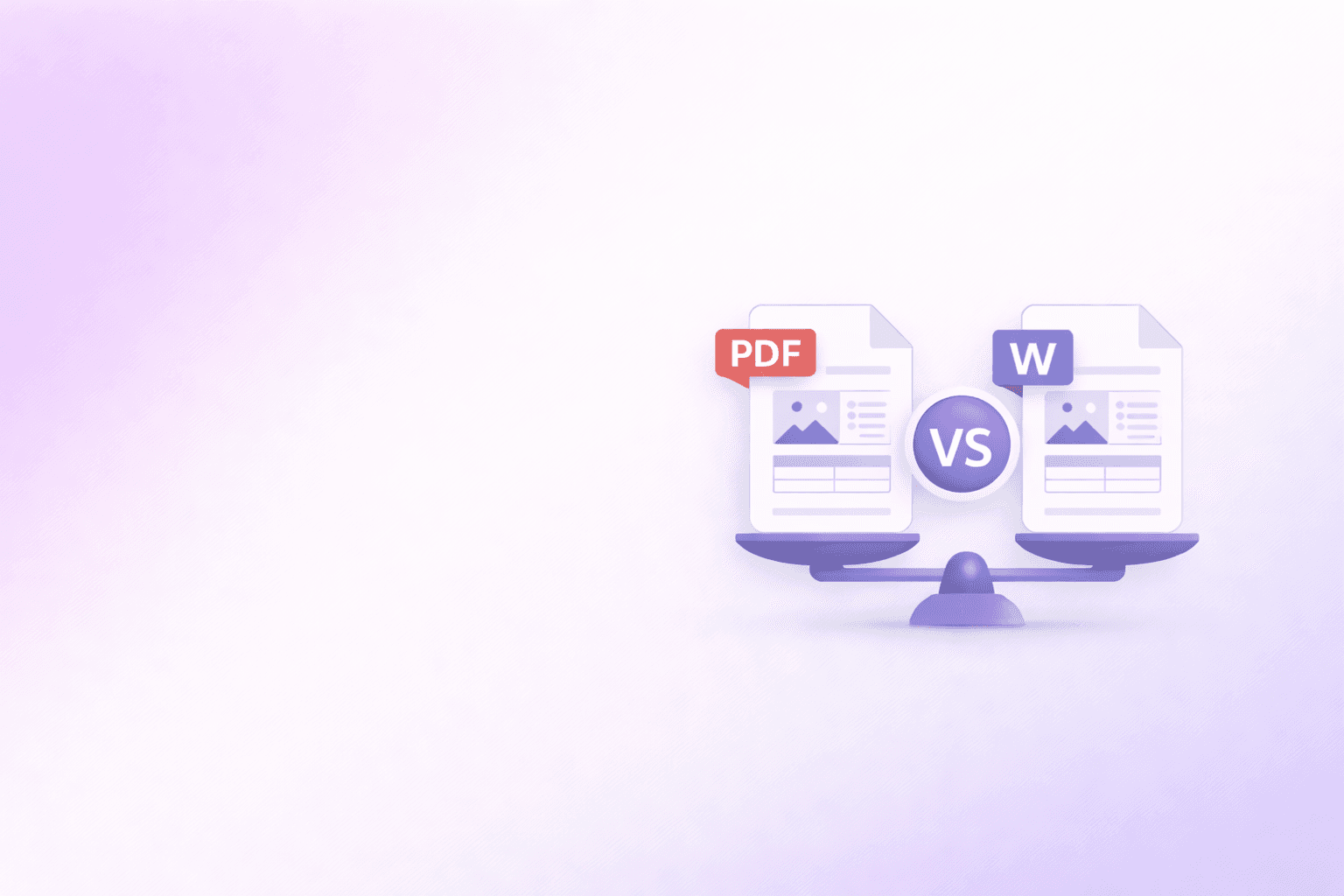
At some point everyone has faced this choice: you've finished a document and you're about to share it. PDF or Word? You might have a gut feeling, but there's usually a reason behind that instinct — and understanding that reason makes you better at choosing the right format every time.
The honest answer is that neither format is universally better. They're designed for different purposes, and using the wrong one creates headaches for whoever receives it. Here's a practical breakdown.
The Core Difference
The fundamental distinction is simple: Word (.docx) is a format for creating and editing. PDF is a format for sharing and preserving.
A Word document is a living thing. It's designed to be opened, changed, and resaved. The formatting is built around flowing text that reflows when you resize the window or change fonts. That flexibility is exactly what makes it good for writing — and exactly what makes it unreliable for sharing.
A PDF is a snapshot. It locks in the layout, fonts, and design exactly as they appeared when it was created. Whatever device, operating system, or PDF reader someone uses to open it, they'll see the same thing. That predictability is why PDFs became the standard for anything that needs to look consistent.
When to Use PDF
Resumes and job applications: This is probably the most common question. Use PDF unless the job posting specifically asks for .docx. A PDF resume looks the same on a recruiter's MacBook, Windows desktop, and phone. A Word document can look completely different if they're using an older version of Office, a different font set, or a non-Microsoft app to open it. You spent time on the formatting — a PDF ensures they actually see it.
Invoices and financial documents: PDFs are cleaner for billing. They're not accidentally editable, they print reliably, and they're easy to archive. Most accounting software exports invoices as PDFs for exactly these reasons.
Contracts and legal documents: Once a document is finalized and signed, PDF is the right choice. It's difficult to tamper with without obvious signs, it has a clear timestamp, and it's the standard format for most legal systems. During drafting and back-and-forth negotiation, Word is more practical — tracked changes and comments are genuinely useful there. But the final signed version should be a PDF.
Presentations and reports for external audiences: When you're sending a polished document to a client, management, or anyone outside your organization, PDF ensures they see exactly what you intended. It also prevents the awkward "I accidentally edited your report" situation.
Forms that shouldn't be changed: If you're distributing a form you want people to fill out but not restructure, PDF keeps the layout intact. Fillable PDF forms let people type into specific fields without being able to reformat or delete content.
Anything being printed: PDFs print exactly as they display on screen. Word documents can shift pagination, change line breaks, or alter margins when printed from a different setup.
When to Use Word (.docx)
Collaborative drafts: Word's tracked changes feature is genuinely excellent for documents that need to go through multiple reviewers. The ability to accept or reject individual edits, leave comments, and see version history is something PDFs simply can't replicate without specialized (usually expensive) software.
Documents that will be frequently updated: An internal policy document, a living FAQ, a knowledge base article — anything that needs regular edits is better maintained in .docx. You don't want to re-convert a PDF every time a policy changes.
Templates that users need to fill in: If you're sharing a template that people should customize and make their own, Word is the right format. A resume template, a meeting notes template, a proposal framework — these are meant to be changed.
When the recipient specifically asks for it: Some government portals, procurement systems, and HR platforms only accept .docx. Check requirements before assuming PDF is always acceptable.
Early-stage drafts shared internally: During the writing process itself, sticking to Word (or Google Docs) keeps things fluid. There's no reason to lock down formatting while a document is still being written.
The Hybrid Approach
In practice, most documents have a lifecycle that uses both formats at different stages:
Write and edit in Word or Google Docs. Collaborate with tracked changes and comments in .docx. When the document is finalized, export it as a PDF for distribution.
This is the workflow used by lawyers, consultants, and most corporate teams. The DOCX version stays in your files as the editable "source of truth." The PDF version is what gets sent.
When You're Going the Other Way: PDF to Word
Sometimes you receive a PDF but need to edit it — a form you need to update, a contract where you lost the original, a report you need to incorporate into a new document.
This is where a PDF-to-Word converter comes in. The PDF to Word tool converts PDFs into editable DOCX files while preserving the layout, text, and formatting as closely as possible. It's not magic — very complex layouts or scanned documents can require manual cleanup — but for typical text-heavy PDFs, the output is clean and ready to edit.
After editing the Word version, you can export it back to PDF using your word processor's "Save as PDF" or "Export to PDF" function.
A Quick Reference
Here's a simplified decision tree for the most common situations:
Sending to someone outside your organization? → PDF
Document will be edited further? → Word
Needs to print reliably? → PDF
Being signed? → PDF (for the final signed version)
Being reviewed by multiple people with feedback? → Word
Submitting to a job application? → PDF (unless .docx is specified)
Template for others to customize? → Word
Invoice or official record? → PDF
One Thing People Get Wrong
A common mistake is thinking PDF means "secure" or "uneditable in any meaningful way." In reality, PDFs can be edited with the right software — Adobe Acrobat, and even some free tools, let you modify PDF content directly. And anyone can print-to-PDF a modified version that looks identical to the original.
If you need genuine document security, you need a proper digital signature, not just a PDF. For most everyday purposes though — resumes, invoices, reports — a PDF is plenty "stable enough." It's not going to be accidentally modified by someone opening it in the wrong application, which is the main scenario you're protecting against.
The goal isn't absolute security. The goal is reliability: you want the document to look right on any device, be easy to share, and resist casual accidental changes. PDF does all of that well, without needing to be bulletproof.
Frequently Asked Questions
DocuShell Team
The DocuShell editorial group writes and maintains guides for everyday PDF workflows, with updates made when tool behavior or documented limits change. See our editorial standards for the process behind each article.
Questions or feedback? Get in touch.