One reads characters; the other builds candidate records
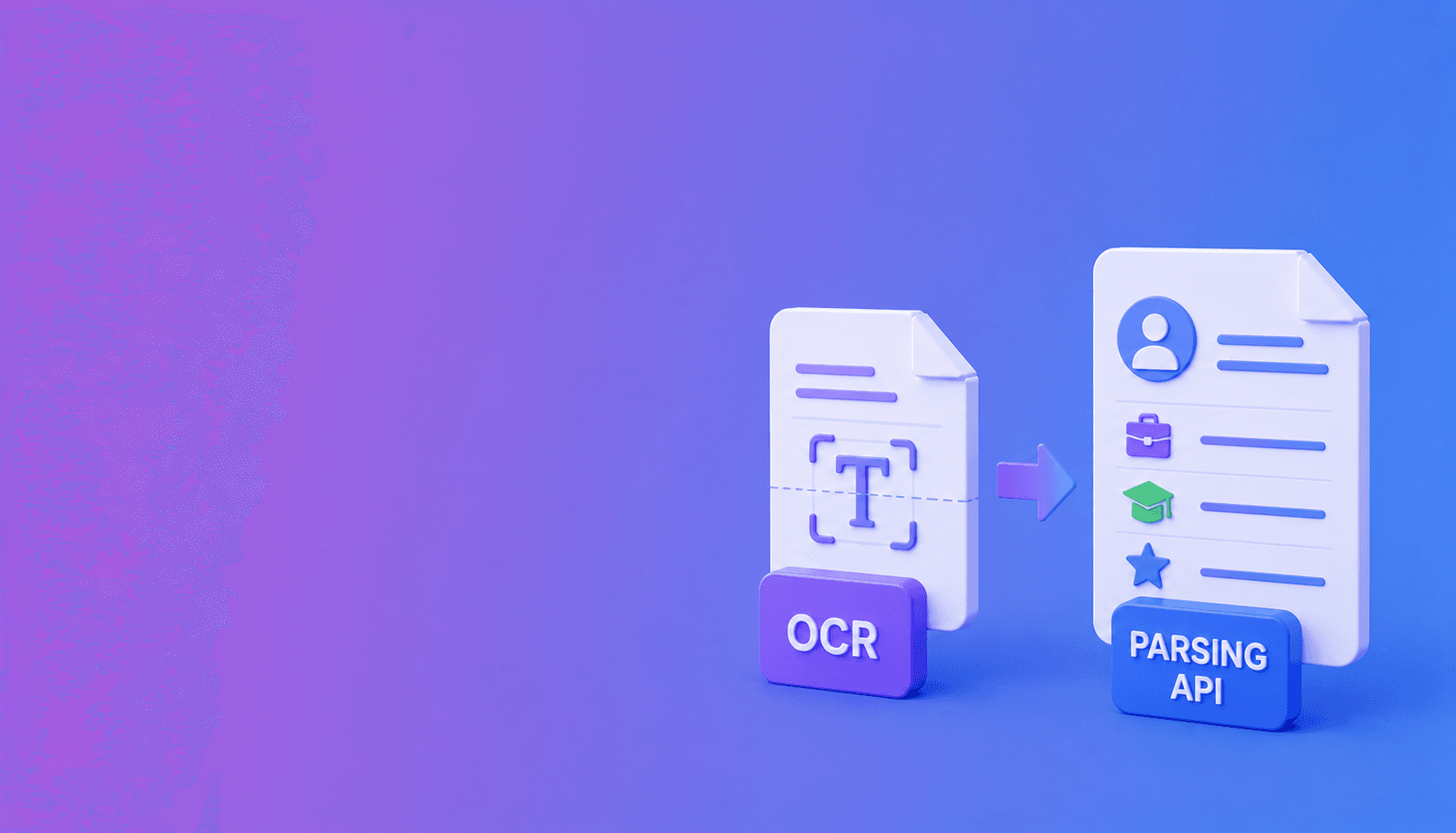
OCR turns an image of a resume into text. A resume parsing API turns resume content into a candidate data model. OCR may be one step inside parsing, but it does not by itself identify experience entries, education, skills, or ATS confidence.
Scanned resume
  -> OCR: characters, words, positions
  -> Layout analysis: columns and sections
  -> Resume parser: candidate, jobs, education, skills
  -> Validation: confidence and review flags
  -> ATS import
What OCR does
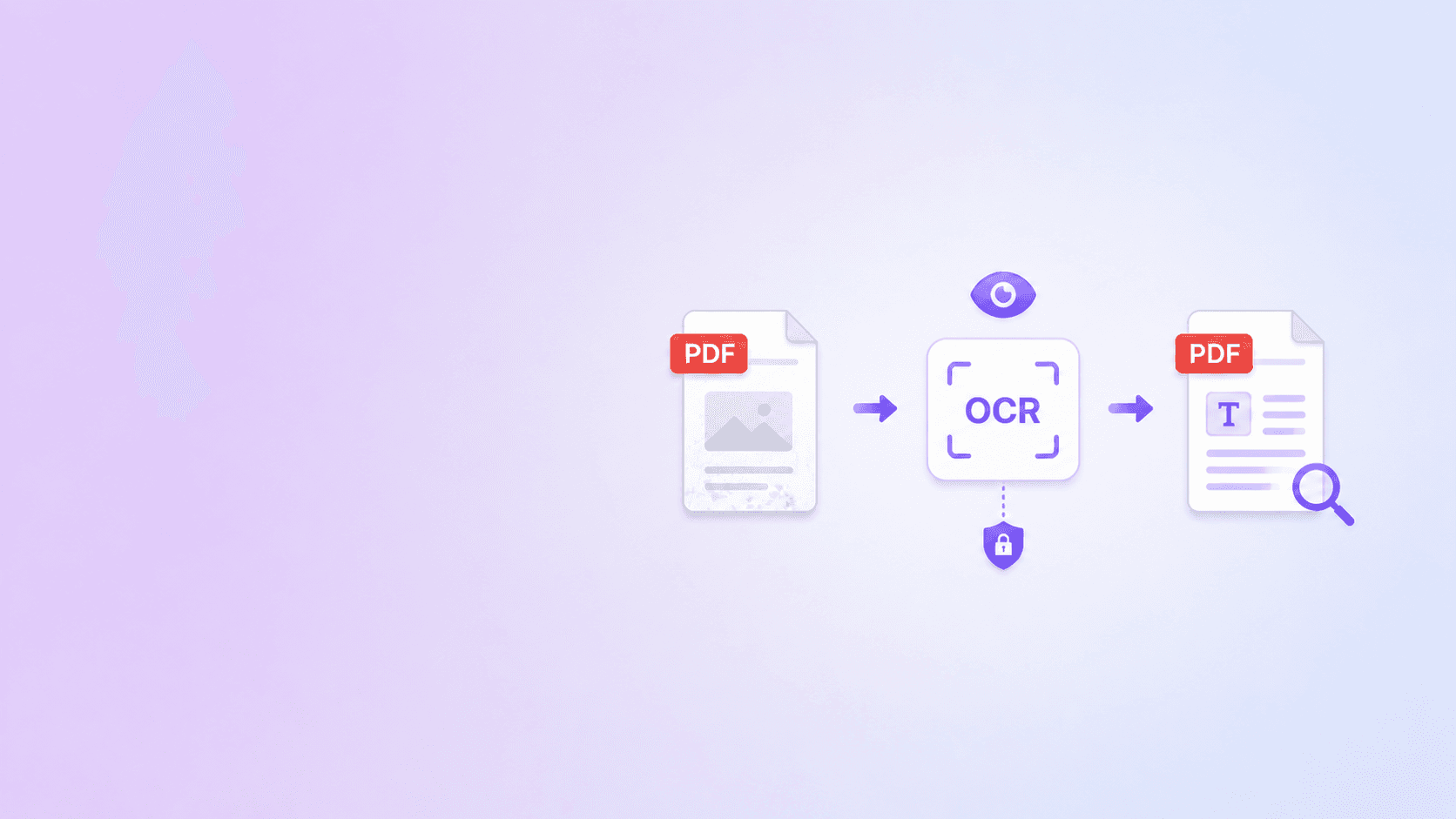
OCR recognizes characters and words on scanned pages. It can create a searchable PDF or return text with positions.
Use DocuShell OCR PDF when the goal is local searchable text. It runs in the browser and does not need to create an ATS profile.
What resume parsing adds
A parser groups the content into sections and maps it to fields. It decides that one date range belongs to an employer, another to a degree, and a group of terms is a skill list.
DocuShell's Resume Parsing API returns candidate, contact, experience, education, skills, sections, and confidence data in a stable JSON shape.
Where each can fail
OCR struggles with faint scans, decorative fonts, columns, and small text. Parsing can misclassify content even when every word is recognized correctly.
For example, “Java” may be a skill, a course, or part of a company name. The surrounding section and layout decide the meaning.
Choose by outcome
Use OCR when you need searchable text, accessibility support, or a text layer. Use resume parsing when an ATS or recruiting product needs normalized records.
For scanned resumes, use both: OCR recovers the words, and the parser organizes them.
Keep review in the workflow
Neither OCR nor parsing verifies that candidate claims are true. Preserve the source and route uncertain or important fields to a recruiter.
The difference is straightforward: OCR answers “What text is visible?” Resume parsing answers “Where does this information belong?”
Side-by-side comparison
| Capability | OCR | Resume parsing API |
|---|---|---|
| Recognize text in scans | Yes | Often uses OCR when needed |
| Identify resume sections | Limited | Yes |
| Create experience records | No | Yes |
| Normalize dates and contacts | No | Yes, with validation |
| Return ATS-ready JSON | No | Yes |
| Verify candidate claims | No | No |
The last row matters. Structured output is still candidate-supplied information, not a background check.
Decision shortcut: if the desired output is a searchable PDF, use OCR. If the desired output is normalized candidate JSON, use a resume parser. If the input is scanned and the output is ATS data, you need both stages.
Example: a two-column resume
OCR may correctly recognize a skills column beside employment history but return the lines in alternating order. A resume parser uses layout and section cues to keep skills separate from job bullets, then maps each job title, company, and date range into one experience entry.
If the file is a scan, OCR quality sets the upper limit. A misread date or email address can still enter the structured profile.
Choose the simplest sufficient tool
For a person who wants searchable text, browser OCR may be enough. For an ATS integration, use a resume parser. For a recruiter reviewing a difficult scan, use parsing plus the source PDF and a correction interface.
Evaluate both stages
When a field is wrong, determine whether OCR misread the characters or the parser assigned correct text to the wrong field. Those failures need different fixes.
Continue with how to parse resumes into ATS-ready JSON, OCR accuracy preparation, and batch resume parsing. For local text recovery, use DocuShell OCR PDF; for structured candidate profiles, use the Resume Parsing API.
Frequently Asked Questions
DocuShell Team
The DocuShell editorial group writes and maintains guides for everyday PDF workflows, with updates made when tool behavior or documented limits change. See our editorial standards for the process behind each article.
Focus: OCR and structured resume extraction
Questions or feedback? Get in touch.