Direct answer
Docusaurus, MkDocs, and DocuShell solve different problems.
Before choosing a publisher, read the documentation automation guide and decide whether your hard problem is publishing pages or structuring source documents. DocuShell’s PDF to JSON tool is an ingestion path, not a replacement docs site.
- Docusaurus is a documentation website framework built around React, Markdown, and MDX.
- MkDocs is a fast static site generator for project documentation written in Markdown.
- DocuShell is a document-processing and evidence workflow product. It helps turn private PDFs and other source material into structured, source-aware outputs for RAG, review, and automation.
The choice is not a three-way beauty contest. It depends on whether your next problem is publishing pages, managing a docs-as-code site, or extracting trustworthy structure from documents before they enter a search or AI workflow.
Comparison table
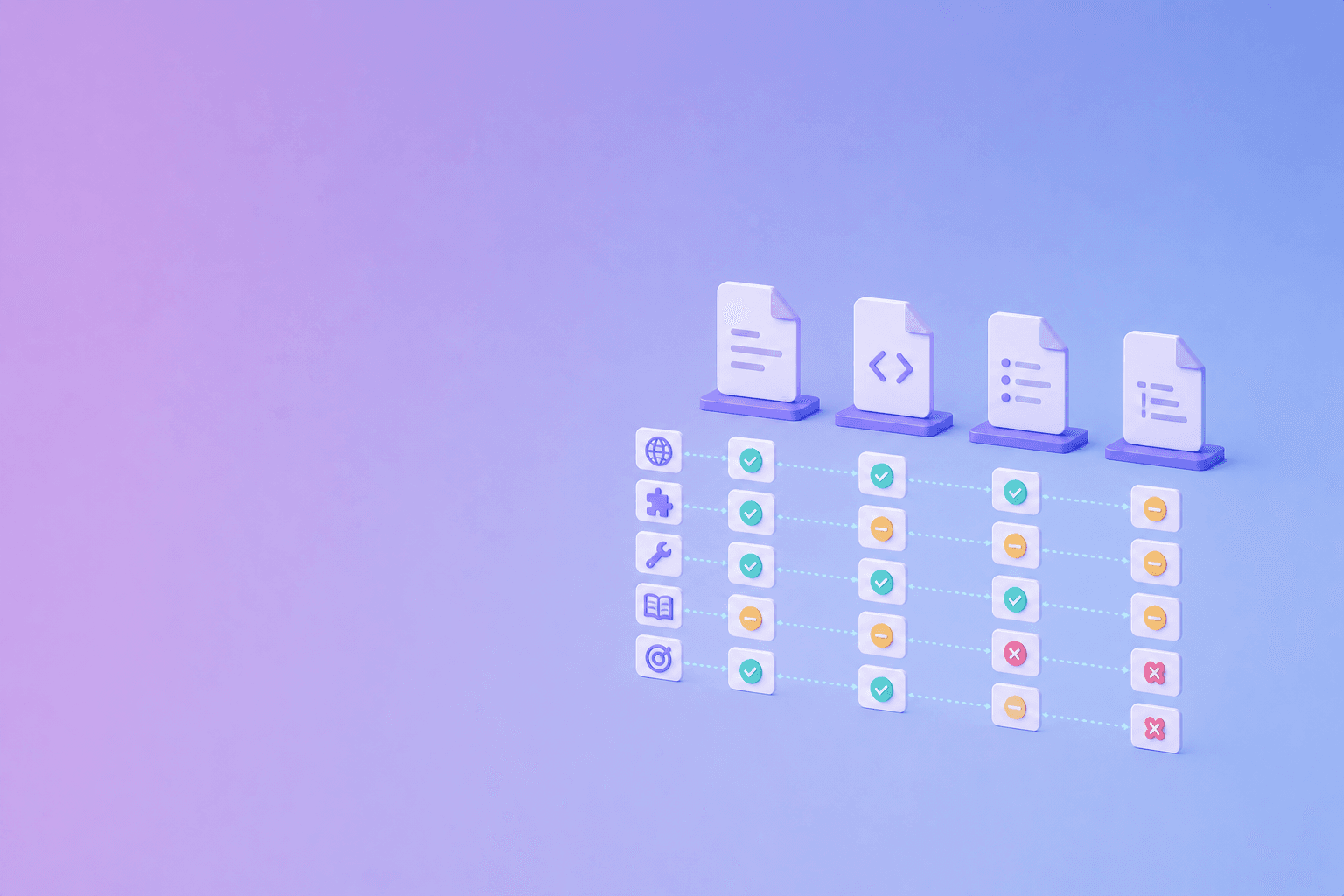
| Capability | Docusaurus | MkDocs | DocuShell |
|---|---|---|---|
| Primary job | Publish product and project docs | Publish static Markdown docs | Parse and process source documents |
| Authoring | Markdown, MDX, React components | Markdown and YAML config | PDFs and document-processing workflows, plus structured outputs |
| Site navigation | Sidebars, versions, docs plugins | Navigation configured in YAML | Not a general docs-site generator |
| Interactive UI | Strong, through React and MDX | Usually theme/plugin-driven | Product and workflow UI, not arbitrary docs components |
| PDF input | Not the core workflow | Not the core workflow | Core use case for extraction and conversion |
| AI/RAG preparation | Requires an ingestion layer | Requires an ingestion layer | Structured, source-aware document outputs are a core fit |
| Best audience | Developer-product teams | Small teams and open-source projects | Teams processing private documents and building evidence-aware workflows |
Docusaurus: a React documentation site
Docusaurus is a strong choice for a public developer portal. Its docs model includes pages, sidebars, versions, and plugin instances. It also supports MDX, which lets a team place React components inside Markdown content.
Choose Docusaurus when you need:
- a React-based site with a large component surface
- versioned documentation
- multiple documentation sections
- interactive examples or tabs
- a product-branded developer portal
- a JavaScript build and deployment workflow
The tradeoff is complexity. Contributors need to understand the build, MDX behavior, theme customization, and component boundaries. A content-only team may find a simpler Markdown workflow easier to maintain.
The Docusaurus documentation explains its Markdown and MDX support, including the distinction between ordinary Markdown and component-enabled MDX.
MkDocs: simple Markdown publishing
MkDocs is built around a simpler mental model: write Markdown, configure the site in YAML, run the development server, and publish static HTML. The official site describes it as a static site generator geared toward project documentation.
Choose MkDocs when you value:
- readable Markdown source
- a small configuration surface
- fast local previews
- static hosting
- a mature theme and plugin ecosystem
- straightforward docs-as-code workflows
MkDocs is especially effective for libraries, tools, internal engineering guides, and open-source projects that do not need a custom React application. The tradeoff is that more complex interactive experiences usually depend on themes, plugins, or custom templates.
See the MkDocs homepage for its current feature set and hosting model.
DocuShell: document evidence before the portal
DocuShell should be evaluated against a different problem. Its focus is not “How do I render a sidebar?” It is “How do I validate and structure untrusted documents before a product, workflow, search index, or AI system relies on them?”
That makes DocuShell useful for:
- extracting text, tables, layout, and metadata from PDFs
- producing structured JSON, Markdown, or HTML
- preserving page context and source references
- preparing documents for RAG or search ingestion
- inspecting extraction warnings before indexing
- running privacy-conscious PDF utilities
DocuShell can sit before Docusaurus or MkDocs. For example, a team may parse a policy PDF into reviewable Markdown, inspect the source anchors, then publish a human-edited version in its documentation site. Or it may ingest manuals into a private search system without turning the entire site into a chat interface.
It should not be described as a replacement for a full documentation publishing system. That boundary is useful because publishing and parsing have different failure modes.
Which one should you choose?
Choose Docusaurus if...
Your core deliverable is a polished developer portal with React components, versioned docs, and a strong frontend team.
Choose MkDocs if...
Your core deliverable is a maintainable static site written primarily in Markdown, with a lightweight build and easy hosting.
Choose DocuShell if...
Your core problem is source ingestion: private PDFs, messy documents, structured extraction, provenance, and evidence-aware downstream workflows.
Use them together if...
You need both a public documentation site and a reliable pipeline for turning source documents into searchable, reviewable context. A publishing framework should not be forced to become a PDF parser, and a parser should not be forced to become a complete docs CMS.
Final recommendation
Pick the system closest to the failure you need to prevent. Docusaurus prevents a developer portal from becoming hard to navigate. MkDocs prevents a simple docs project from becoming over-engineered. DocuShell prevents source documents from entering search or AI workflows as unverified, flattened text.
Frequently Asked Questions
Free Tool
PDF to JSON
Turn PDFs into structured, source-aware data for RAG, review, and automation.
Try PDF to JSONDocuShell Team
The DocuShell editorial group writes and maintains guides for everyday PDF workflows, with updates made when tool behavior or documented limits change. See our editorial standards for the process behind each article.
Focus: Documentation systems, structured document ingestion, RAG preparation, and developer workflows
Questions or feedback? Get in touch.