Direct answer
Add AI chat to documentation only after the documentation is searchable and its source boundaries are clear. The chat layer should retrieve relevant sections, answer from that evidence, show citations, and say when the documentation does not support an answer.
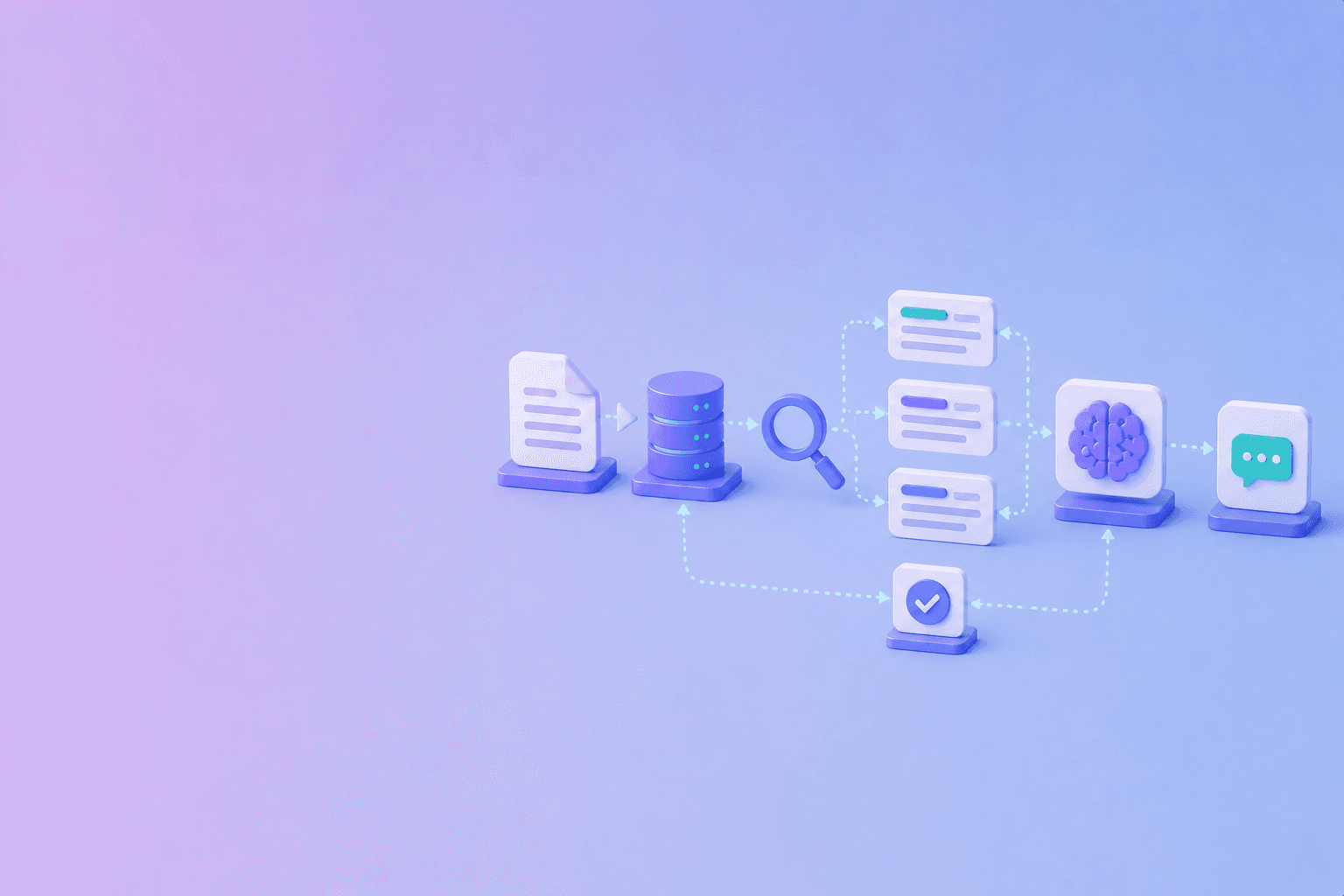
A practical architecture is:
Documentation sources
  -> parse and index
  -> permission and version filters
  -> retrieve and rerank
  -> answer with citations
  -> feedback and evaluation
A chat box is the visible surface. The trust boundary is the retrieval and evidence pipeline behind it.
Define the job of chat
Decide what the assistant should help with:
- find an API parameter;
- explain a concept;
- guide a setup task;
- troubleshoot an error;
- compare versions;
- summarize a policy section.
Do not promise that it can answer anything about the company or product unless the corpus and operating model support that scope.
Prepare the corpus
Use canonical pages and approved documents. Record source ID, title, section, version, owner, audience, visibility, URL, and review date.
For PDF manuals or policies, preserve headings, tables, page numbers, and extraction warnings. DocuShell’s PDF to JSON workflow is one way to create structured input before indexing.
Read how to build an AI-searchable documentation portal for a fuller corpus and metadata design.
Retrieve before generating
Use keyword search for exact errors, endpoint names, and parameters. Use semantic retrieval for paraphrased questions. Filter by product, version, audience, and permissions before the model sees context.
Return a small set of strong passages. More context can introduce old instructions or contradictory policies.
Make citations part of the UI
A useful answer includes a concise response, linked source titles, section or anchor, version or date when relevant, page number for a PDF, limitations or warnings, and a report-an-issue path.
Keep a citation close to the claim it supports. Do not hide every source in a collapsed footer that users cannot inspect.
Design failure states
The assistant needs more than “answer” and “error.” Design states for:
- no supported result;
- partially supported answer;
- conflicting versions;
- restricted source;
- stale source;
- extraction warning;
- service timeout;
- prompt injection or unsafe content;
- user feedback.
A clear refusal is a product feature. It prevents the interface from treating every question as an invitation to improvise.
Protect the source boundary
Do not send private documents to a model or provider without an explicit data policy. Enforce access controls before retrieval. Keep document ownership, retention, deletion, and audit records separate from the chat transcript.
If the assistant supports internal and public corpora, use separate indexes or strong filters. Never rely on a prompt saying “do not reveal internal content” as the only boundary.
Evaluate before launch
Create a question set from real support and onboarding traffic. Include exact lookups, multi-step procedures, unanswerable questions, stale versions, and restricted content.
Measure retrieval recall, answer correctness, citation support, version accuracy, refusal quality, permission safety, time to answer, and user feedback.
See how to prevent AI hallucinations for claim-level grounding and release states.
Keep normal navigation
AI chat should complement normal docs. Users still need canonical pages, sidebars, breadcrumbs, code examples, version selectors, downloadable references, and a way to browse related concepts.
The assistant should help users reach the right page, not trap them in a conversation that cannot be audited.
Conclusion
Add AI chat after search, source ownership, permissions, and documentation structure are working. Keep retrieval, generation, evidence, and release decisions separate. A useful docs assistant is concise, cited, version-aware, and comfortable saying that the available documentation does not answer the question.
Frequently Asked Questions
Free Tool
Hallucination Index
Compare model factuality signals and estimate workflow hallucination risk.
Try Hallucination IndexDocuShell Team
The DocuShell editorial group writes and maintains guides for everyday PDF workflows, with updates made when tool behavior or documented limits change. See our editorial standards for the process behind each article.
Focus: Documentation search, RAG interfaces, citation design, privacy boundaries, and AI evaluation
Questions or feedback? Get in touch.