The target output contract
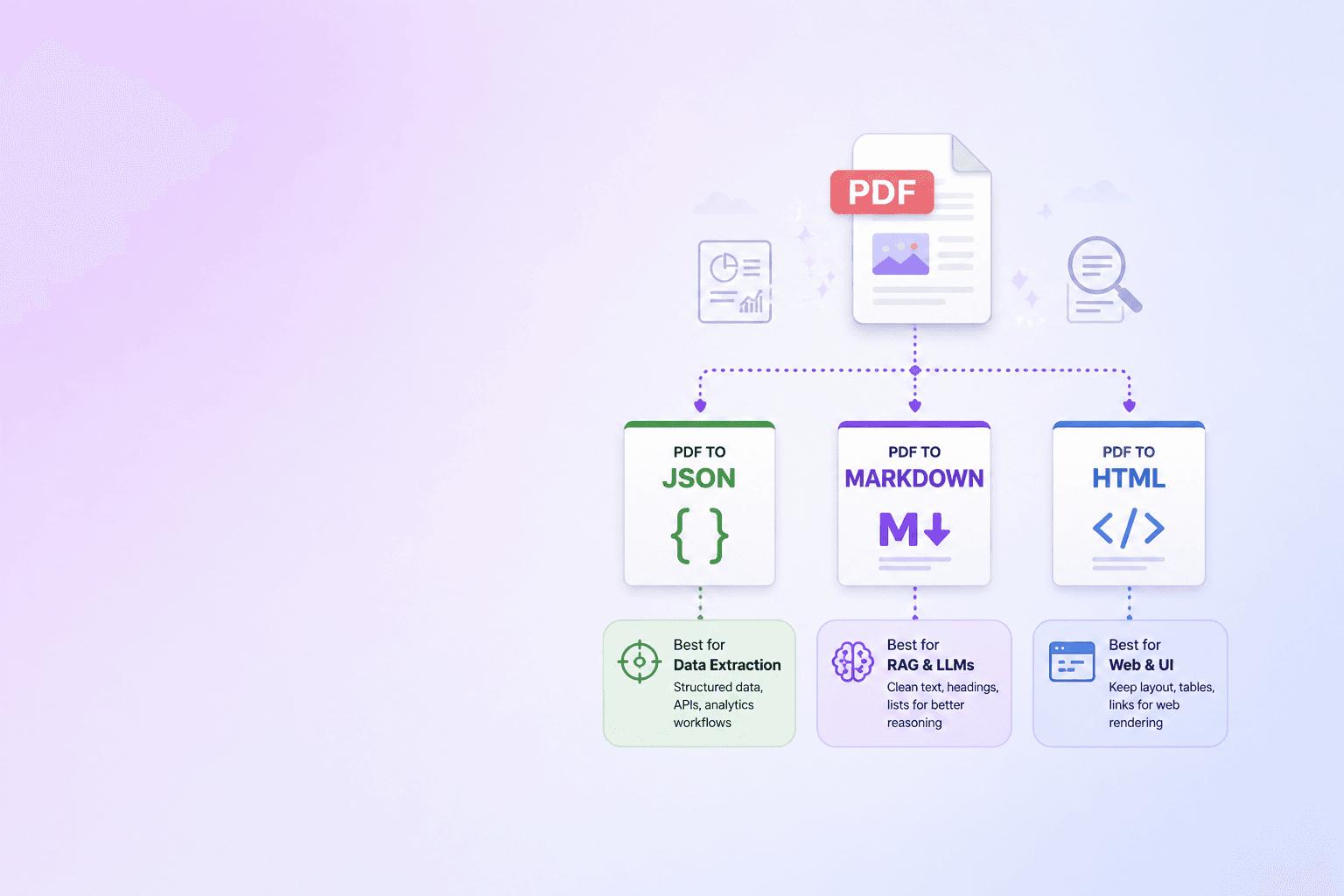
Convert a PDF to structured JSON with a parser that returns each document element with its type, text, page number, and bounding box. Save the page dimensions and rotation too. Coordinates without a page coordinate system are hard to render correctly.
DocuShell Parse PDF is built for this source-aware workflow. It produces structured data for automation while keeping the source context needed for citations and review.
{
  "schema_version": "1.0",
  "document": { "page_count": 12, "file_name": "policy.pdf" },
  "pages": [
    {
      "page": 1,
      "width": 612,
      "height": 792,
      "rotation": 0,
      "elements": [
        {
          "id": "el_001",
          "type": "heading",
          "text": "Vendor Security Policy",
          "bbox": [72, 88, 540, 124],
          "reading_order": 1
        }
      ]
    }
  ]
}
What the JSON should contain
At minimum, each extracted element should identify:
- its type, such as heading, paragraph, list, or table
- its text or structured cell content
- its page number
- its bounding box
- its place in the document hierarchy
Page records should include width, height, and rotation. Document-level data should include the original file name, page count, and stable job or document ID.
Coordinates turn extraction into evidence
Plain JSON can tell you what text was found. Coordinate-aware JSON can also tell you where it was found.
That supports source highlighting, contract review screens, audit trails, and RAG citations. If an answer claims that a policy allows 30 days, a reviewer can open the cited page and see the supporting clause in place.
Keep parser coordinates intact
Viewer libraries may use a different origin, scale, or rotation convention than the parser. Do not overwrite the source coordinates during UI conversion.
Store the original values, then derive viewer coordinates at display time. Test rotated pages and pages with different sizes, not just a standard portrait sample.
Use hierarchy as well as geometry
Coordinates do not explain meaning by themselves. A paragraph may sit under a heading, inside a list item, or beside a table. Preserve the document tree so your application understands those relationships.
For RAG, attach both kinds of context to every chunk: semantic context from the hierarchy and visual context from the page coordinates.
Validate with a visible highlight
The fastest QA test is to render a box over a known element. Check several pages, including rotation, multi-column text, and a table. If the highlight drifts, fix coordinate conversion before building citations on top of it.
Structured JSON is valuable on its own. Structured JSON that can lead a person back to the source is far more useful.
Example element shape
A paragraph record might include an element ID, type, text, page number, bounding box, parent heading ID, and reading-order position. A table record may instead contain structured rows plus the caption and page regions it spans.
Avoid designing one oversized object with dozens of nullable fields. Use a small common envelope and type-specific content. This keeps downstream validation clear while preserving the original parser output for future use.
Coordinate systems that commonly cause bugs
PDF coordinates may begin at the bottom-left, while browser canvases often begin at the top-left. Page rotation can swap dimensions. A viewer may render a page at a scaled size with margins around it.
Convert coordinates using the stored source width, height, rotation, and display scale. Test all four page rotations. Round only for display; premature rounding can make highlights drift across long pages.
| Coordinate question | Value to retain | Why it matters |
|---|---|---|
| Where is the origin? | Parser convention | Prevents vertical inversion |
| What are page dimensions? | Width and height | Enables scale conversion |
| Is the page rotated? | 0, 90, 180, or 270 | Keeps boxes aligned |
| Are values points or pixels? | Source unit | Prevents mixed-unit drift |
| Was the page cropped? | Crop box or offset | Aligns rendered and parsed views |
Coordinate rule: never overwrite source geometry with viewer geometry. Derive display coordinates at render time and keep the original values for audit and reprocessing.
Version the schema
Add a schema or parser version to every document result. If element types or coordinate conventions change later, consumers need to know which contract produced the record.
Do not silently translate old stored jobs into a new shape without tests. Keep fixtures for native text, scans, tables, rotated pages, and multi-column documents.
For format selection, compare JSON, Markdown, HTML, and text outputs. When coordinates will power RAG, read how page-level PDF citations work. The existing PDF-to-JSON format guide covers downstream uses beyond source highlighting.
Frequently Asked Questions
Free Tool
PDF to JSON
Turn PDFs into structured, source-aware data for RAG, review, and automation.
Try PDF to JSONDocuShell Team
The DocuShell editorial group writes and maintains guides for everyday PDF workflows, with updates made when tool behavior or documented limits change. See our editorial standards for the process behind each article.
Focus: PDF APIs, structured extraction, and source-aware interfaces
Questions or feedback? Get in touch.