Choose by the next consumer, not by habit
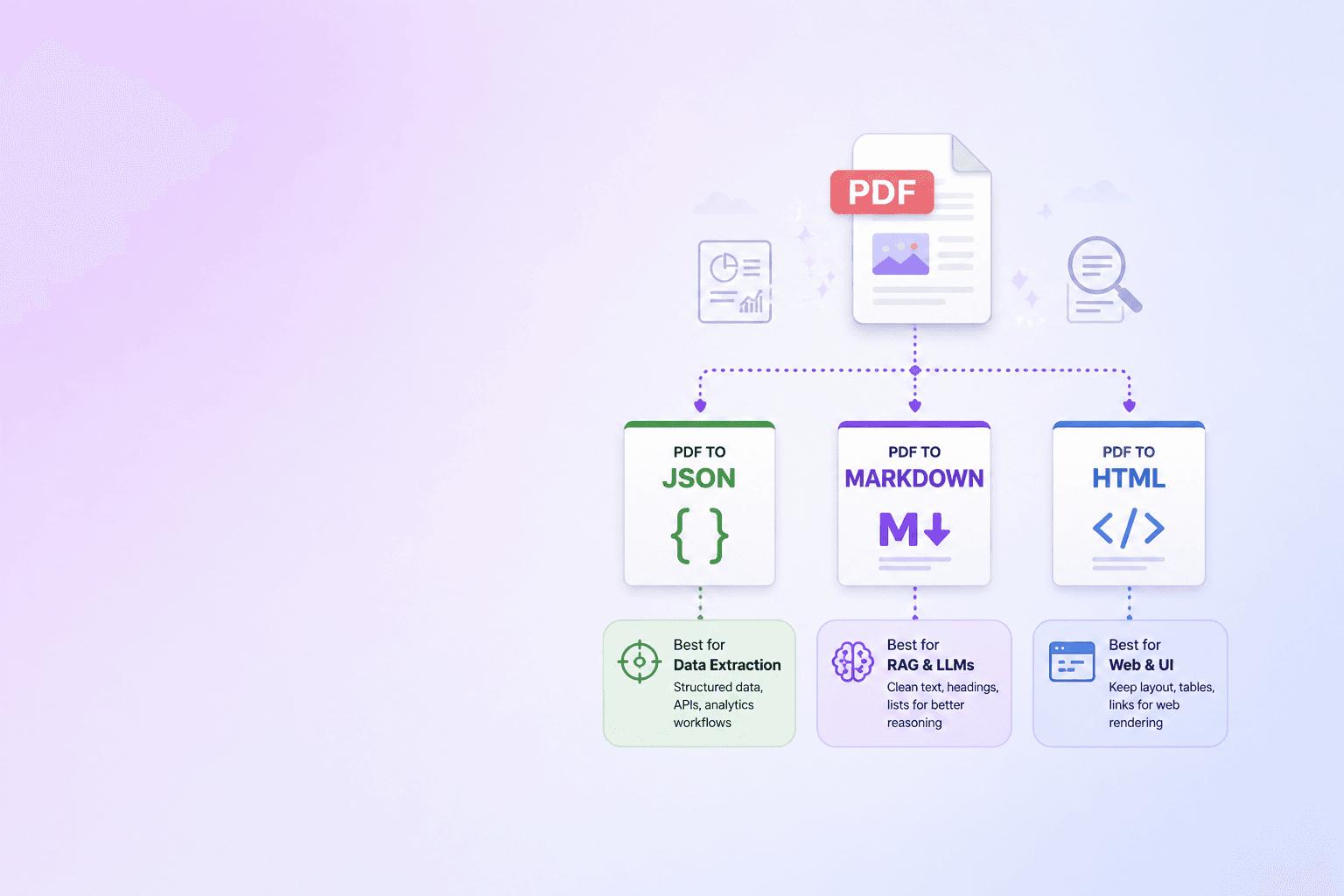
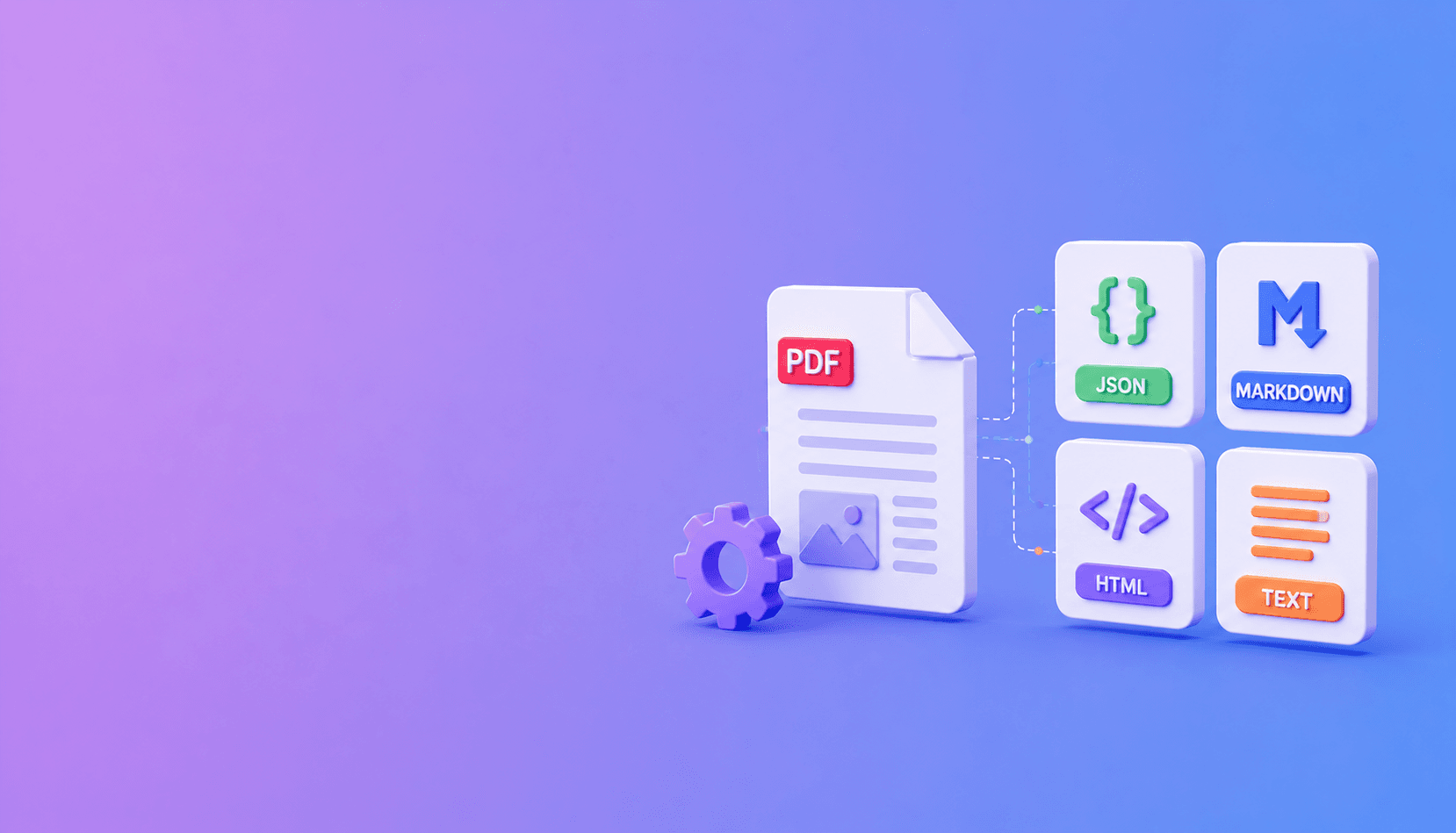
Use JSON when software needs structure, Markdown when people or language models need readable hierarchy, HTML when you need rich rendering, and plain text when simplicity matters more than layout. For serious document AI work, the best answer is often JSON plus Markdown.
Canonical-record principle: keep one structured source model and derive human-readable formats from it. Four independently generated outputs can drift into four different interpretations of the same PDF.
JSON: the application format
JSON can preserve element type, page number, bounding box, hierarchy, warnings, and table structure. It is the strongest choice for APIs, validation rules, review interfaces, and source-aware RAG.
Its weakness is readability. A deeply nested document tree is not pleasant to inspect or place directly into a prompt.
Markdown: the retrieval format
Markdown keeps headings, lists, tables, links, and code in a compact form. It is easy to review and works well for chunking and LLM context.
Markdown cannot represent every layout detail. Keep the JSON source record when citations, coordinates, or deterministic field access matter.
HTML: the presentation format
HTML supports richer tables, nested sections, links, and styled previews. It is useful for publishing parsed content or building a document viewer.
Before displaying parser-generated HTML, sanitize it. Document content is untrusted input even when it came from a PDF.
Plain text: the minimal format
Plain text is portable and cheap to process. It works for basic full-text search, quick previews, and systems that cannot accept structured output.
The tradeoff is steep: headings flatten, tables degrade, and source relationships disappear.
A practical default
With DocuShell Parse PDF, request JSON for the stable machine record and Markdown for inspection, retrieval, and model context. Add HTML only when a downstream interface needs it. Use text as a compatibility output, not the canonical source.
Choosing a format is not about which one is universally best. It is about which information the next step cannot afford to lose.
Format-by-workflow decision table
| Workflow | Primary format | Companion format | Reason |
|---|---|---|---|
| RAG ingestion | Markdown | JSON | Readable chunks plus citation metadata |
| Data extraction | JSON | Markdown | Stable fields plus human QA |
| Search indexing | Text or Markdown | JSON | Lightweight content plus source identity |
| Review interface | HTML | JSON | Rich display plus coordinates and hierarchy |
| Long-term interchange | JSON | Original PDF | Machine record plus source evidence |
The original PDF should remain the evidence source for as long as the approved workflow requires it. A transformed format is a representation, not a replacement for provenance.
Common format mistakes
Do not feed a nested JSON tree directly to a model when a clean Markdown rendering would use fewer tokens and be easier to understand. Do not use Markdown as the only record when a product needs exact page coordinates. Do not render unsanitized HTML from an untrusted document. Do not assume plain text retains table relationships.
Also avoid generating every format without a consumer. Extra artifacts increase processing, storage, and cleanup work.
Keep outputs synchronized
When requesting several formats, tie them to the same document ID, parser version, and page selection. A Markdown paragraph and its JSON element should be traceable to the same source region.
{
  "element_id": "el_120",
  "type": "paragraph",
  "page": 4,
  "bbox": [84, 212, 528, 302],
  "text": "Refund requests must be submitted within 30 days.",
  "renditions": {
    "markdown_anchor": "refund-policy-4",
    "html_id": "el-120"
  }
}
For a deeper parser contract, read PDF Parse API for LLM and RAG. The structured JSON coordinate guide covers machine records, while preparing PDF data for AI agents focuses on clean model context.
Frequently Asked Questions
Free Tool
PDF to JSON
Turn PDFs into structured, source-aware data for RAG, review, and automation.
Try PDF to JSONDocuShell Team
The DocuShell editorial group writes and maintains guides for everyday PDF workflows, with updates made when tool behavior or documented limits change. See our editorial standards for the process behind each article.
Focus: Document formats, PDF parsing, and downstream automation
Questions or feedback? Get in touch.