Direct answer
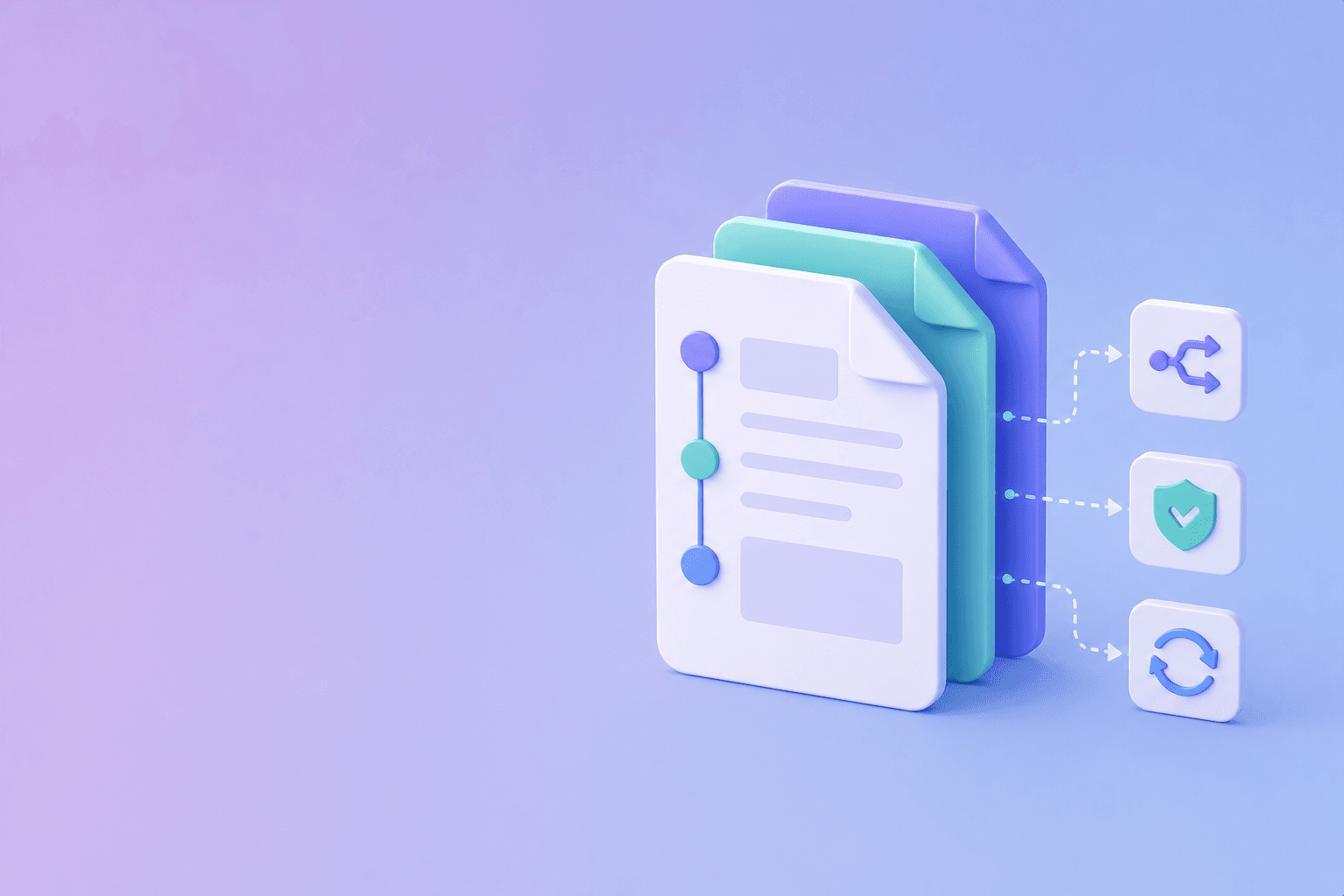
Version documentation by the product behavior users need to match. Use stable version labels, make the current version the default, preserve old versions with clear warnings, and provide migration guidance for breaking changes.
Documentation versioning is not just copying a folder. It is a contract between a product release and the instructions that describe it.
Decide what deserves a version
A typo fix usually does not require a new documentation version. A changed endpoint, default, permission, schema, rate limit, or policy usually does.
Version when the answer changes for a user running a particular release. Keep cosmetic and editorial changes synchronized across versions when possible, but preserve historical content when behavior was different.
Choose a version model
Versioned URL path
/docs/v2/authentication
/docs/v3/authentication
This is explicit and easy to link. It works well for API references and long-lived releases.
Version selector on a shared path
A page may use a version selector while loading a version-specific content tree. This creates a clean interface but requires careful canonical and navigation behavior.
Release labels without full copies
Use a current page with compatibility notes when changes are small. This is simpler, but it becomes confusing when instructions diverge significantly.
Pick one model and use it consistently across URLs, navigation, code examples, search filters, and page metadata. The developer documentation organization guide covers the navigation layer.
Make the current version obvious
The default documentation path should answer: “What version am I reading?” Show the product or API version near the title or navigation. Add a banner when a user is viewing a retired release.
Use language such as:
This page describes API v3. For v2 migration guidance, see the migration guide.
Do not make users discover version status only after an example fails.
Write migration guides for differences
A migration guide should answer what changed, who is affected, whether the change is breaking, when the old behavior ends, what code or configuration must change, how to test the migration, and how to roll back safely.
Link migration guidance from both versions. Keep examples complete enough to compare old and new behavior.
Keep references version-aware
Version labels should appear in endpoint URLs, OpenAPI specs, code samples, package installation commands, response schemas, error descriptions, limits, and defaults.
An unlabelled code sample is often interpreted as current. If it applies to several versions, say so explicitly.
Connect releases to documentation changes
Make documentation part of the release workflow. When an API or product change is reviewed, identify the affected pages and examples. Automate reminders or change requests, but keep publication reviewable.
The best internal documentation practices guide covers ownership and review controls. For broader automation, see the documentation automation guide.
Handle search and redirects
Search should understand version context. If a user searches for a v2 endpoint, do not return a v3 page without a visible explanation.
When URLs change, add a redirect, update internal links, update the sitemap, preserve anchors where possible, and record the change in the changelog.
Archive without hiding history
Old docs may be necessary for existing customers, incident analysis, or audit trails. Keep them accessible when required, but mark them as unsupported and link to the supported version.
Retirement should be explicit. Delete duplicate pages only after confirming that required links, contracts, and compliance records are preserved.
Conclusion
Version documentation when user-visible behavior changes, label every version clearly, make the supported release the default, and write migration paths that explain the difference. A versioning system is successful when developers can identify the exact instructions that match the code they are running.
Frequently Asked Questions
Free Tool
PDF to JSON
Turn PDFs into structured, source-aware data for RAG, review, and automation.
Try PDF to JSONDocuShell Team
The DocuShell editorial group writes and maintains guides for everyday PDF workflows, with updates made when tool behavior or documented limits change. See our editorial standards for the process behind each article.
Focus: Documentation architecture, release workflows, API versioning, and content governance
Questions or feedback? Get in touch.