Direct answer
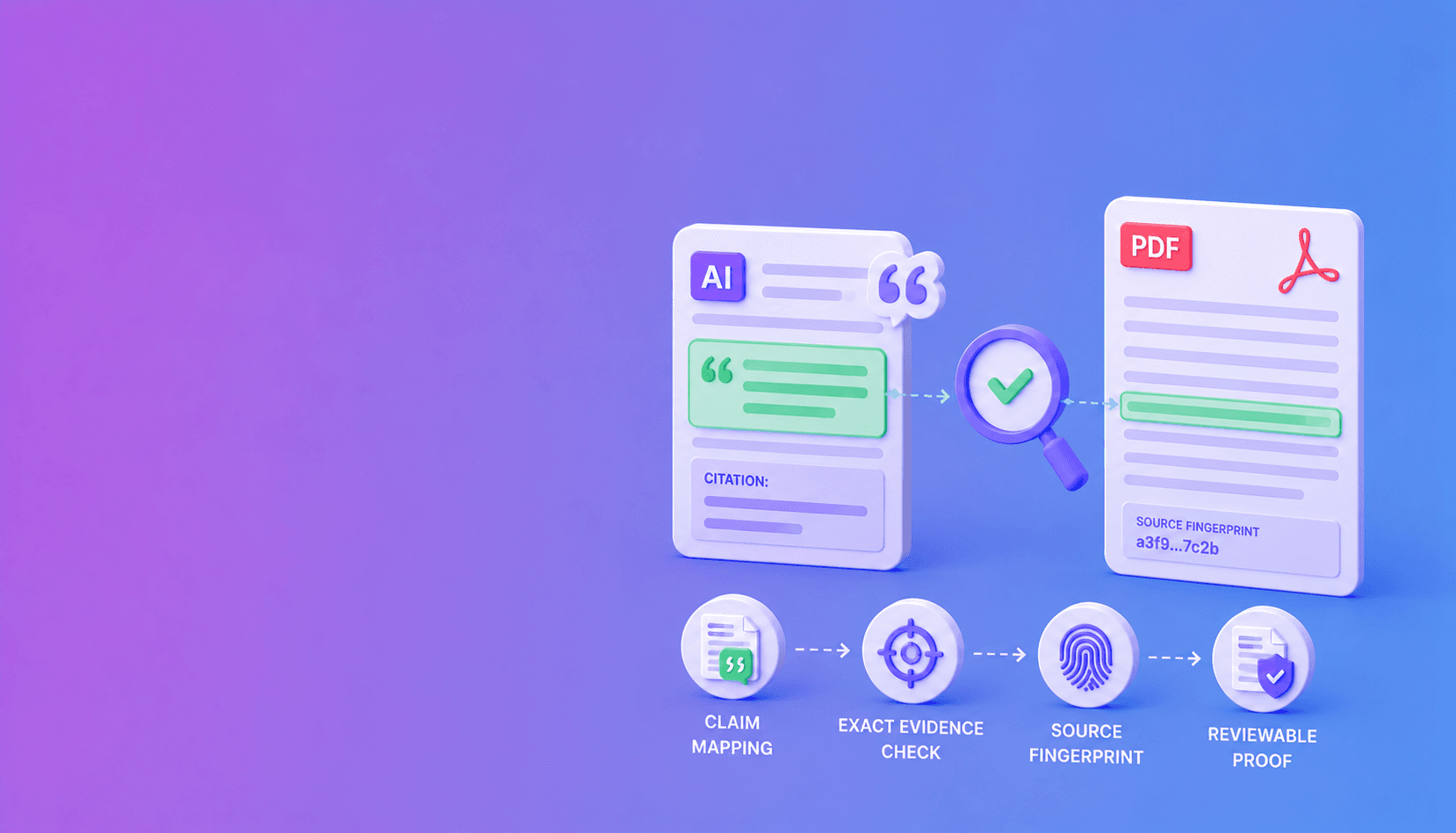
To verify an AI answer against an original PDF, decompose the answer into atomic claims, map each factual claim to page-level or element-level evidence, confirm that the citation refers to the intended PDF version, and compare the expected quote, value, table cell, or region with trusted parsed evidence. Then separately test whether that evidence is relevant and sufficient for the claim.
Do not compare only the answer and a block of extracted text. A trustworthy workflow preserves the path back to the original PDF: source fingerprint, page index, printed page label, element or span identifier, coordinates, and parser capabilities. That path makes verification repeatable and gives reviewers inspectable evidence.
The page-level citation guide for PDF RAG explains how to generate locators. The AI citation verification guide explains how to test them.
Why PDFs require a specialized verification workflow
A PDF is a page-description format, not a semantic document database. Text may be stored as positioned glyphs, fragmented spans, drawing commands, images, or embedded fonts. Visual reading order is not guaranteed to match object order.
That creates verification risks:
- two-column text may be interleaved;
- a table value may be detached from its row and column headers;
- footnotes may be merged into body text;
- printed page labels may differ from zero-based PDF page indices;
- scanned pages may contain no machine-readable text;
- hidden or overlapping text may disagree with visible content;
- a later revision may preserve the file name while changing the bytes.
Therefore, “the sentence appears somewhere in extracted text” is a weak verification standard. The original PDF relationship must survive parsing.
The evidence chain from answer to PDF
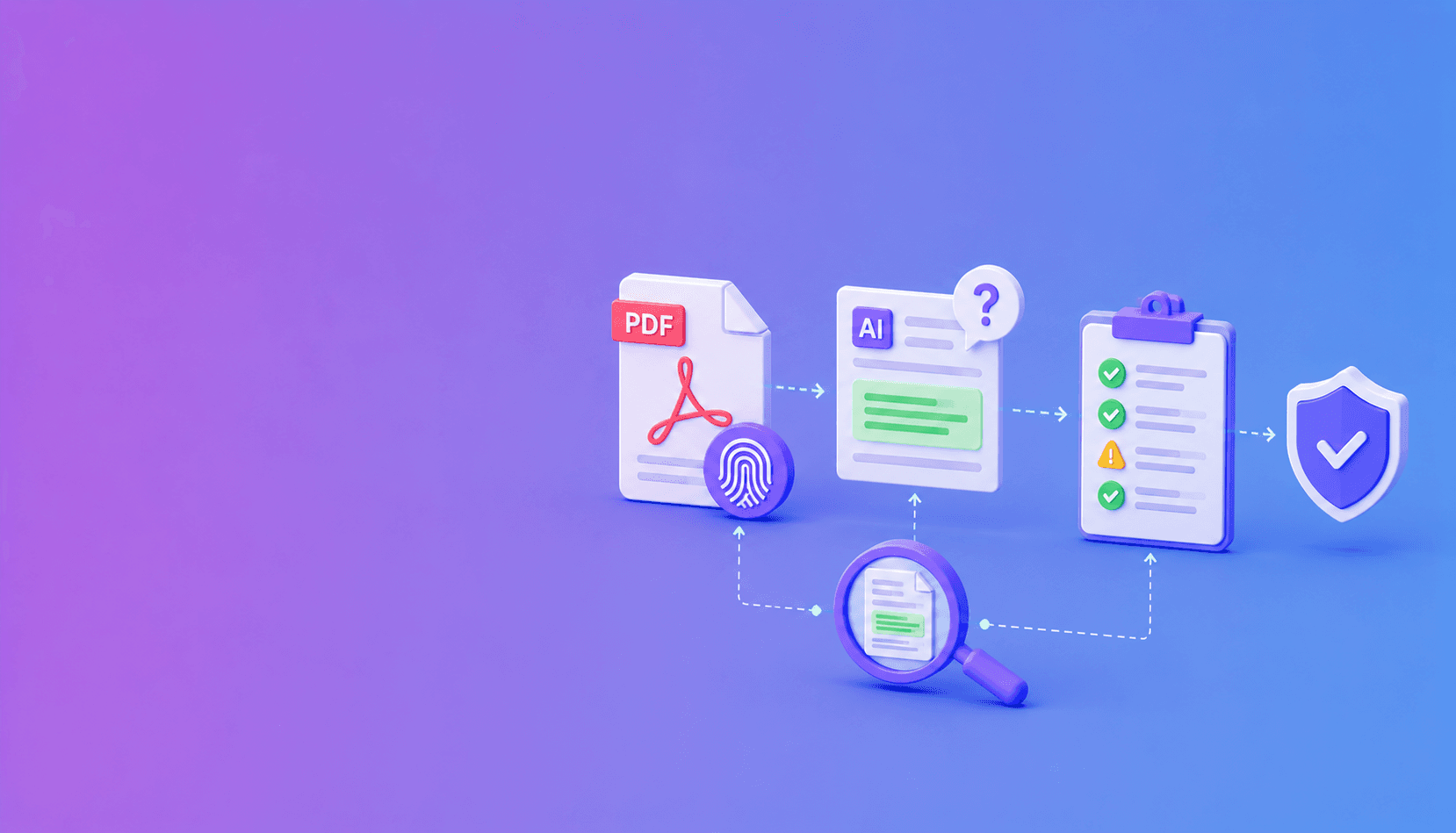
A verifiable answer uses this chain:
user question
    -> generated answer
    -> atomic claim
    -> evidence reference
    -> parsed page element or table cell
    -> PDF page and coordinates
    -> fingerprinted original PDF
Every arrow should be explicit. If a model returns only a file name and page number, the system may support manual inspection but lacks strong machine-verifiable evidence. If it returns only a chunk ID, the system may know what the model saw but not whether the chunk still matches the canonical PDF.
Step 1: establish the trusted PDF version
Calculate or record a cryptographic fingerprint when the document enters the system. Associate it with source metadata such as canonical ID, effective date, authority status, and access scope.
File names are not version controls. employee-policy-final.pdf can be overwritten. A source fingerprint reveals that the bytes changed even when the name did not.
For regulated workflows, distinguish:
- content fingerprint;
- source-system version or revision ID;
- effective date;
- approval status;
- parser version and extraction profile.
These fields answer different questions. A hash proves byte identity; an approval record establishes authority.
Step 2: parse the PDF into source-aware evidence
Use a parser that preserves pages, text spans, structured elements, tables where supported, coordinates, and warnings. The source-aware PDF parser guide describes the required model.
A useful element resembles:
{
  "source_id": "policy-2026",
  "source_fingerprint": "sha256:document-digest",
  "page_index": 14,
  "page_label": "12",
  "element_id": "p14-e27",
  "kind": "paragraph",
  "text": "Travel reimbursement is limited to approved expenses.",
  "bbox": [72.4, 188.2, 523.6, 231.9],
  "coordinate_origin": "top_left"
}
The page index supports stable machine access. The page label helps humans reconcile printed numbering. Coordinates allow a viewer to display the exact source region.
Step 3: decompose the AI answer into claims
Verification should operate on atomic propositions. Consider:
“The contract renews automatically every year and may be cancelled with 30 days’ notice.”
This contains at least two claims: renewal frequency and cancellation notice. They may appear on different pages or carry different exceptions. One citation after the sentence does not prove both.
Require stable claim IDs and classify each claim:
| Claim type | Meaning | Default verification path |
|---|---|---|
| Source fact | Directly stated in the PDF | Citation grounding and relevance |
| Structured value | Number, date, table cell, or field | Typed deterministic comparison |
| Calculation | Derived from source values | Verify inputs, then recompute |
| Synthesis | Combines multiple facts | Verify all inputs, then semantic review |
| Unsupported | No traceable PDF evidence | Block or state inability to answer |
This classification prevents a calculated or inferred result from being presented as though it were quoted directly.
Step 4: require typed evidence references
Typed references tell the verifier what proposition to test.
Quote evidence
Specify page, element or span, and expected text. Normalize Unicode and whitespace conservatively. Do not use fuzzy similarity that accepts materially changed wording.
Numeric evidence
Preserve the raw value, unit, currency, sign, percentage, and scale. $4.2 million is not equivalent to $4.2 billion, and a negative value must not become positive during normalization.
Table evidence
Verify row and column context as well as the cell value. Finding the same number elsewhere on the page does not prove the cited table claim.
Region evidence
Record page geometry and coordinate convention. A bounding box without page size or origin can highlight the wrong area after rendering.
Step 5: verify citations deterministically
For each claim, check in order:
- The source ID resolves through a trusted map.
- The source fingerprint matches.
- The page and element locators are valid.
- The requested evidence kind is supported by the parser.
- The expected quote, value, cell, or region matches.
- The result and limitations are recorded.
Fail closed. Unknown IDs, stale fingerprints, out-of-range pages, and unsupported table claims should not become warnings that the release layer ignores.
| Verification result | Meaning | Default action |
|---|---|---|
| Grounded | Evidence exists and matches | Continue to relevance and synthesis checks |
| Mismatch | Target exists but evidence differs | Block and investigate |
| Not found | Source target cannot be resolved | Block or regenerate |
| Stale fingerprint | Citation belongs to another PDF version | Re-index and reverify |
| Capability limited | Parser cannot prove the evidence kind | Review or use a higher-fidelity source |
| Invalid request | Citation structure is malformed | Reject before generation release |
Step 6: evaluate semantic support
A grounded quote may not support the claim. Compare the atomic claim with only its verified evidence and necessary surrounding context. Label direct support, partial support, contradiction, or insufficient evidence.
For sensitive domains, calibrate semantic evaluators against expert-labeled cases. Legal exceptions, medical qualifiers, and financial footnotes can reverse meaning even when most words overlap.
Important: Never describe semantic review as deterministic unless it is implemented through explicit rules or computation. An LLM judge can be valuable, but its result is model- and prompt-dependent.
Step 7: recompute structured conclusions
Do not ask a language-model judge whether arithmetic “looks correct.” If the answer reports a percentage change, ratio, date interval, currency conversion, or threshold result, verify the inputs and recompute with code.
export function percentageChange(previous: number, current: number): number {
  if (!Number.isFinite(previous) || !Number.isFinite(current)) {
    throw new Error("Inputs must be finite numbers");
  }
  if (previous === 0) {
    throw new Error("Percentage change is undefined when previous is zero");
  }
  return ((current - previous) / Math.abs(previous)) * 100;
}

const verifiedPrevious = 10.5;
const verifiedCurrent = 12.4;
const change = percentageChange(verifiedPrevious, verifiedCurrent);
console.log(change.toFixed(1)); // 18.1
The deterministic computation is only as trustworthy as the verified units and periods attached to its inputs.
Step 8: present inspectable evidence
The user interface should show:
- source title and approved version;
- printed and machine page numbers when they differ;
- the exact quote or structured value;
- surrounding context where necessary;
- a highlighted page crop or region;
- verification and review status;
- capability or OCR warnings.
Avoid a binary green badge that hides uncertainty. “Quote verified; conclusion requires review” is more honest and useful than “verified answer.”
How Ethos verifies PDF-derived evidence
Ethos provides a deterministic citation-grounding layer over structured document evidence. It can use native Ethos document JSON or a supported foreign parser adapter that implements the GroundingSource contract.
Ethos can verify whether caller-provided references bind to available pages, elements, text, values, tables, regions, and source fingerprints. Its reports make missing evidence, mismatches, stale sources, and capability limitations explicit.
Ethos does not independently turn an unstructured answer into perfect claims or decide whether a grounded passage semantically answers the user’s question. Applications must map claims to evidence and apply relevance, synthesis, calculation, and release policy above the verifier.
Special PDF edge cases
Scanned PDFs
Image-only pages require OCR before text verification. Preserve OCR confidence and page coordinates. Low-confidence material values should enter review rather than receiving the same status as digitally embedded text.
Tables
Keep headers, row labels, column labels, footnotes, units, and continuation pages. A flattened table makes cell-level claims difficult to prove.
Redactions and hidden text
Visible content and extractable text can differ. Security-sensitive workflows should detect hidden layers, overlapping text, and active content. Never expose redacted information merely because it remains extractable.
Page-number ambiguity
Store both the zero-based page index used by software and the displayed page label used by readers. Do not subtract one from a model-generated page number without knowing which convention it used.
Document updates
Invalidate or reverify receipts when the source fingerprint, parser version, normalization rules, or evidence schema changes. “The same filename” is not sufficient reuse evidence.
Verification test suite
Include these fixtures before production:
- exact quote on correct page;
- exact quote on wrong page;
- changed negation;
- printed page label that differs from PDF index;
- stale PDF fingerprint;
- correct number with wrong unit;
- correct cell value under wrong year;
- multi-page table continuation;
- scanned page with OCR substitution;
- hidden text not visible in rendering;
- grounded evidence attached to irrelevant claim;
- calculation with verified inputs but wrong result;
- source without coordinate or table capabilities;
- question that cannot be answered from the PDF.
Each fixture should assert a specific status and release action. Testing only successful quotes does not establish safe failure behavior.
Definitive verdict
Verifying AI answers against PDFs is an evidence-engineering task, not a prompt trick. Bind every material claim to a fingerprinted source, preserve page and element provenance during parsing, verify typed citations, evaluate semantic support separately, and recompute structured conclusions deterministically.
Use DocuShell Parse PDF to evaluate source-aware JSON and related artifacts, Ethos to verify citation grounding, and an application policy to decide what can be shown, reviewed, or blocked. Use the DocuShell hallucination index for broader workflow-risk context rather than treating it as claim-level proof.
Primary keyword: verify AI answers against PDF
Optimized meta title: How to Verify AI Answers Against a PDF
Optimized meta description: Verify AI answers against original PDFs using page evidence, fingerprints, claim mapping, deterministic checks, and review policies.
Proposed URL slug: how-do-you-verify-ai-answers-against-original-pdf
Frequently Asked Questions
Free Tool
PDF to JSON
Turn PDFs into structured, source-aware data for RAG, review, and automation.
Try PDF to JSONDocuShell Team
The DocuShell editorial group writes and maintains guides for everyday PDF workflows, with updates made when tool behavior or documented limits change. See our editorial standards for the process behind each article.
Focus: PDF parsing, document RAG, source evidence, and AI answer verification
Questions or feedback? Get in touch.