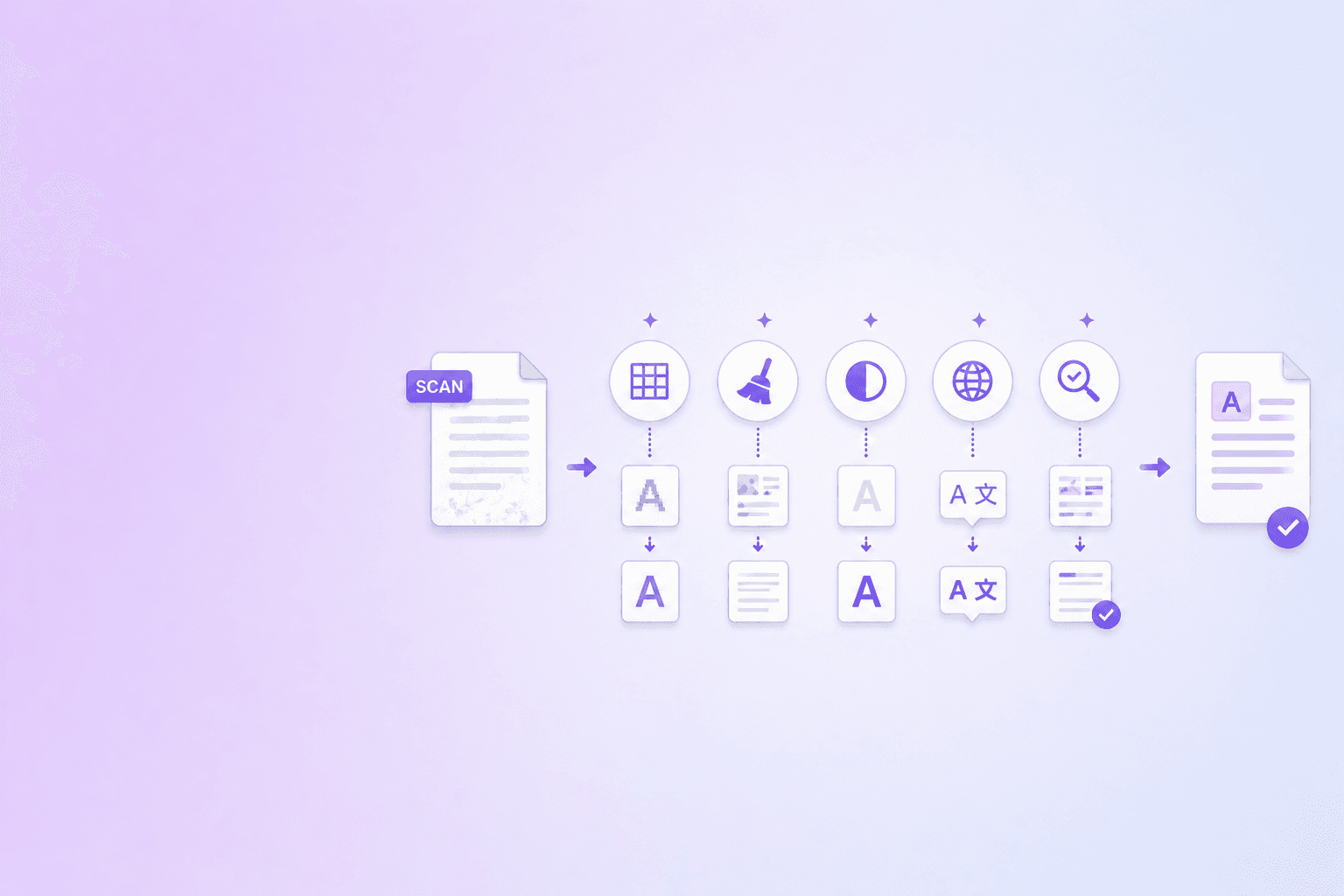
OCR quality sets the evidence ceiling
Poor OCR raises hallucination risk because the LLM receives incomplete or incorrect evidence. It may smooth broken sentences, infer missing values, or explain a table whose rows were misaligned. The result can sound better than the source quality deserves.
| OCR defect | Source example | Likely downstream error | Required response |
|---|---|---|---|
| Character confusion | 0 read as O | Wrong account or part number | Field-level review |
| Decimal loss | 4.25 read as 425 | Material numeric error | Numeric validation |
| Negation loss | “not permitted” becomes “permitted” | Rule reversal | Compare source image |
| Column merge | Two table columns interleave | Fabricated row relationships | Reconstruct layout |
| Missing page | Sparse or blank OCR output | Incomplete answer | Block or disclose gap |
| Header repetition | Banner enters every chunk | Retrieval noise | Deduplicate boilerplate |
OCR errors change meaning
A missing “not” reverses a rule. A lost decimal changes a financial value. A confused 1 and I can break a part number. Reading-order errors can combine unrelated columns.
Language models are designed to produce coherent text, so they may hide these defects instead of exposing them.
Assess source quality before retrieval
Track whether a document is native text, mixed OCR, or a low-quality scan. Keep page-level warnings for sparse text, rotation, and uncertain regions.
The DocuShell Hallucination Index treats source quality as a workflow-risk signal. Use DocuShell Parse PDF for structured OCR-capable processing and the OCR PDF tool for local searchable output.
Preserve uncertainty
Do not silently correct doubtful numbers or names. Keep the recognized value, source page, and confidence or warning. Ask the model to state when the evidence is unclear.
For tables, compare critical cells with the image. For legal and policy documents, check negations, dates, and exceptions.
Adjust the answer policy
Use shorter, extractive answers for noisy sources. Require citations and refuse precise claims that rely on unreadable text. Route high-impact questions to human review.
Improving the scan is often better than tuning the prompt. The OCR accuracy guide covers deskewing, resolution, and source preparation.
Test error propagation
Create evaluation files with realistic blur, skew, compression, and table noise. Measure extraction errors, retrieval changes, and unsupported answer claims.
OCR quality is not a preprocessing detail. It sets the ceiling on how trustworthy a document-grounded answer can be.
Separate recognition and reasoning errors
When an answer is wrong, inspect the chain. Did OCR misread the source? Did layout analysis join the wrong blocks? Did retrieval omit the right chunk? Or did the model ignore good evidence?
Without this separation, teams often tune prompts to compensate for corrupted input. That can make clean documents worse while leaving the real defect untouched.
Add page-level quality signals
Store text density, OCR usage, warnings, and confidence by page. A document-level “OCR complete” flag hides local problems such as one blurry appendix or rotated insert.
Use those signals during retrieval. A low-quality page can still be returned, but the answer policy should require stronger qualification or review.
Carry page quality into the retrieval record instead of reducing the entire document to one OCR status:
{
  "document_id": "statement-2026-04",
  "page": 7,
  "source_quality": "ocr_low_confidence",
  "quality_signals": {
    "text_density": 0.38,
    "rotation_corrected": true,
    "numeric_review_required": true,
    "warnings": ["decimal_ambiguity", "merged_table_columns"]
  },
  "answer_policy": {
    "citations_required": true,
    "precise_numeric_claims_allowed": false,
    "human_review": "required"
  }
}
This policy signal should influence answer release without pretending that a generic confidence number proves correctness.
Evidence policy: when source quality falls, answer confidence must not stay constant. Reduce claim precision, require citations, and escalate high-impact fields instead of asking the model to guess through the noise.
High-risk content to verify
Prioritize numbers, dates, units, names, identifiers, negations, checkbox states, table cells, and handwritten additions. These small tokens can change decisions more than a misspelled ordinary word.
For financial tables, run deterministic reconciliation. For contracts, compare clause language with the page. For resumes, show uncertain contact and date fields to a recruiter.
Improve sources before models
Rescan when possible, correct rotation, select the right OCR language, and avoid severe image compression. Reprocessing a better source is usually more reliable than asking an LLM to repair ambiguous text.
Use the OCR accuracy preparation guide, scanned PDF parsing to Markdown and JSON, and the Hallucination Index. For evaluation, follow RAG faithfulness and citation quality.
Frequently Asked Questions
DocuShell Team
The DocuShell editorial group writes and maintains guides for everyday PDF workflows, with updates made when tool behavior or documented limits change. See our editorial standards for the process behind each article.
Focus: OCR quality, RAG ingestion, and document AI risk
Questions or feedback? Get in touch.