Direct Answer
Cloudinary webhooks are HTTP POSTs that Cloudinary fires to your backend whenever an asset event occurs — upload, eager transformation completion, moderation decision, deletion. For document workflows they are the right tool for "tell me when this PDF finished uploading and generating page previews," and the wrong tool for "tell me what the PDF contains."
This post covers both halves. First, how to set up, verify, and operate Cloudinary webhooks reliably. Then, where they stop being enough, and how a dedicated document parse webhook fills the gap.
What Cloudinary webhooks actually deliver
Cloudinary's notification system fires events for a long list of asset lifecycle actions:
upload— an asset finished uploading and synchronous transformations completed.eager— a batch of eager transformations (resize, format conversion, PDF-to-image) finished asynchronously.delete_by_token,delete_by_prefix,delete_resources— deletion events.moderation— Amazon Rekognition, WebPurify, or other moderation backends rendered a decision.info— backend info processing (color extraction, face detection) completed.
Each notification includes the public ID, asset URL, format, dimensions, bytes, version, and event-specific metadata. The payload is JSON, signed with HMAC against your API secret.
For documents specifically, the most relevant events are:
uploadwhen a PDF lands in your Cloudinary account.eagerwhen Cloudinary finishes producing page-by-page image previews of that PDF.
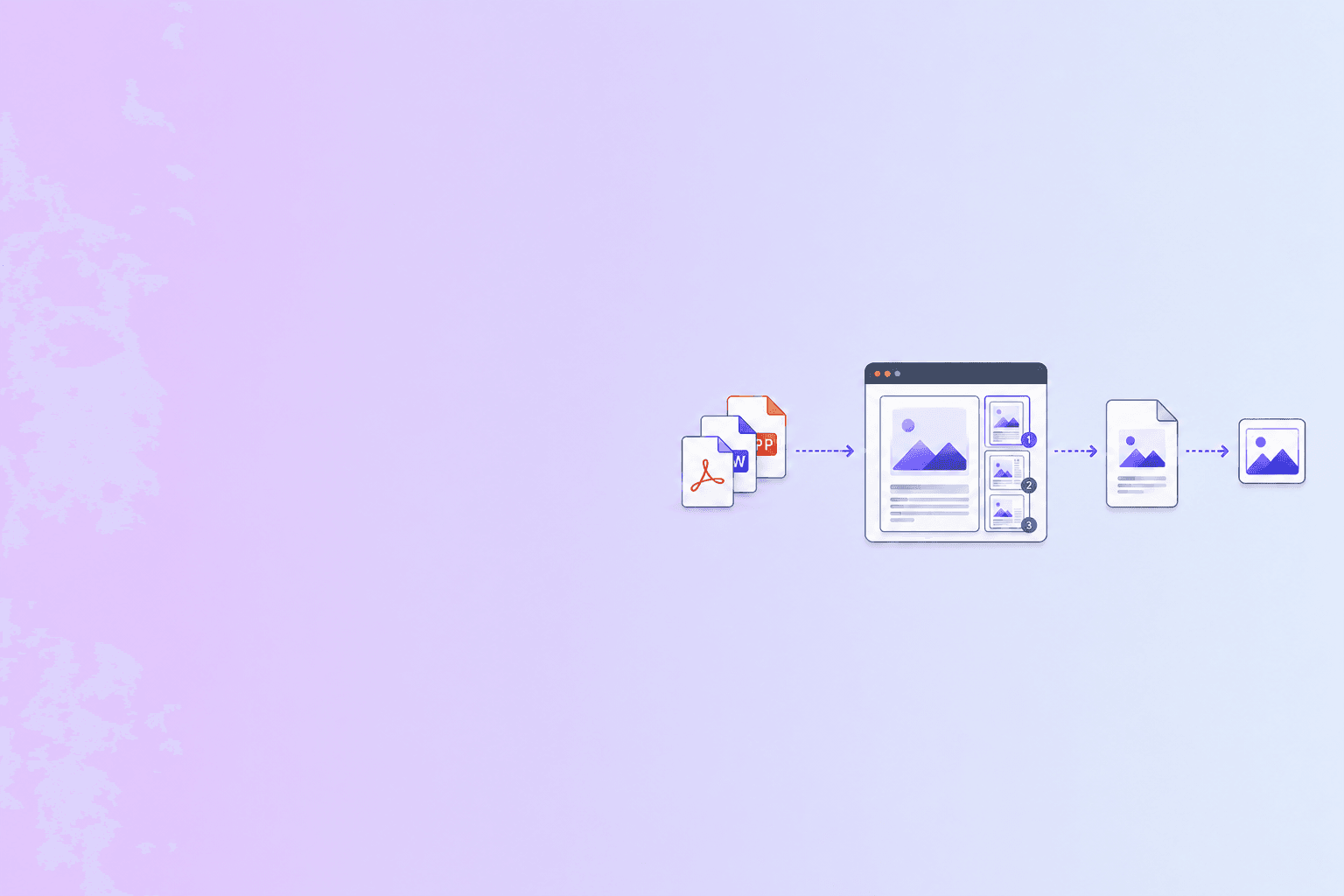
Cloudinary will rasterize a PDF into one image per page on demand. That makes it usable as a document preview pipeline out of the box — you upload a PDF, request eager pg_1, pg_2, pg_3 transformations, and a webhook tells you when the page images are ready to serve.
It does not, however, give you the text on those pages, the tables, the form fields, or any structured representation. That is the gap a parser fills.
Setting up a Cloudinary webhook
The minimum viable setup:
- In the Cloudinary console, go to Settings → Notifications and add a Notification URL. This receives notifications for global events.
- For per-upload notifications, pass
notification_urlin the upload parameters. This URL receives theuploadandeagerevents for that specific asset. - Configure
eagertransformations to declare which derived assets Cloudinary should pre-generate. For documents, this is where you list the per-page conversions.
A typical Node.js upload that asks for the first five page previews looks like:
const cloudinary = require('cloudinary').v2;

const result = await cloudinary.uploader.upload('contract.pdf', {
  resource_type: 'image',          // PDFs are uploaded as image resources
  public_id: 'contracts/acme-msa',
  notification_url: 'https://api.example.com/webhooks/cloudinary',
  eager: [
    { page: 1, width: 400, format: 'webp', crop: 'scale' },
    { page: 2, width: 400, format: 'webp', crop: 'scale' },
    { page: 3, width: 400, format: 'webp', crop: 'scale' },
    { page: 4, width: 400, format: 'webp', crop: 'scale' },
    { page: 5, width: 400, format: 'webp', crop: 'scale' },
  ],
  eager_async: true,
  eager_notification_url: 'https://api.example.com/webhooks/cloudinary',
});
Three notifications will fire over the lifecycle of this upload:
- An
uploadevent when the PDF lands. - An
eagerevent when the five page-preview WebPs finish rendering. - Any subsequent transformation, moderation, or deletion event for the asset.
Verifying the signature
Cloudinary signs each notification using your API secret. The signature is sent in the X-Cld-Signature header alongside the X-Cld-Timestamp header. The verification recipe:
const crypto = require('crypto');

function verifyCloudinaryWebhook(rawBody, signature, timestamp, apiSecret) {
  const toSign = `${rawBody}${timestamp}${apiSecret}`;
  const expected = crypto.createHash('sha1').update(toSign).digest('hex');

  const a = Buffer.from(expected, 'hex');
  const b = Buffer.from(signature, 'hex');
  if (a.length !== b.length) return false;
  return crypto.timingSafeEqual(a, b);
}
A few details that bite teams in practice:
- Verify against raw bytes. The body Cloudinary signs is the exact UTF-8 byte string it sent. Frameworks that auto-parse JSON change the byte string. Capture the raw body before any parsing middleware runs.
- Use constant-time comparison.
===on hex strings is vulnerable to timing attacks. Usecrypto.timingSafeEqual. - Reject stale timestamps. Cloudinary includes a timestamp. Reject anything older than a small window — five minutes is a sensible default — to defeat replay attacks.
- SHA-1 is fine for verification, not for storage. Cloudinary's default signature uses SHA-1. That is appropriate for HMAC verification but do not let it tempt you into using SHA-1 for password hashing or document fingerprints elsewhere.
For SHA-256 signatures, set the notification signature algorithm to SHA-256 in the dashboard and swap createHash('sha1') for createHash('sha256').
Idempotency and retries
Cloudinary retries failed notifications with exponential backoff. The window and exact schedule are not contractually fixed, but the receiver-side rule is universal: assume at-least-once delivery and dedupe explicitly.
Cloudinary notifications include a notification_type and an asset_id (or public_id plus version). For dedupe, the right key depends on the event:
- For
uploadevents, dedupe onpublic_id + version. A re-upload to the same public ID produces a new version, so this naturally distinguishes initial uploads from updates. - For
eagerevents, dedupe onpublic_id + version + transformationfor each derived asset. - For
moderationandinfo, dedupe onpublic_id + version + notification_type.
A receiver that respects this will handle Cloudinary retries cleanly and not double-process a document if the original 200 was lost.
The same dedupe table sketched in the webhook document automation guide works here, keyed by Cloudinary's stable identifiers instead of an event ID.
Where Cloudinary is the right tool
For document workflows, Cloudinary is a strong fit when the job is primarily visual:
- Storing PDFs and original Office files in a CDN with global delivery.
- Generating per-page image previews for a viewer UI.
- Producing thumbnails at multiple sizes with on-the-fly transformations.
- Watermarking, cropping, or rotating page images.
- Hosting product manuals, datasheets, or marketing PDFs with edge caching.
The combination of "drop a PDF in, get a CDN-served image per page out" is operationally lightweight and well-understood. The webhook pattern lets you trigger downstream UI updates without polling.
Where Cloudinary alone is not enough
The moment you need to understand the document instead of just display it, Cloudinary stops being the answer. Specifically:
- Extracting text, headings, paragraphs, and reading order.
- Pulling tables out as rows and columns.
- Producing Markdown or JSON suitable for an LLM or RAG pipeline.
- Mapping fields from invoices, receipts, contracts, or forms into ERP records.
- OCR-aware structured extraction for scanned documents.
- Redaction of PII before downstream storage.
Cloudinary's OCR add-on can detect raw text in images, but it does not produce the kind of structured, reading-order-correct, table-preserving output a document automation pipeline actually consumes. For that you need a document parser.
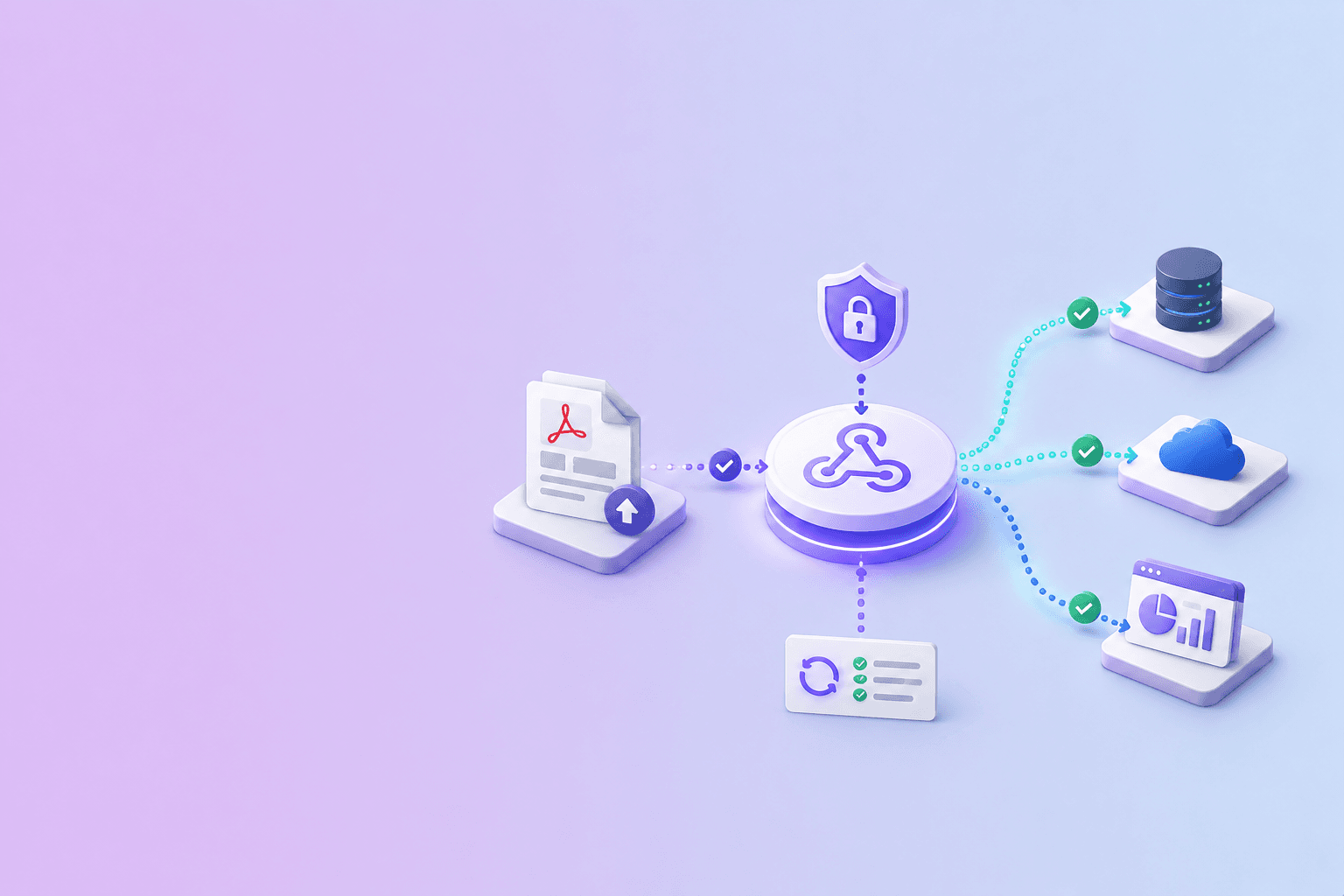
The clean architecture is two webhooks in sequence:
- Cloudinary webhook fires on upload. Your backend receives the asset metadata and a Cloudinary URL.
- Your backend submits that URL to a parse API. The parser downloads, extracts, and materializes JSON/Markdown/HTML.
- Parse webhook fires on completion. Your backend receives the structured data, persists it next to the Cloudinary asset reference, and updates the UI.
This split keeps responsibilities clear. Cloudinary handles delivery and visual transformation. The parser handles meaning. The two webhooks meet in your backend, joined on the Cloudinary public_id.
A reference handler for a Cloudinary-plus-parse pipeline
A minimal Express handler that verifies the Cloudinary webhook, persists the asset, and kicks off a parse:
import express from 'express';
import crypto from 'crypto';
import fetch from 'node-fetch';

const app = express();
const CLD_SECRET = process.env.CLOUDINARY_API_SECRET;
const PARSE_API_KEY = process.env.DOCUSHELL_API_KEY;

app.post('/webhooks/cloudinary', express.raw({ type: 'application/json' }), async (req, res) => {
  const signature = req.headers['x-cld-signature'];
  const timestamp = req.headers['x-cld-timestamp'];
  const raw = req.body.toString('utf8');

  const expected = crypto.createHash('sha1').update(raw + timestamp + CLD_SECRET).digest('hex');
  const a = Buffer.from(expected, 'hex');
  const b = Buffer.from(signature, 'hex');
  if (a.length !== b.length || !crypto.timingSafeEqual(a, b)) {
    return res.status(401).send('bad signature');
  }
  if (Math.abs(Date.now() / 1000 - Number(timestamp)) > 300) {
    return res.status(401).send('stale');
  }

  const event = JSON.parse(raw);

  if (event.notification_type !== 'upload' || event.format !== 'pdf') {
    return res.status(200).json({ ignored: true });
  }

  const dedupeKey = `${event.public_id}:${event.version}`;
  const isNew = await persistAsset(dedupeKey, event);
  if (!isNew) return res.status(200).json({ duplicate: true });

  await fetch('https://api.docushell.example/v1/parse-batch', {
    method: 'POST',
    headers: { 'Content-Type': 'application/json', Authorization: `Bearer ${PARSE_API_KEY}` },
    body: JSON.stringify({
      source: { type: 'url', url: event.secure_url },
      callbacks: { url: 'https://api.example.com/webhooks/docushell-parse' },
      reference: dedupeKey,
    }),
  });

  return res.status(200).json({ queued: true });
});

app.listen(3000);
The receiver verifies the Cloudinary signature, dedupes on public_id + version, hands off to a parse API, and returns within a few hundred milliseconds. The parse result comes back through a separate webhook that carries the structured JSON/Markdown.
Output format choices for the parse step
A Cloudinary-driven document pipeline tends to produce one of three downstream formats. Match the format to the consumer:
- JSON for ERP, CRM, or accounting integrations that need deterministic field mapping.
- Markdown for RAG pipelines, internal search, or LLM-assisted summaries. The PDF parse API for LLM and RAG pipelines post covers chunking strategy.
- HTML for in-browser document review interfaces that need richer layout than Markdown can express.
The full trade-off is in PDF to JSON, Markdown, or HTML. The point here is that Cloudinary does not pick for you — the choice is yours, made downstream of the upload webhook.
Operational hygiene
A few patterns that hold up at scale:
- Separate URLs per environment. Cloudinary lets you set per-upload
notification_url. Use it to route staging events to a staging consumer. Cross-environment webhook leaks are an annoying class of bug. - Log the full headers on rejection. When a signature fails, log the headers (not the body) so you can tell whether the secret is wrong, the timestamp is drifting, or the body was mutated by a proxy.
- Have a dead-letter store. A webhook that fails signature verification ten times in a row should land in a queue you can inspect, not just be discarded.
- Rotate API secrets without downtime. Cloudinary supports rotating the API secret. Test the rotation in staging first — your verification code needs to accept the new secret before the rotation finishes.
- Set realistic eager transformation lists. Asking for 100 pre-rendered page previews on every PDF upload will bury your transformation quota. Render the first N eagerly and the rest on demand.
When you outgrow Cloudinary's notification model
A few signs that you have outgrown using Cloudinary webhooks as your primary document automation trigger:
- You need event ordering guarantees within a tenant. Cloudinary does not guarantee strict ordering across asynchronous events.
- You need a custom event taxonomy (per-tenant, per-flow). Cloudinary's notification types are fixed.
- You need richer retry behavior — for example, retry on specific status codes only, or backoff schedules that match downstream rate limits.
- You need event replay from a window of history. Cloudinary's retry is bounded; an audit-grade webhook system needs an explicit replay endpoint.
When those needs appear, the usual response is to keep Cloudinary for storage and transformation, but to let your own event bus or a dedicated webhook layer become the source of truth. Cloudinary becomes one upstream input, alongside email-ingestion, direct uploads, and API submissions.
Where DocuShell fits
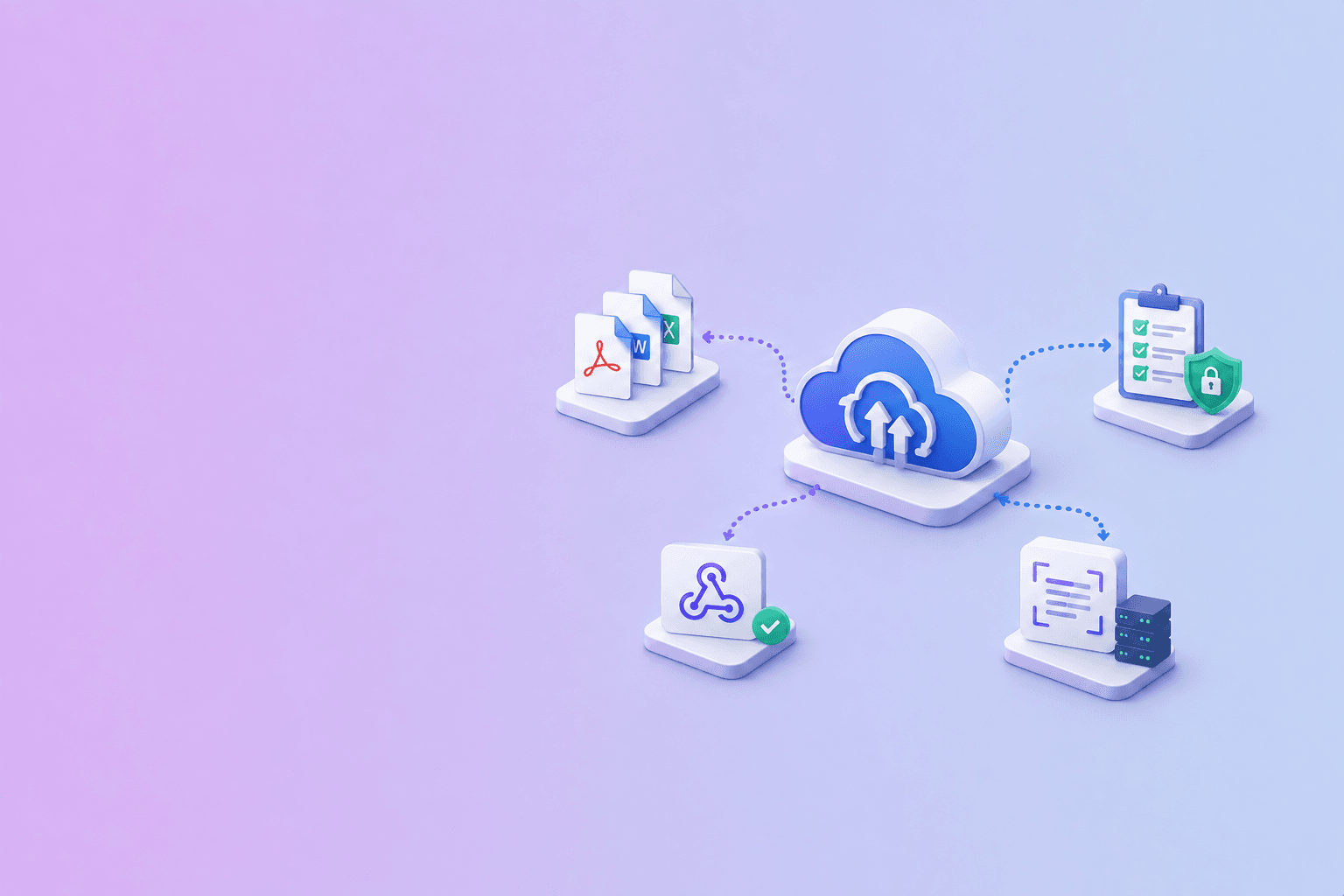
DocuShell pairs naturally with a Cloudinary-driven document pipeline. The flow is:
- Cloudinary receives the upload and emits an upload webhook.
- Your backend hands the Cloudinary URL to DocuShell's parse API.
- DocuShell extracts structured JSON, Markdown, and HTML, then signs a webhook to your callback.
- Your backend stores the parsed output next to the Cloudinary asset reference.
Useful adjacent tools:
- PDF to JSON / Excel for previewing the parse output shape before you wire up the integration.
- Compress PDF for shrinking source files before they hit Cloudinary's bandwidth quota.
- Webpage to PDF for converting web-published documentation into PDFs you can store in Cloudinary and parse with DocuShell.
- The webhook document automation guide for the receiver-side patterns the parse webhook expects.
Let Cloudinary handle delivery, transformation, and previews. Let a dedicated parser handle structure, fields, and Markdown for LLMs. Connect them with two webhooks meeting at your backend.
The short version
Cloudinary webhooks are well-engineered for the job Cloudinary is built for: telling you when an asset has uploaded or transformed. They are not a substitute for document understanding. Use them as the front half of a two-stage pipeline, verify signatures against raw bytes, dedupe on public_id + version, and hand off to a parser the moment you need text, tables, or Markdown.
See what structured output a dedicated parser produces from the same PDF you would store in Cloudinary.
Try PDF to JSON / ExcelFrequently Asked Questions
Free Tool
PDF to JSON
Turn PDFs into structured, source-aware data for RAG, review, and automation.
Try PDF to JSONDocuShell Team
The DocuShell editorial group writes and maintains guides for everyday PDF workflows, with updates made when tool behavior or documented limits change. See our editorial standards for the process behind each article.
Focus: Integrating media platforms with document parsing pipelines and signed webhook delivery
Questions or feedback? Get in touch.