Direct Answer
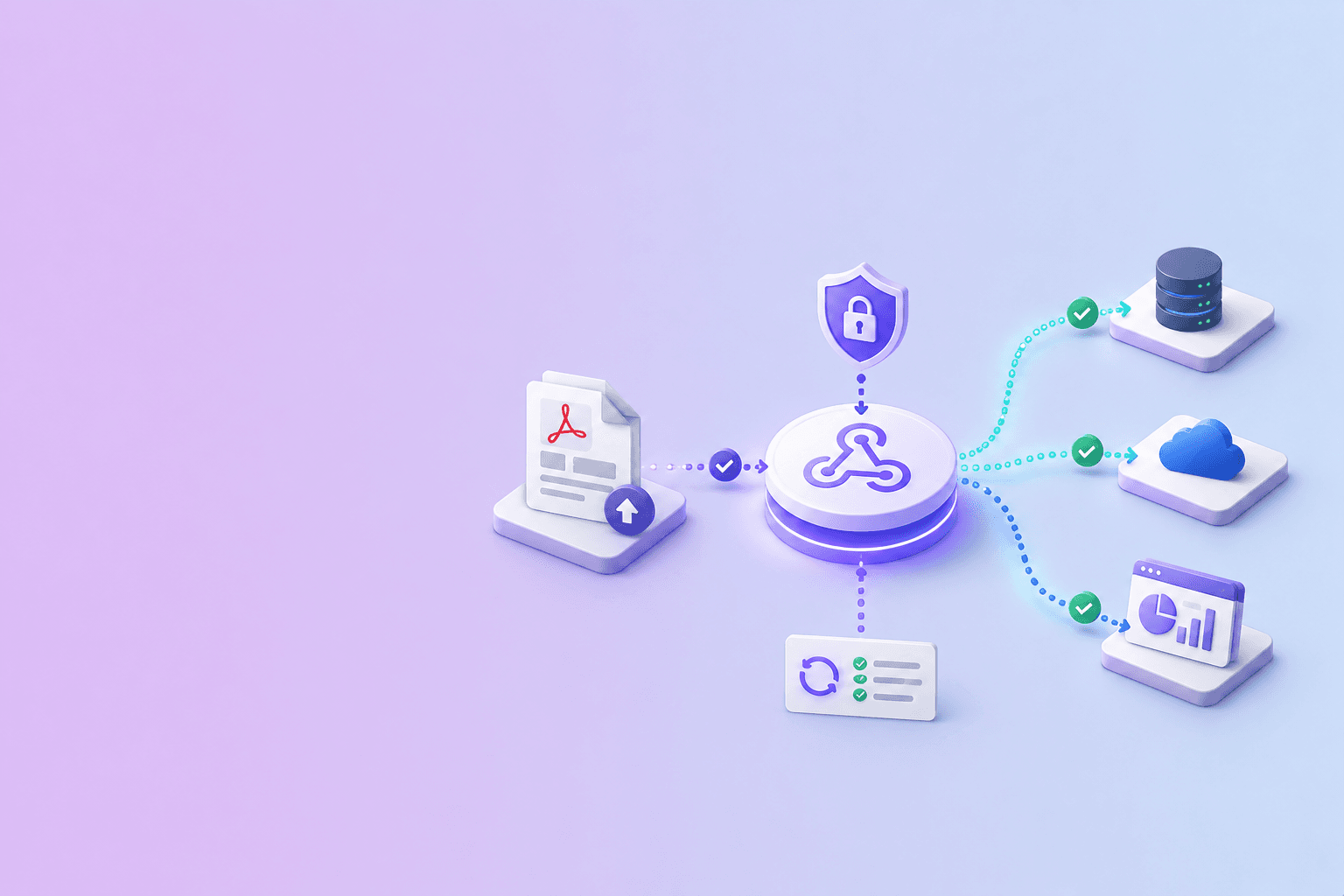
A modern document processing solution turns unstructured PDFs, scans, and Office files into structured JSON, Markdown, or mapped fields. Webhook delivery is how the platform tells your systems the work is done — a signed HTTP POST containing the parsed data (or a signed download URL for larger outputs), an event ID, and enough metadata to route the result correctly downstream.
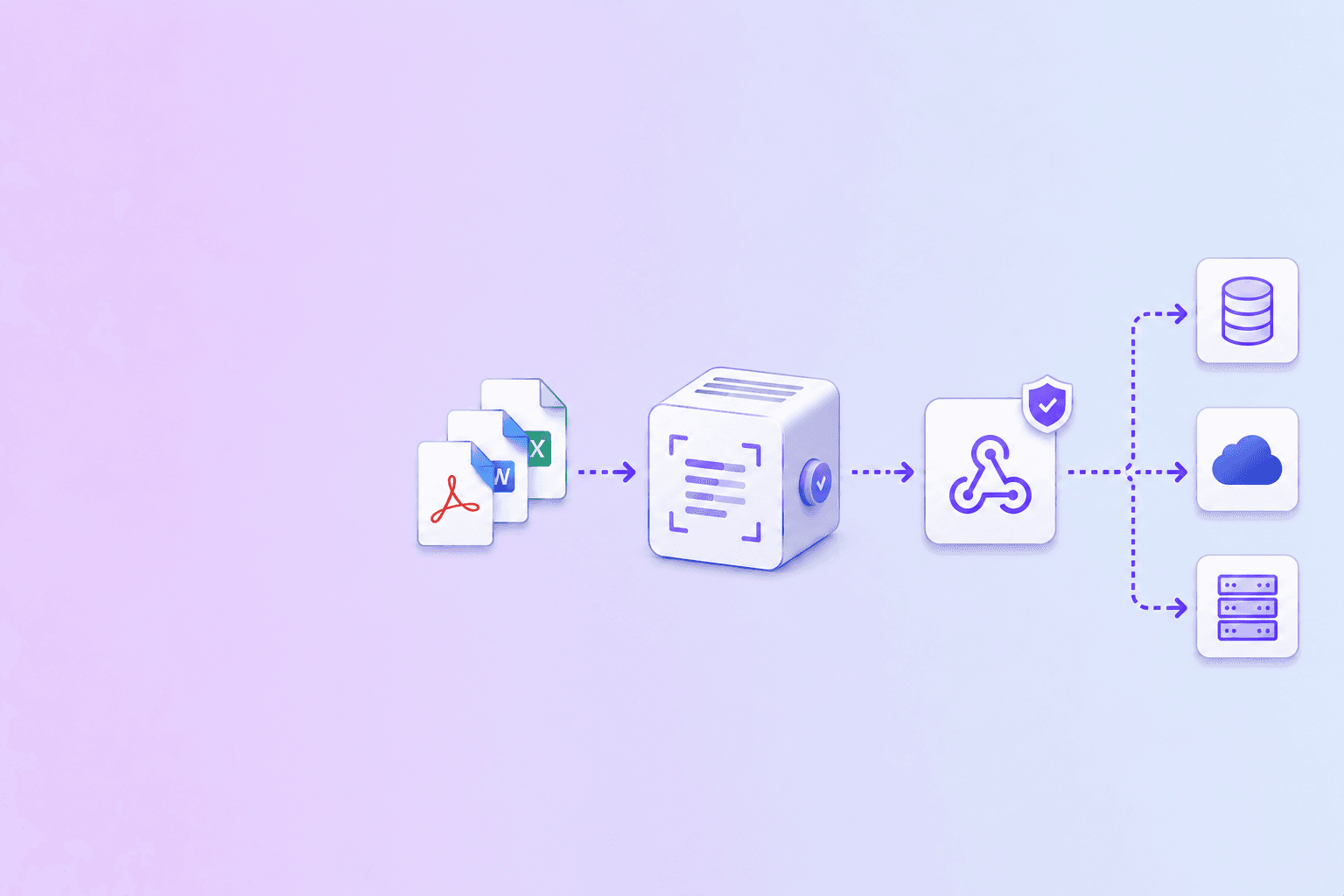
Together they form the substrate of parsed data automation: a document arrives, a parser extracts meaning, a webhook delivers the result, and downstream systems react without anyone polling, refreshing, or manually copying values across tools.
This guide is the integration-architect view of how that pipeline is built, what each layer is responsible for, and the decisions that determine whether the pipeline scales or stalls.
The shape of a modern document processing pipeline
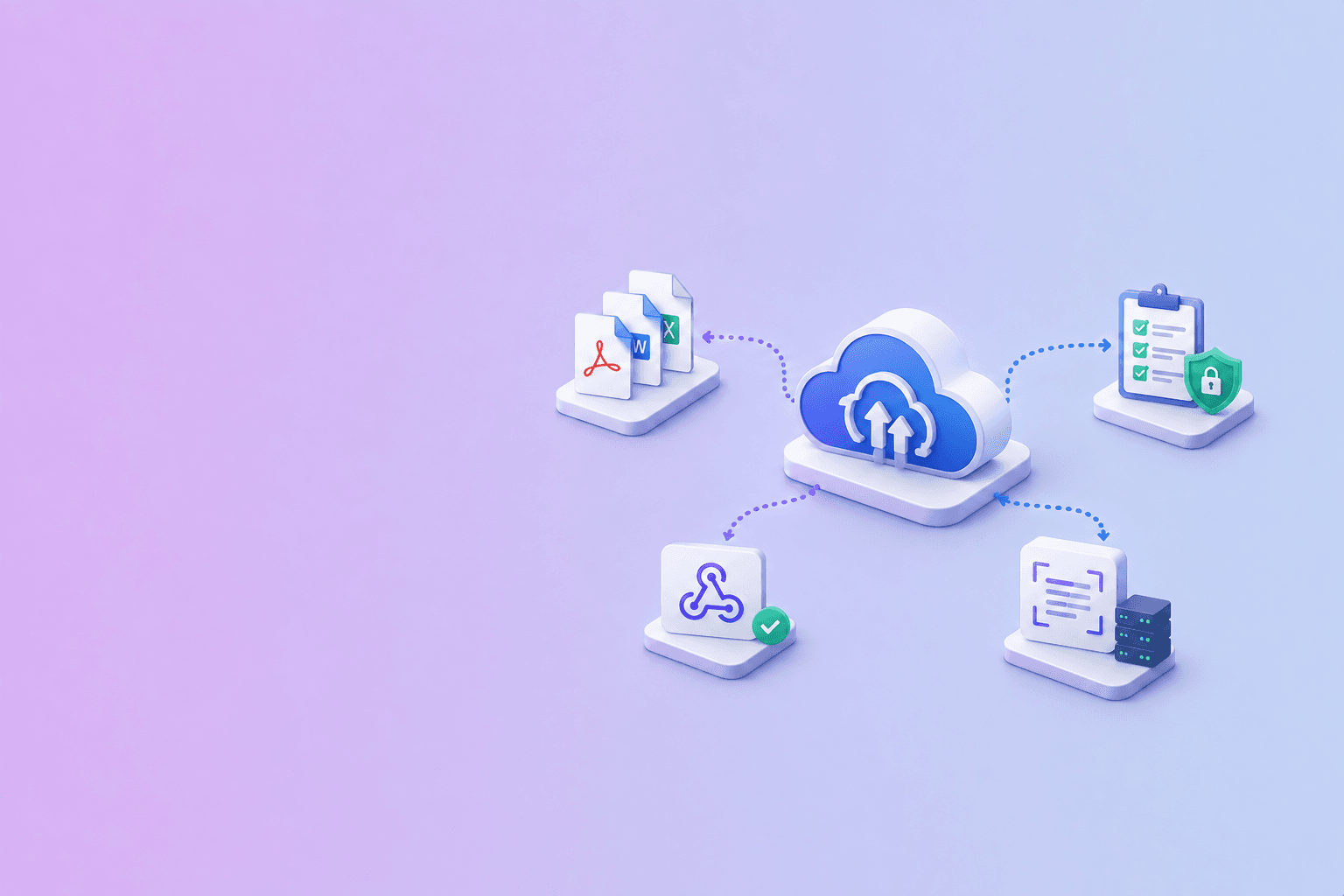
A useful mental model has five layers:
- Ingestion. Documents enter the system from uploads, email forwards, S3 buckets, partner SFTP drops, or upstream platforms like Cloudinary. Each ingestion path needs its own auth and rate limits.
- Preprocessing. Files are deduped, normalized, decrypted, and routed by type. A 100-page contract follows a different path than a single-page invoice.
- Parsing. OCR runs on image-only pages. Layout analysis detects reading order, headings, and tables. Field extraction maps the result to a schema if one is configured. Outputs are materialized as JSON, Markdown, HTML, and CSV.
- Delivery. A webhook is signed and POSTed to the registered callback. Inline payloads carry small results; signed URLs carry large ones. Retries handle transient receiver failures.
- Consumption. Receivers verify the signature, dedupe on event ID, and enqueue the actual business logic — ERP updates, RAG indexing, notifications, audits.
Each layer fails in different ways. Splitting them like this lets you put the right monitoring and retry policy at each boundary.
Why webhook delivery wins for parsed data
The alternatives to webhook delivery are polling and synchronous responses. Both have their place; neither scales.
Synchronous responses work for single small documents that parse in milliseconds. They collapse the moment OCR or table reconstruction is involved. A 30-page scanned contract can easily take 20 seconds — far past the 5-to-10-second budget most HTTP clients tolerate.
Polling works for low volume. At scale it wastes 80 to 95 percent of requests, since most polls happen before the job finishes. It also adds latency proportional to the polling interval: a 30-second poll cycle adds an average of 15 seconds of delay even on instantly-completed jobs.
Webhook delivery removes both problems. The parser pushes the result the moment it is ready. The receiver scales independently of the parser. The pipeline becomes event-driven, and event-driven pipelines are the ones that survive growth from 100 to 100,000 documents per day.
The trade-off is that webhook delivery only works when both sides treat reliability as a first-class concern. The next sections cover what that looks like.
Event shapes that age well
A parsed-data webhook payload should be small, predictable, and self-describing. For single documents:
{
  "id": "evt_01H8AC9N5K2X3J4M9V7Q",
  "type": "document.parse.completed",
  "created_at": "2026-06-10T14:21:08.512Z",
  "data": {
    "job_id": "job_2X8R4ZQ9T6P",
    "document_id": "doc_9KH3MV2N",
    "filename": "invoice-acme-april-2026.pdf",
    "page_count": 3,
    "status": "completed",
    "outputs": {
      "json_url": "https://...result.json?sig=...&exp=...",
      "markdown_url": "https://...result.md?sig=...&exp=...",
      "csv_url": "https://...tables.csv?sig=...&exp=..."
    },
    "fields": {
      "vendor": "Acme Inc.",
      "invoice_number": "INV-2026-0418",
      "total": "USD 12,450.00",
      "due_date": "2026-05-18"
    },
    "warnings": []
  }
}
A few details that matter:
idis the dedupe key. Even ifjob_idlooks unique, the same job may emit multiple events (started,completed,failed). The event ID is the only safe primary key.- Outputs are signed URLs, not inline blobs. Large JSON or Markdown gets a short-lived URL the receiver downloads asynchronously. This keeps webhook bodies small and HMAC verification fast.
fieldscarries the high-signal extracted data inline. If the platform's schema mapping produced clean key-value output, send it inline; downstream consumers can act on it without an extra download.warningsis explicit. Silent OCR fallbacks are the most common cause of "we processed it but the data is empty" tickets.
For batch jobs:
{
  "id": "evt_01H8AD2T7W6R8N0J9V7Q",
  "type": "document.parse.batch.completed_with_failures",
  "created_at": "2026-06-10T14:24:31.117Z",
  "data": {
    "batch_id": "batch_5L9N7QR3T8P",
    "total": 25,
    "succeeded": 23,
    "failed": 2,
    "files": [
      { "document_id": "doc_a1", "status": "completed", "outputs_url": "..." },
      { "document_id": "doc_b2", "status": "completed", "outputs_url": "..." },
      { "document_id": "doc_c3", "status": "failed", "error": "encrypted_no_password" }
    ],
    "outputs": {
      "manifest_url": "https://...manifest.json?sig=...&exp=...",
      "merged_csv_url": "https://...all-tables.csv?sig=...&exp=..."
    }
  }
}
Three terminal events are typical: completed, completed_with_failures, and failed. Surfacing partial failures explicitly is what separates a usable batch API from a frustrating one. DocuShell uses exactly this triple-event shape for its parse-batch endpoint.
Delivery guarantees that receivers should plan for
A document processing platform that takes delivery seriously usually offers:
- At-least-once delivery. Every event will be delivered. Some may be delivered more than once.
- Exponential backoff. Failed deliveries retry with increasing intervals — for example, immediately, then at 30 seconds, 2 minutes, 10 minutes, and so on, up to 24 to 72 hours total.
- Bounded retry windows. After the window expires, the event is marked dead-lettered. The receiver typically gets an out-of-band alert or can replay the event from an audit endpoint.
- Signed payloads. HMAC over the raw body, with a header carrying the timestamp and signature.
- Stable event IDs. The same logical event always carries the same ID, even on retry.
- Timestamp-based replay protection. Receivers should reject events whose timestamp is more than a small window in the past.
Receivers that take advantage of these guarantees become trivially reliable. Receivers that treat webhooks as fire-and-forget HTTP calls reinvent retry, ordering, and dedupe poorly.
Idempotency at the receiver
The single most important property of a webhook receiver is idempotency. If the same event arrives twice, the second arrival must produce no additional side effects.
The canonical pattern uses the event ID as a primary key:
CREATE TABLE processed_document_events (
  id TEXT PRIMARY KEY,
  type TEXT NOT NULL,
  document_id TEXT,
  received_at TIMESTAMPTZ NOT NULL DEFAULT now()
);
async function handleParseEvent(event) {
  const result = await db.query(
    'INSERT INTO processed_document_events (id, type, document_id) VALUES ($1, $2, $3) ON CONFLICT (id) DO NOTHING RETURNING id',
    [event.id, event.type, event.data.document_id]
  );

  if (result.rowCount === 0) {
    return { duplicate: true };
  }

  await enqueueDownstreamProcessing(event);
  return { ok: true };
}
Two clarifications that come up repeatedly:
- The dedupe insert and the downstream work should be in the same transaction. If they aren't, a crash between the insert and the side effect leaves the system in a half-applied state. The retry will see the event ID already present and skip the side effect, leaving the data inconsistent.
- The downstream side effect should itself be idempotent where possible. The dedupe table is the belt; idempotent business logic is the suspenders. Together they survive nearly any race.
For high-volume pipelines, augment the database dedupe with an in-memory cache (Redis or Memcached) keyed on event ID, with a TTL slightly larger than the sender's retry window. The cache absorbs the easy duplicates; the database handles the cold path.
Field-level webhook patterns for IDP
Beyond raw parse events, mature document processing solutions emit higher-level events when their schema-mapping layer has run:
document.fields.extracted— structured fields are ready.document.fields.flagged— extraction produced low-confidence fields that need human review.document.review.completed— a human reviewer signed off on the extracted fields.document.synced— the fields were pushed to a downstream system (ERP, CRM, accounting).
Each event carries its own payload shape and its own consumer. Splitting them like this keeps the schema readable and lets different teams subscribe to the slice they care about. An ML team might subscribe only to document.fields.flagged to retrain on hard cases; a finance team might subscribe only to document.synced for daily reconciliation.
Confidence scores deserve a separate mention. A robust IDP platform attaches a per-field confidence score, and a robust receiver routes low-confidence fields to a human-in-the-loop queue. The threshold is workflow-specific — invoice line items might require 0.95, while a freeform memo field might tolerate 0.7.
OCR as a first-class step
For document processing solutions handling real-world inputs, OCR is not optional. A meaningful share of every document corpus — scanned contracts, faxed forms, photographed receipts — has no native text layer. Without OCR, the parser sees blank pages.
A few patterns that hold up:
- OCR only the pages that need it. Detect pages with no text layer and OCR those; leave native-text pages alone. This is faster and produces cleaner output.
- Surface OCR confidence in the webhook. Receivers should know when the parser is guessing.
- Keep the original PDF. OCR output is derived data. Auditors and human reviewers will want the original.
- Watch for upside-down and rotated pages. Many OCR pipelines silently produce gibberish for rotated content. Detect orientation before running OCR.
The DocuShell OCR PDF tool is the browser-based version of the same primitive — it lets you make a scanned PDF searchable without uploading it to a server.
Output formats and the schema-mapping layer
A document processing solution typically produces three to five outputs per document, and each downstream consumer prefers a different one:
- JSON — deterministic, machine-readable, includes coordinates and confidence scores. Best for ERP/CRM/accounting integrations.
- Markdown — preserves headings, lists, tables. Best for RAG ingestion and human review.
- HTML — richer layout than Markdown. Best for in-browser review interfaces.
- CSV — flat row-and-column extraction of tables. Best for spreadsheets and BI tools.
- Mapped fields — schema-aware extraction (vendor, total, line items, etc.). Best for direct sync to a system of record.
The webhook should make all available, but receivers should only download what they need. The full trade-off is in PDF to JSON, Markdown, or HTML.
Security and compliance considerations
Document processing pipelines often carry sensitive data — contracts, financial reports, medical records, identity documents, HR letters. The webhook layer is part of the security boundary, not an afterthought.
A short list of controls that matter:
- TLS on every callback. Plain HTTP is not acceptable for parsed customer documents.
- HMAC signatures on every event. Verify against the raw body, not a re-serialized parsed version.
- Short-lived signed URLs for outputs. A 15-minute TTL is a reasonable default; receivers that need longer windows should download immediately on receipt.
- Output storage TTL. Materialized outputs should be deleted after a configurable window — typically 1 hour to 7 days — so a leaked URL becomes useless quickly.
- SSRF protection on registered URLs. The processing platform should refuse to send webhooks to private IPs, link-local addresses, or localhost.
- Per-tenant secrets. A multi-tenant platform should issue per-tenant webhook secrets so a leak in one tenant does not expose others.
- Audit logging. Every webhook delivery attempt should be logged with timestamp, response code, and event ID, retained long enough to satisfy compliance windows.
For workflows under SOC 2, HIPAA, or GDPR scrutiny, the webhook layer should appear explicitly in the data flow diagram. "We send a JSON blob to the customer's URL" is not enough detail; "we send a signed JSON blob containing parsed fields and short-lived URLs to outputs that expire in N minutes" is.
Observability that pays for itself
Three metrics tell you everything about webhook health:
- Delivery success rate per receiver. Anything below 99 percent over a 24-hour window deserves investigation.
- End-to-end parse-to-delivered latency. From document submission to webhook acknowledgment. Track p50, p95, p99.
- Dead-letter rate. Events that exhausted retries. These should be near zero. When they spike, page the on-call.
On the receiver side, the equivalent metrics are:
- Signature failure rate. Should be near zero. Spikes indicate secret rotation issues or a misrouted webhook.
- Duplicate rate. Some duplicates are expected. A sharp rise suggests an upstream issue.
- Processing latency from receipt to ack. Should stay well under the sender's timeout.
Adding these to whatever dashboarding tool you already use (Datadog, Grafana, CloudWatch) takes an afternoon and prevents weeks of incident archaeology later.
Where DocuShell fits
DocuShell's document processing API is designed around this exact webhook delivery model. Each batch parse emits one of three terminal events — pdf.parse.batch.completed, pdf.parse.batch.completed_with_failures, pdf.parse.batch.failed — with HMAC-signed payloads, nonced replay protection, and short-lived signed URLs for the JSON, Markdown, HTML, and CSV outputs.
Useful adjacent tools and reading:
- PDF to JSON / Excel to inspect parsed output locally before wiring up the webhook receiver.
- OCR PDF to make scanned PDFs searchable before sending them through a parse pipeline.
- The webhook document automation guide for receiver-side patterns and a reference Node.js handler.
- The PDF parse API for LLM and RAG pipelines for chunking the Markdown the webhook delivers.
- The Cloudinary webhook guide for combining media-CDN webhooks with parse webhooks in a single pipeline.
Submit documents asynchronously. Sign the delivery. Dedupe at the receiver. Hand large outputs over signed URLs. Do the real work in a worker, not the webhook handler.
The short version
Document processing solutions deliver value through structured output. Webhooks deliver that output reliably. The combination is what turns "we have a parser" into "we have a document pipeline." Get the event shape right, sign it, retry it, dedupe it, and the rest of the stack — ERP, CRM, RAG, audit, BI — can be event-driven instead of polling-driven. That is the architecture that scales linearly with document volume.
Run a single document through the parse pipeline and see the JSON, Markdown, and HTML outputs side by side.
Try PDF to JSON / ExcelFrequently Asked Questions
Free Tool
PDF to JSON
Turn PDFs into structured, source-aware data for RAG, review, and automation.
Try PDF to JSONDocuShell Team
The DocuShell editorial group writes and maintains guides for everyday PDF workflows, with updates made when tool behavior or documented limits change. See our editorial standards for the process behind each article.
Focus: Intelligent document processing pipelines, async webhook delivery, and parsed-data automation
Questions or feedback? Get in touch.