Direct answer
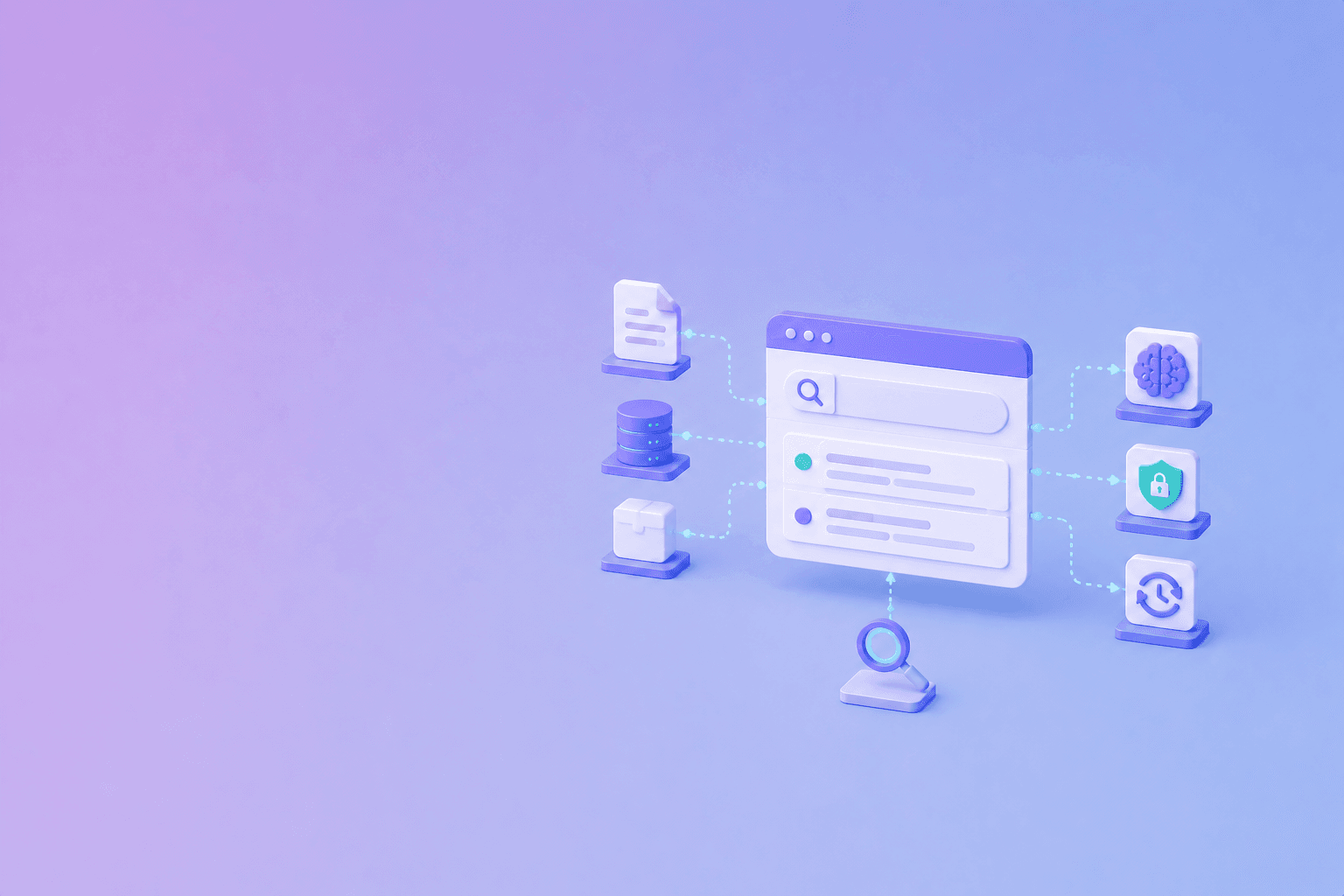
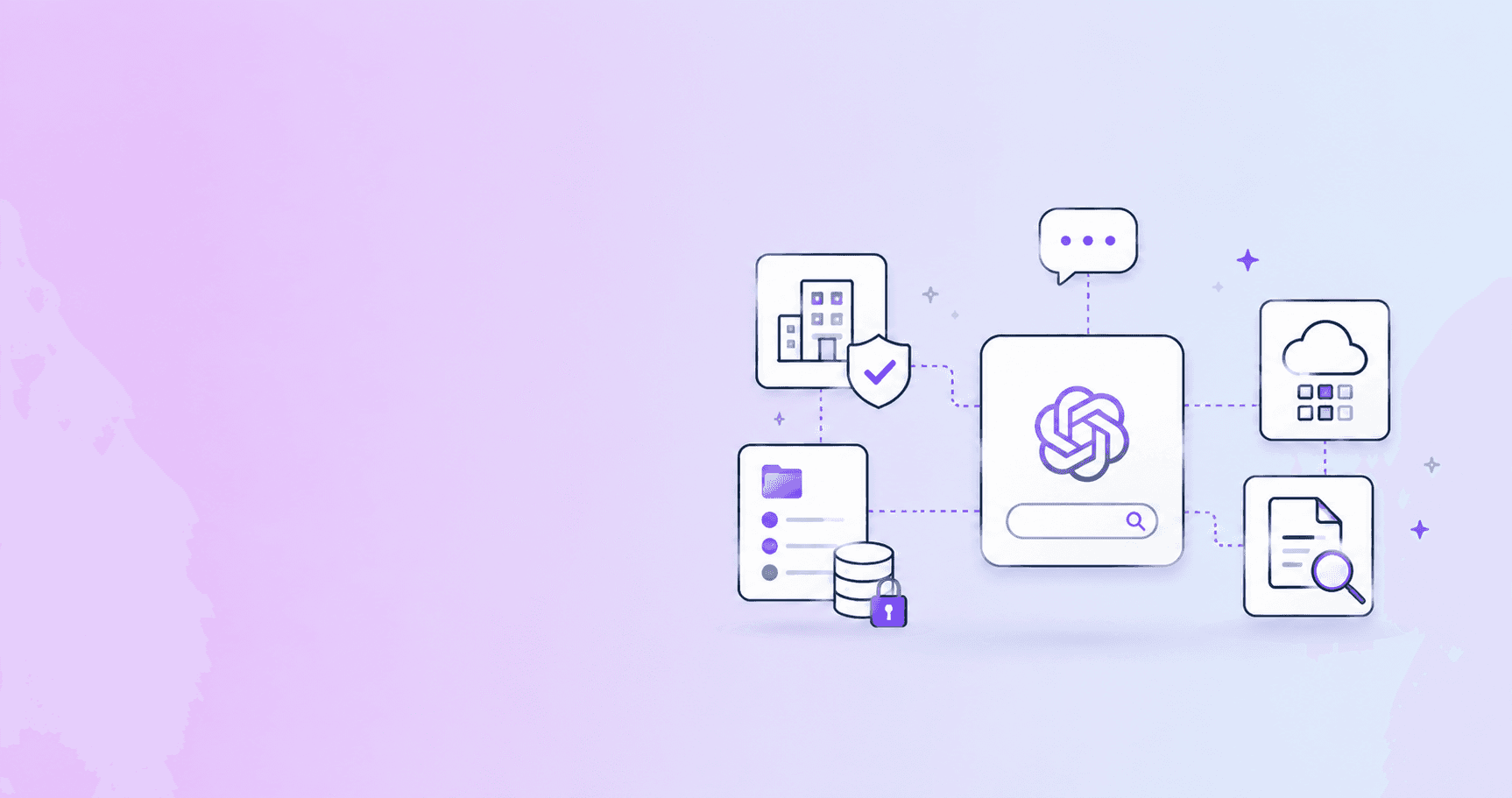
ChatGPT can search internal documentation only when an organization configures an approved source and gives the user access. There are two common paths:
- ChatGPT company knowledge: eligible Business, Enterprise, and Edu workspaces can connect approved apps or sources so ChatGPT can use organization context with citations.
- A custom application using the OpenAI API: your application uploads approved files to a vector store, enables the file search tool, and returns source-aware answers to your users.
It is not automatic access to every company file. Authentication, administrator settings, source permissions, retention, and workspace policy determine what can be searched.
Option 1: Company knowledge in ChatGPT
OpenAI’s Company knowledge in ChatGPT documentation describes a workflow where users authenticate their own connected apps and administrators manage access and enablement for the workspace.
This path is appropriate when:
- employees already work in ChatGPT;
- the organization uses supported apps or connectors;
- workspace administrators can configure access;
- answers should cite original company sources;
- the company accepts the product’s data and retention model.
Before rollout, confirm which apps are supported, which users can access them, how permissions are inherited, how admins disable a source, and how source citations appear to users.
Option 2: Build your own retrieval application
For a product-controlled workflow, use an application layer. OpenAI’s File search guide describes creating a knowledge base in a vector store, uploading files, and enabling file search in a Responses API request.
The application controls:
- which documents enter the knowledge base;
- how files are grouped by customer, team, or product;
- what metadata is attached;
- which vector store a request may search;
- how users authenticate;
- how results and citations are displayed;
- when documents are deleted or re-indexed.
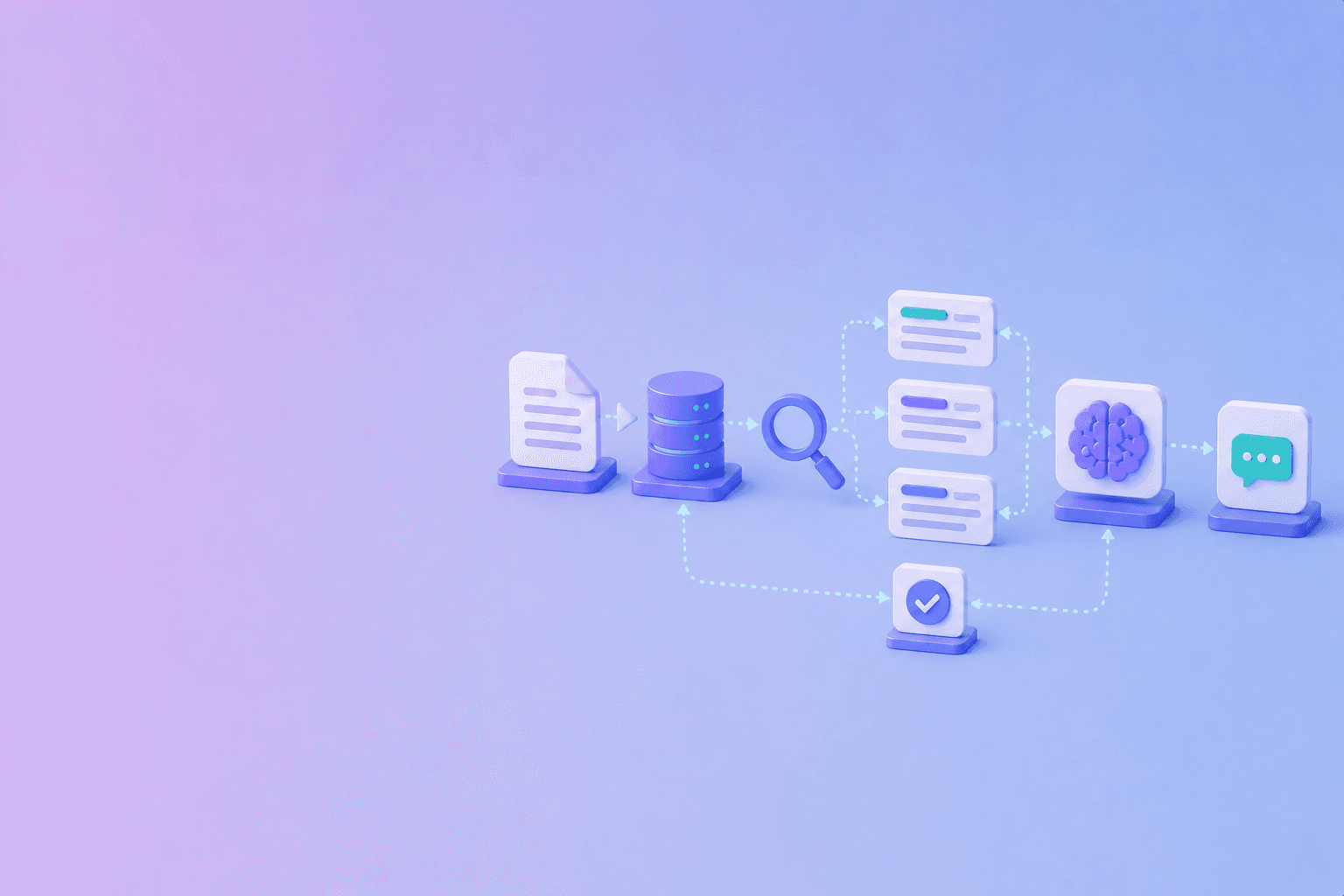
A simplified lifecycle is:
- validate and classify the source;
- upload the approved file;
- attach metadata such as tenant, team, version, and visibility;
- add it to the correct vector store;
- allow file search for an authenticated request;
- return citations and warnings;
- delete or refresh the source according to policy.
OpenAI’s retrieval guide explains that vector stores can be chunked, embedded, and indexed for semantic search. That handles retrieval mechanics, not your organization’s authorization model.
Keep permissions outside the prompt
A prompt is not an access-control system. Enforce tenant, team, role, project, and document permissions before the model receives retrieved content.
Use separate stores or metadata filters where appropriate. Test:
- a user with no access;
- a user with access to one version;
- a user moving teams;
- a deleted document;
- a document whose permissions changed;
- a source with confidential sections.
Preserve evidence and uncertainty
Return source names, sections, URLs, versions, or page references. Keep retrieval citations separate from verified claims. A retrieved passage may be relevant without supporting every sentence in a synthesized answer.
If evidence is missing, the answer should say so. For a source-backed architecture, see how RAG works and how to prevent AI hallucinations.
Company knowledge versus a custom app
| Need | Company knowledge | Custom API application |
|---|---|---|
| Fast workspace adoption | Strong fit | Requires implementation |
| Source control | Depends on configured apps | Application-controlled |
| Custom ingestion | Limited by available integrations | Full pipeline control |
| Custom UI | ChatGPT interface | Your product interface |
| Tenant-specific policy | Workspace and app controls | Explicit application controls |
| Evidence presentation | Product-defined citations | You define the contract |
| Data lifecycle | Provider and workspace policy | Your storage and provider policy |
Practical recommendation
Use company knowledge when the goal is employee productivity inside an eligible ChatGPT workspace and supported sources are enough. Build a custom retrieval application when you need product-specific permissions, ingestion, UI, retention, evaluation, or release controls.
Do not describe either path as “ChatGPT can see all internal docs.” Describe the configured source, the authenticated user, the permissions, and the citation behavior.
Conclusion
ChatGPT can search internal documentation through configured company-knowledge sources or through an application that uses API retrieval tools. The important work is not just connecting a source. It is enforcing access, preserving provenance, handling deletion and versions, and making the evidence behind an answer inspectable.
Frequently Asked Questions
Free Tool
PDF to JSON
Turn PDFs into structured, source-aware data for RAG, review, and automation.
Try PDF to JSONDocuShell Team
The DocuShell editorial group writes and maintains guides for everyday PDF workflows, with updates made when tool behavior or documented limits change. See our editorial standards for the process behind each article.
Focus: Internal documentation search, OpenAI retrieval workflows, access boundaries, and source-backed answers
Questions or feedback? Get in touch.