Use a job resource, not a long-running request
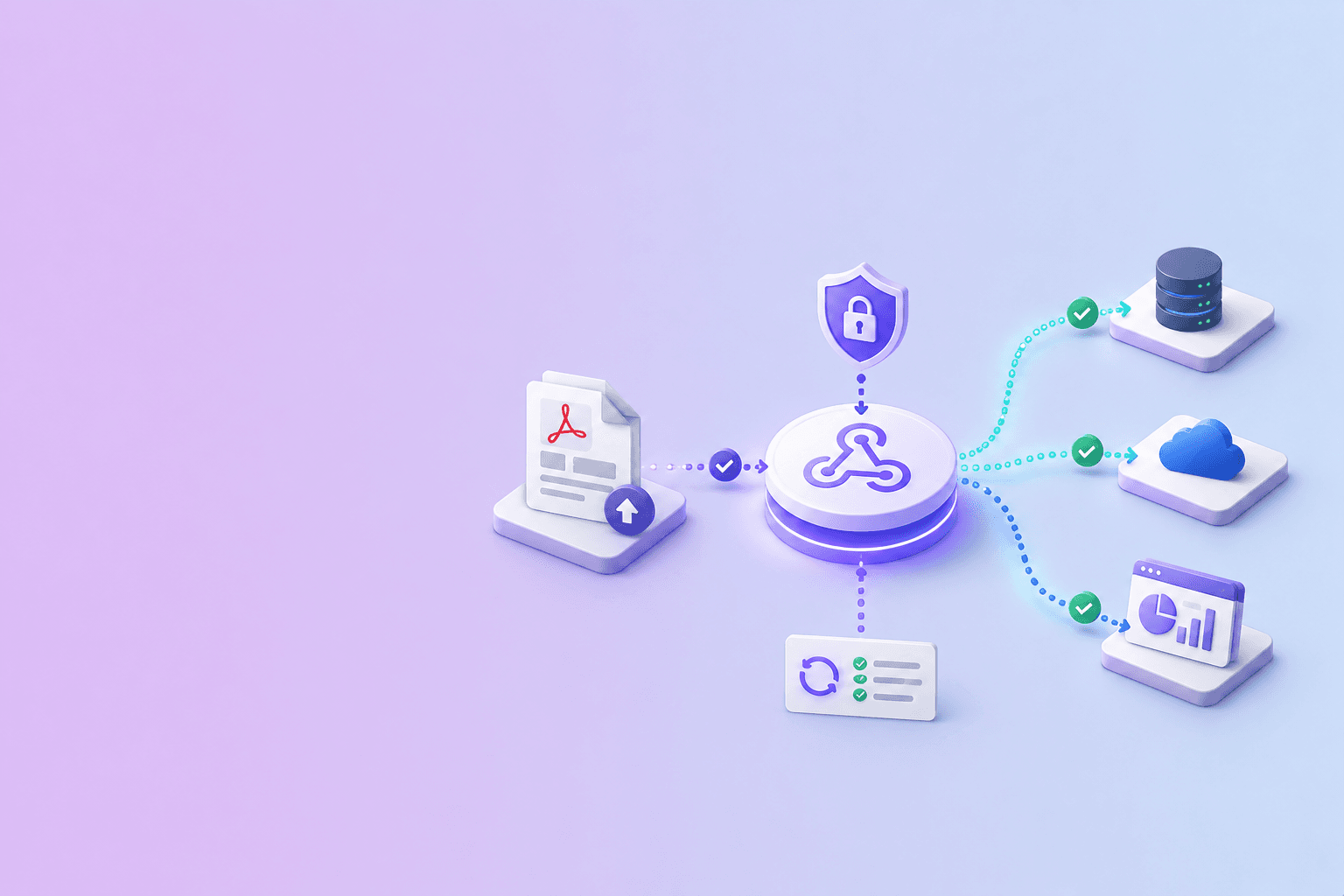
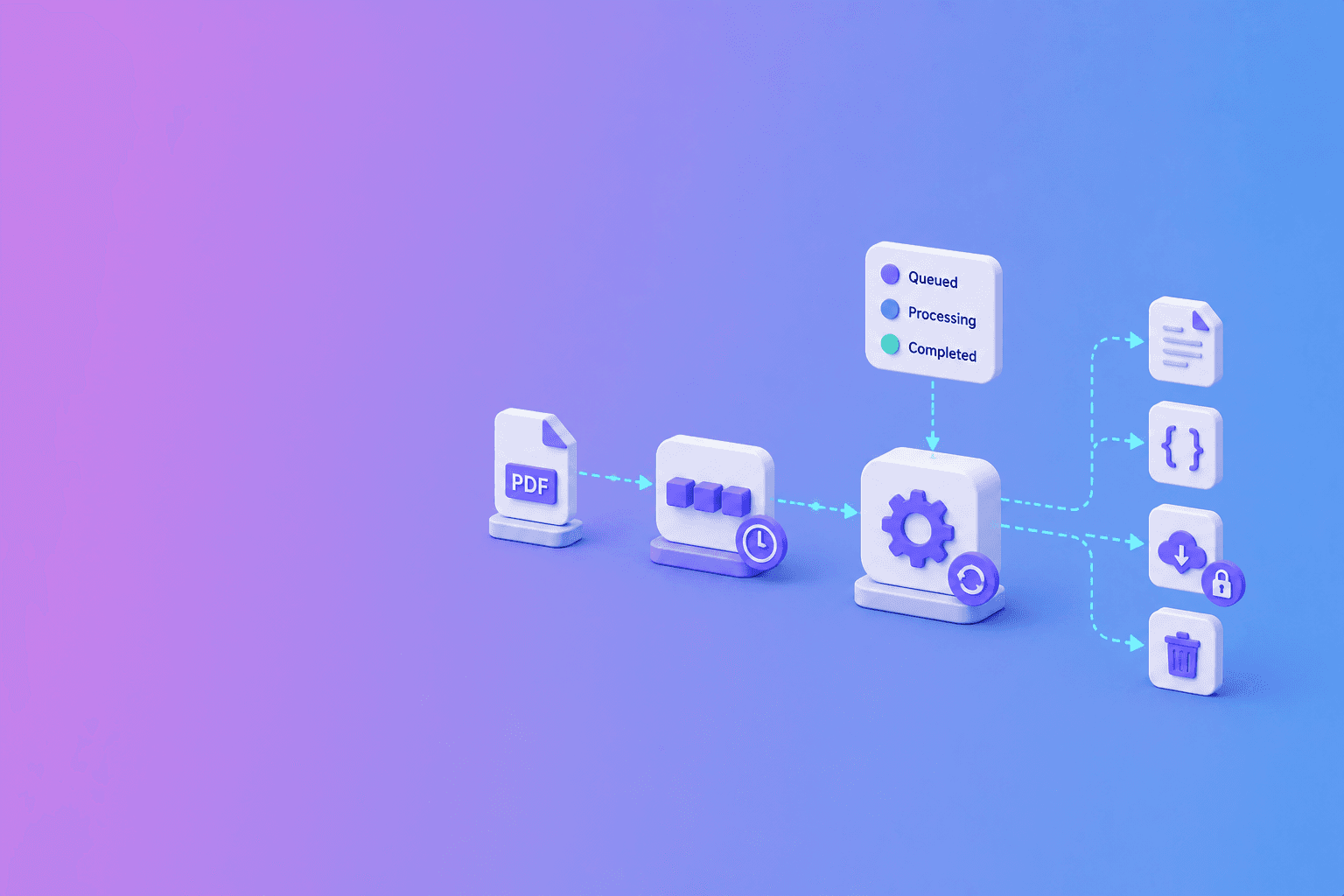
Build an async PDF parsing workflow around a job resource. The upload request validates the file and returns quickly with a job ID. A worker processes the PDF, the client polls or receives a webhook, and completed artifacts are delivered through an authenticated download route.
{
  "job_id": "job_01JX8Y5YJ2M2D8N1AQ5F7Q3KVT",
  "status": "queued",
  "status_url": "/api/v1/jobs/job_01JX8Y5YJ2M2D8N1AQ5F7Q3KVT",
  "created_at": "2026-07-06T10:30:00Z"
}
Why a single request is brittle
Parsing time changes with page count, scan quality, tables, and OCR. Holding one HTTP connection open makes clients vulnerable to proxy timeouts and gives the server fewer options for retries or backpressure.
A queue separates intake from heavy work. It also gives each state a clear meaning: queued, processing, completed, failed, or cancelled.
Design the job contract
The create response should return a stable job ID and status URL. Status responses need predictable states, timestamps, progress where reliable, and a structured error when processing fails.
Use an idempotency key on creation so a network retry does not enqueue the same document twice. The DocuShell API Hub shows the submit, poll, and download lifecycle used by its source-aware parsing API.
Poll politely or use a webhook
For an interactive screen, start polling after a short delay and back off between requests. Respect any server retry guidance. Stop when the job reaches a terminal state.
For backend automation, use a signed webhook and keep polling as a recovery option. The next guide, Polling vs Webhooks for PDF Jobs, explains the tradeoff.
Protect the output
Check ownership on status and download routes. Do not expose predictable public file URLs. Stream the result rather than creating a permanent document store by accident.
DocuShell removes generated files after download completion or interruption and runs a one-hour cleanup sweep as a fallback.
Operate the failure path
Return specific errors for invalid PDFs, plan limits, OCR requirements, and worker failures. Log the job ID and technical cause without logging document contents.
The happy path is easy. A production async workflow earns trust when duplicate requests, slow scans, abandoned downloads, and worker restarts behave predictably too.
Recommended state transitions
Define allowed transitions before implementation. A queued job may become processing, cancelled, or failed. A processing job may become completed, cancelled, or failed. Terminal states should not move backward because a late worker message arrives.
Record who requested cancellation and why a job failed. Keep progress informative but do not invent precise percentages for phases that cannot be measured reliably.
| Current state | Allowed next states | Must never happen |
|---|---|---|
| queued | processing, cancelled, failed | completed without worker evidence |
| processing | completed, cancelled, failed | return to queued after output write |
| completed | none | regenerate output under the same job silently |
| failed | none or explicit retry job | mutate after the client observed failure |
| cancelled | none | continue billing or artifact delivery |
Queue invariant: a terminal state is immutable. Late worker messages may be logged, but they must not rewrite a completed, failed, or cancelled result.
Set timeouts at the right layers
Use separate limits for upload, queue wait, processing, and download. A single global timeout makes it hard to distinguish a slow OCR job from a stalled worker.
Workers should renew leases or heartbeats during long processing. If a worker disappears, the queue can retry only when the operation and output writes are safe to repeat.
Example client recovery flow
After submission, store the job ID before updating the UI. If the browser reloads, resume from the status URL instead of uploading again. If creation timed out, retry with the same idempotency key.
For backend systems, store both the local operation ID and remote job ID. Reconcile non-terminal jobs on a schedule even when webhooks are enabled.
Production checklist
Verify file validation, plan limits, idempotency, ownership checks, retry caps, cancellation, structured errors, signed events, artifact expiry, and cleanup after stream interruption.
Read safe retries with idempotency keys, polling versus webhooks, and secure API download links as companion guides. The webhook automation guide covers downstream delivery patterns.
Frequently Asked Questions
Free Tool
PDF to JSON
Turn PDFs into structured, source-aware data for RAG, review, and automation.
Try PDF to JSONDocuShell Team
The DocuShell editorial group writes and maintains guides for everyday PDF workflows, with updates made when tool behavior or documented limits change. See our editorial standards for the process behind each article.
Focus: Queued document APIs and production PDF workflows
Questions or feedback? Get in touch.