Pick the notification model by consumer
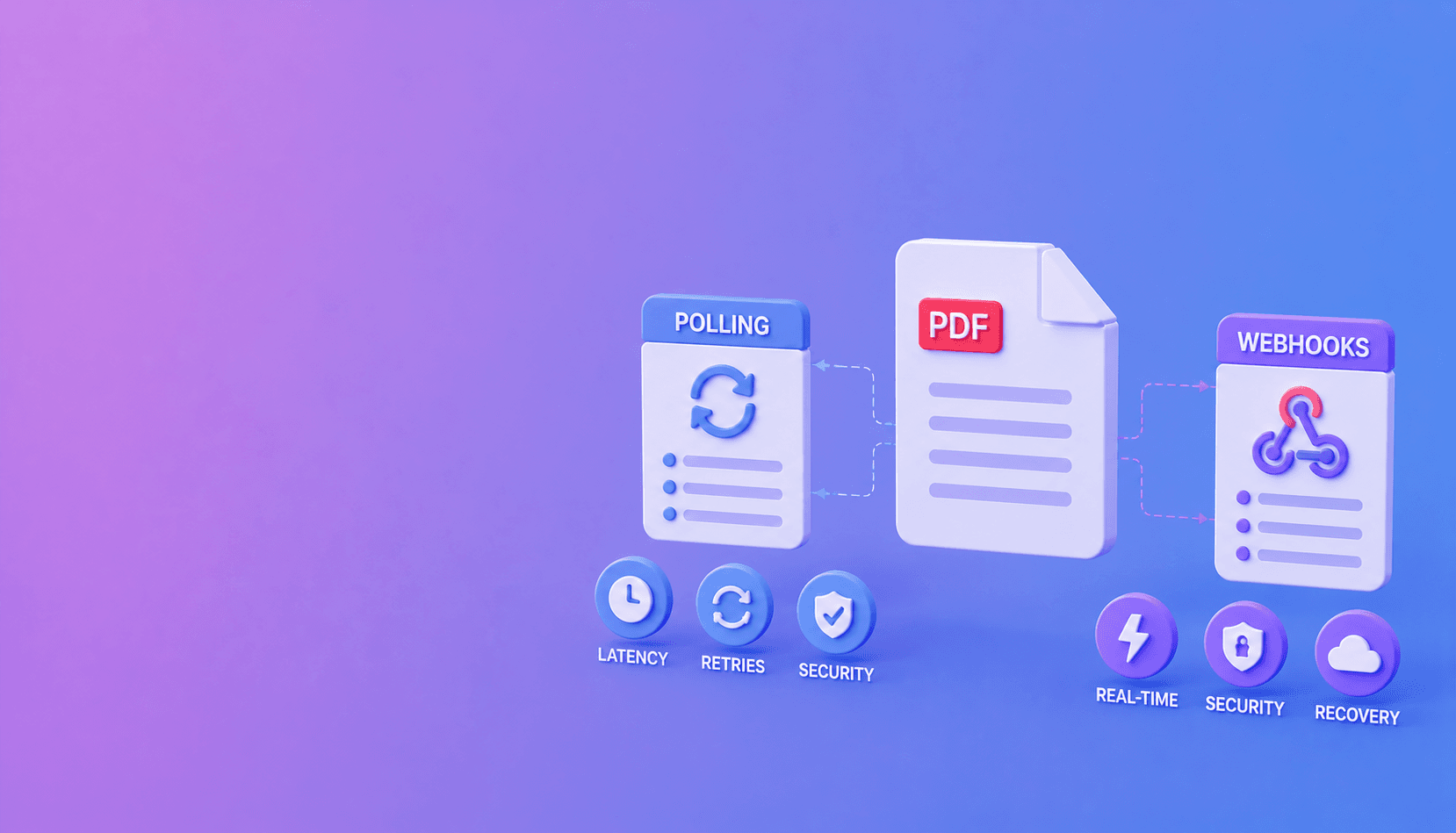
Use polling for browser interfaces and simple integrations. Use signed webhooks for backend workflows that should react as soon as a PDF job completes. For production systems, support both: the webhook is the notification, and polling is the recovery path.
Short answer: browsers usually poll; backend automation usually receives webhooks; high-value workflows use webhooks plus scheduled reconciliation.
Polling is simple and visible
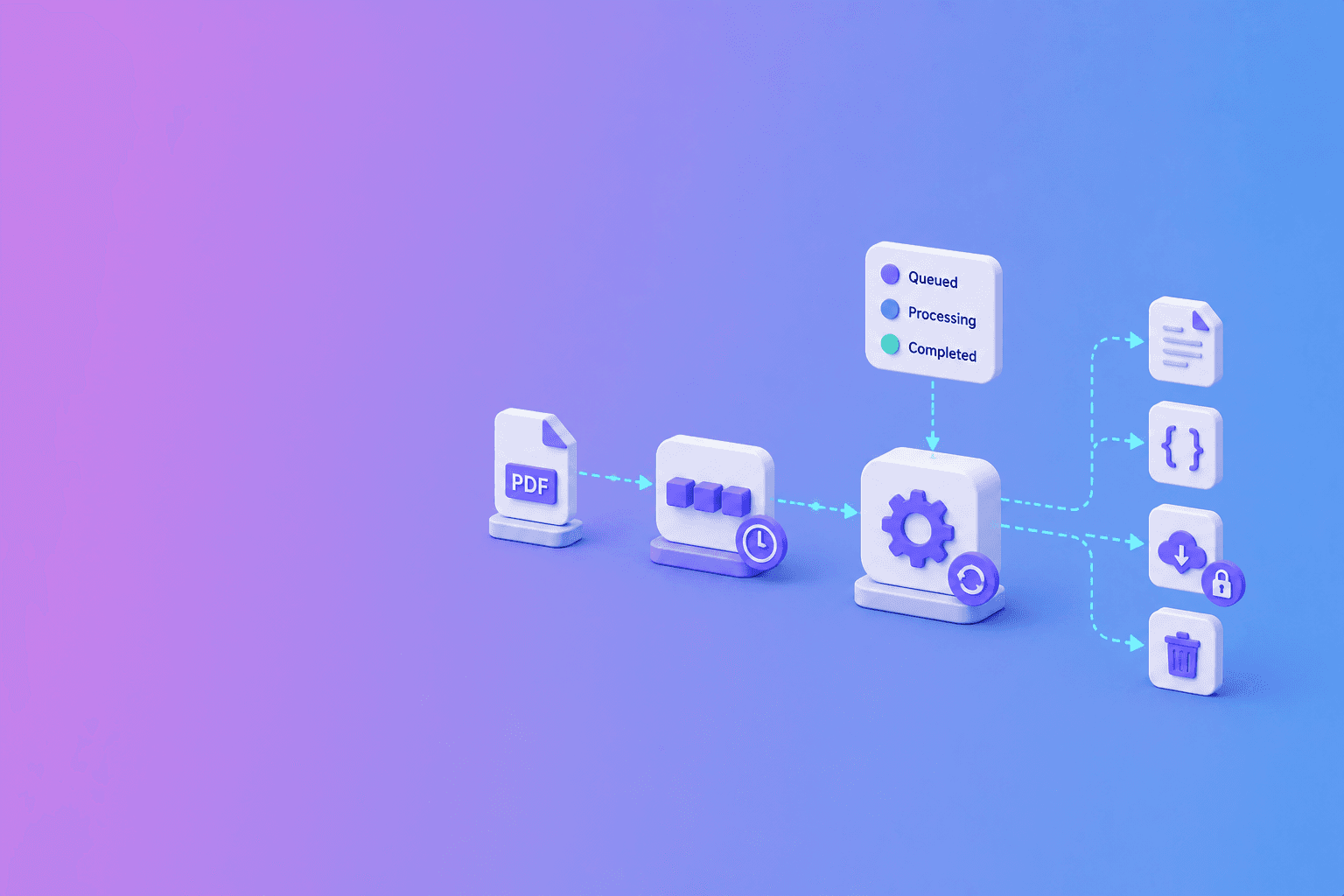
The client requests the job status until it reaches completed or failed. This works well when a user is waiting on a page because the browser already has the job ID and can show progress.
The downside is extra requests. Aggressive polling wastes capacity, while slow polling makes a completed job feel delayed.
Webhooks are efficient but operational
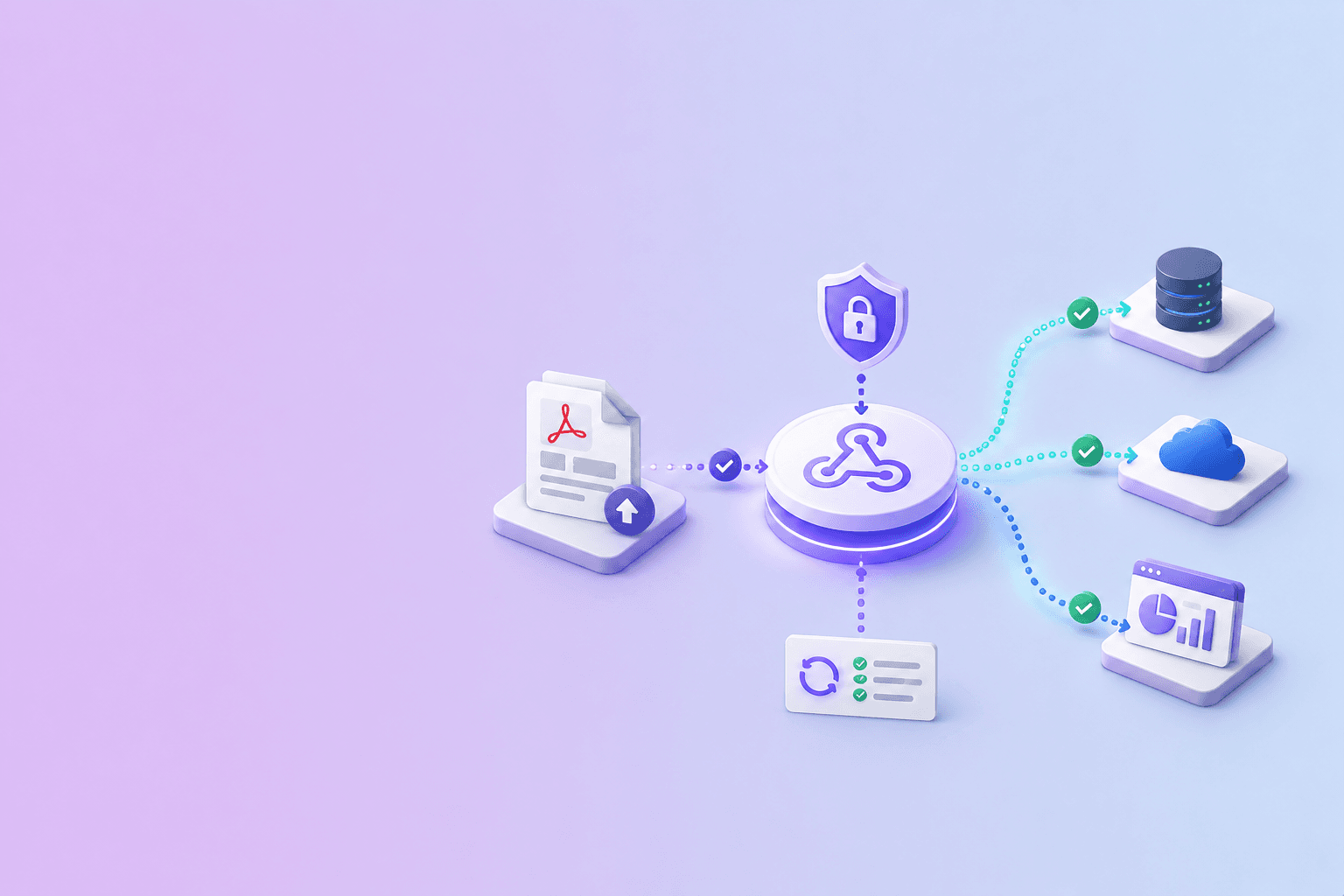
A webhook lets the processing service call your HTTPS endpoint when the job changes. It fits n8n, Zapier, Make, databases, and internal backends.
The receiver must verify the signature, return quickly, deduplicate retries, and handle temporary failure. It also needs a public HTTPS address.
DocuShell offers signed job events through its webhook integration.
Use the hybrid pattern
Store the job ID when creating the request. Listen for the webhook, then fetch the current job state from the API before taking an important action. If the webhook is delayed or lost, run a scheduled reconciliation that checks unfinished jobs.
This prevents a notification delivery problem from becoming a permanently stuck business workflow.
Choose by user experience
For a one-off tool, polling is usually enough. For a document pipeline that updates an ATS, CRM, vector database, or review queue, webhooks reduce latency and avoid constant status traffic.
Do not make either path responsible for granting access without checking the authoritative job state.
Keep the contract consistent
The job status shown by polling and the event sent by webhook should use the same IDs and terminal states. Document retry behavior and make every completion handler idempotent.
Polling asks, “Are you done?” Webhooks say, “Something changed.” Reliable systems know how to use both messages.
Decision matrix
| Situation | Better default | Why |
|---|---|---|
| User waiting in a browser | Polling | Simple lifecycle and visible recovery |
| Backend document pipeline | Webhook | Lower status traffic and faster reaction |
| Private network consumer | Polling | No public receiver is required |
| High-value automation | Both | Event delivery plus reconciliation |
| Short local operation | Neither | Return the result in the original request |
The job duration and consumer environment matter more than fashion. Do not add a webhook receiver to a workflow that cannot operate it safely.
Polling without waste
Return a recommended retry interval or Retry-After header. Add jitter so many clients do not poll at the same instant. Stop on completed, failed, or cancelled states and set a client-side deadline that is longer than one normal job.
If the deadline passes, show that the job is still running instead of treating uncertainty as failure and resubmitting the PDF.
let delayMs = 1500;
while (true) {
  const job = await fetchJob(jobId);
  if (["completed", "failed", "cancelled"].includes(job.status)) break;
  await new Promise(resolve => setTimeout(resolve, delayMs));
  delayMs = Math.min(Math.round(delayMs * 1.5), 10000);
}
The backoff reduces request pressure without making the interface feel abandoned. Add jitter when many clients may start together.
Webhooks without fragility
Verify the raw-body signature, reject stale events, store the event ID, and acknowledge quickly. Use a queue for downstream work. Fetch current job state before consequential actions.
Monitor delivery failure and keep a dead-letter or replay process. Do not rely on endless automatic retries.
For implementation details, read how to verify signed PDF API webhooks and how to build an async parsing workflow. If you use a visual automation tool, see the guides for n8n, Zapier, and Make.
Frequently Asked Questions
Free Tool
PDF to JSON
Turn PDFs into structured, source-aware data for RAG, review, and automation.
Try PDF to JSONDocuShell Team
The DocuShell editorial group writes and maintains guides for everyday PDF workflows, with updates made when tool behavior or documented limits change. See our editorial standards for the process behind each article.
Focus: Async APIs, webhook delivery, and document automation
Questions or feedback? Get in touch.