Reference architecture for n8n
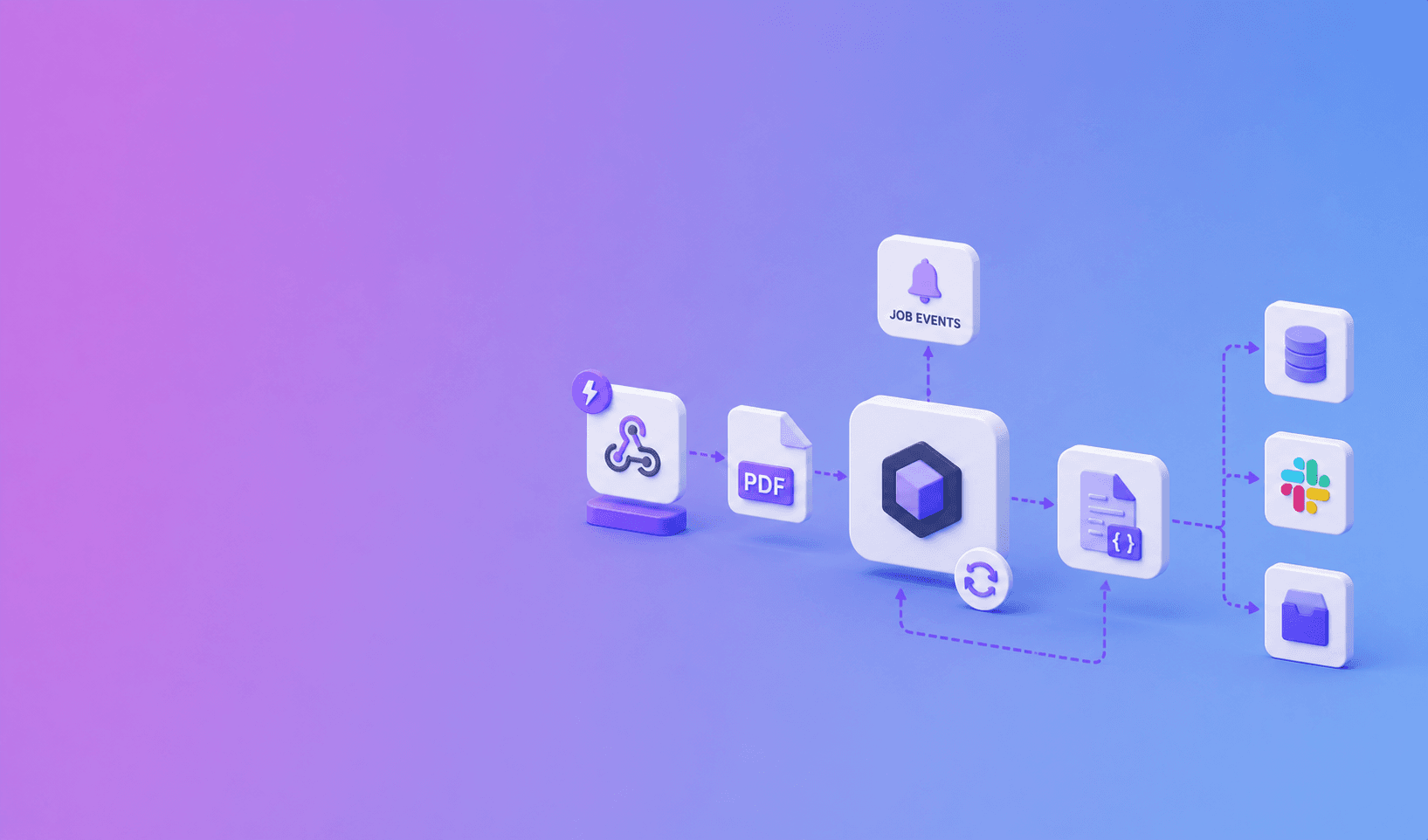
Automate PDF parsing with n8n by using an HTTP Request node to create a DocuShell parse job and a Webhook node to receive the signed completion event. After verification, fetch the finished JSON or Markdown and route it to your database, RAG pipeline, or review queue.
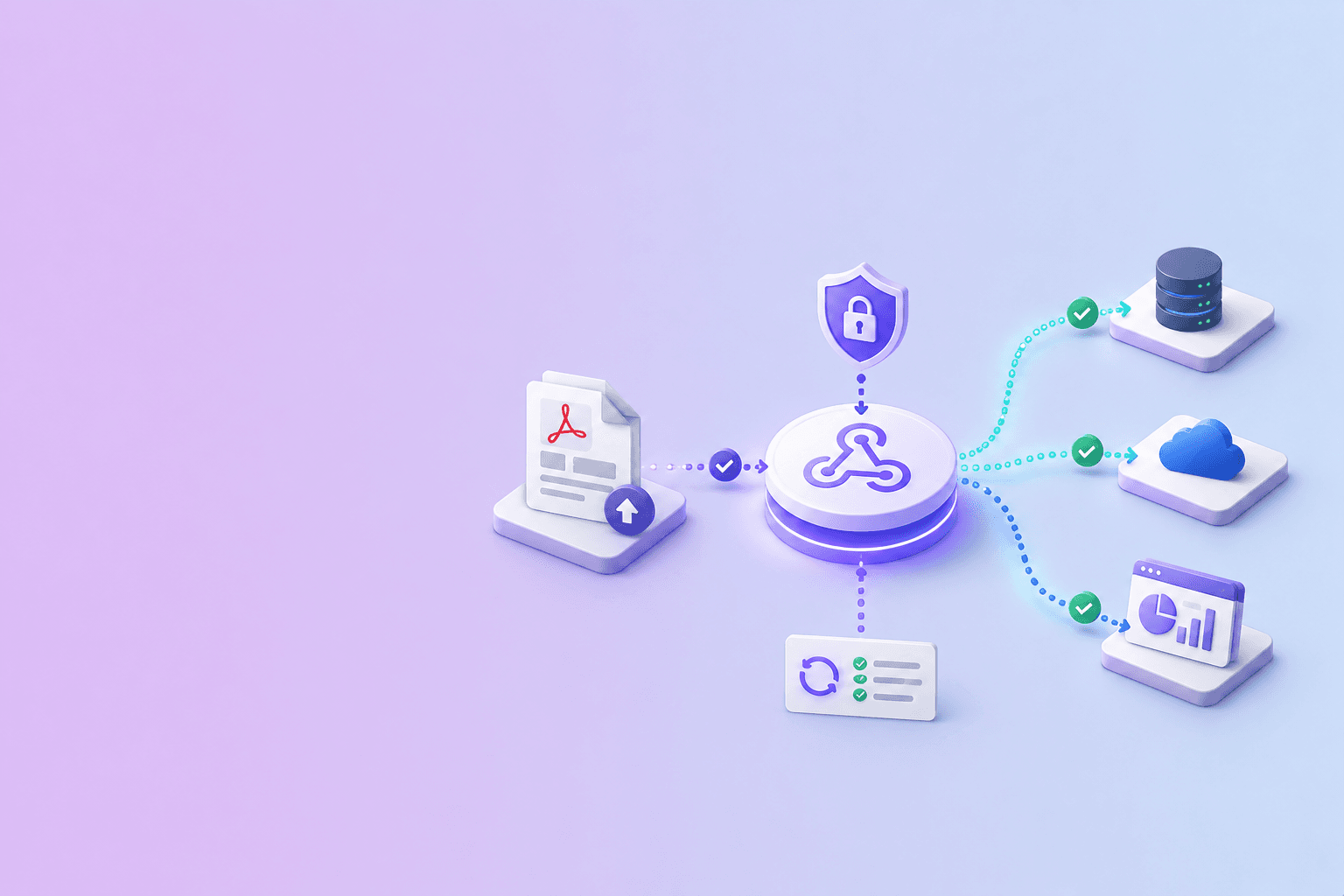
DocuShell event
  -> Webhook receiver
  -> Signature verification
  -> Event-ID dedupe
  -> Job status fetch
  -> Output validation
  -> Router
      -> database / RAG / review queue
      -> failure notification
Build the two-part flow
The submission workflow accepts a file or file reference, calls the parse API with an idempotency key, and stores the returned job ID.
The completion workflow starts at an n8n Webhook node. DocuShell supports this webhook-first path from its Integrations page.
Keep the event small
Treat the webhook as a notification, not the full document payload. Read the job ID and event type, verify the signature, then use an authenticated HTTP Request node to fetch current status and output.
This avoids pushing large documents through webhook bodies and lets your workflow confirm the authoritative state.
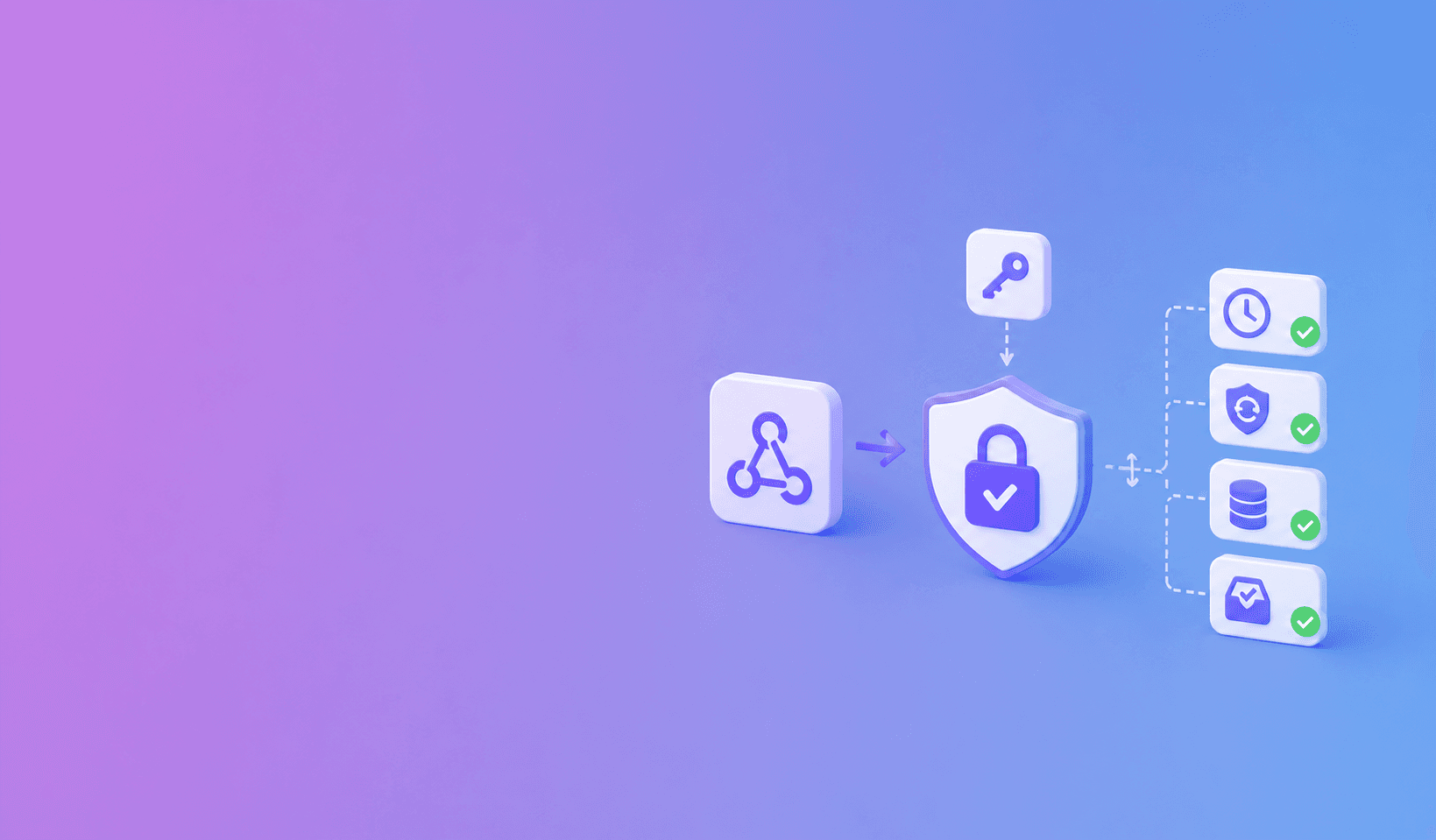
Verify before routing data
Signature verification needs the raw request body. If your n8n setup cannot verify raw bytes in the standard node path, place a small verification endpoint in front of the workflow and forward only trusted events.
Follow the controls in How Do I Verify Signed Webhooks from a PDF API?.
Make every step retry-safe
Store the event ID or job ID before writing to Airtable, a vector database, or an internal API. If the webhook is retried, the workflow should return success without creating a duplicate record.
Use n8n error workflows for temporary API failures and a scheduled reconciliation flow for jobs that never reached the completion branch.
Route by output type
Send Markdown to text-oriented RAG ingestion, JSON to structured processing, and exceptions to a human review queue. Keep source pages and coordinates with the data.
n8n is the conductor here. DocuShell handles document parsing; the workflow decides where verified output belongs next.
Suggested n8n node layout
A maintainable workflow separates receipt from processing:
- Webhook receives the event.
- Code or verification service checks authenticity.
- Data Store lookup deduplicates the event ID.
- Switch routes completed and failed jobs.
- HTTP Request fetches current job status and output.
- Validation checks required fields.
- Destination node upserts the record.
- Error workflow records a safe operational failure.
Keep API credentials in n8n credentials, not in Set nodes or exported workflow JSON.
| Node | Responsibility | Data it should retain |
|---|---|---|
| Webhook | Receive event | Raw body and signature headers |
| Verification step | Authenticate sender | Event ID and verification result |
| Data Store | Deduplicate | Event ID, job ID, processed time |
| HTTP Request | Fetch authoritative job | Status and approved artifact |
| Code or Set | Map fields | Minimal normalized payload |
| Switch | Route result | Completed, failed, review-needed |
| Destination | Upsert | Stable source or job key |
n8n retention warning: execution history can become an unintended document store. Minimize full payloads and configure retention for the sensitivity of the workflow.
Example: contract review intake
When a contract parse completes, fetch the Markdown and structured JSON. Store the source metadata, send the document ID to a review queue, and notify the assigned reviewer. Do not send the full agreement into chat notifications.
If the destination is a vector database, preserve page and bounding-box metadata with each chunk. The PDF chunking guide explains why.
Self-hosted security considerations
Restrict access to n8n, encrypt stored credentials, control execution-data retention, and avoid saving full document payloads in run history. Review community nodes before installing them.
Use separate workflows or credentials for test and production. Test with synthetic documents rather than copied customer files.
For the webhook boundary, use the signed webhook verification guide. For duplicate protection, follow idempotent PDF API retry design. If Airtable is the destination, continue with sending parsed PDF data to Airtable.
Frequently Asked Questions
Free Tool
PDF to JSON
Turn PDFs into structured, source-aware data for RAG, review, and automation.
Try PDF to JSONDocuShell Team
The DocuShell editorial group writes and maintains guides for everyday PDF workflows, with updates made when tool behavior or documented limits change. See our editorial standards for the process behind each article.
Focus: Webhook-first PDF automation and n8n workflow design
Questions or feedback? Get in touch.