Verify before JSON parsing or side effects
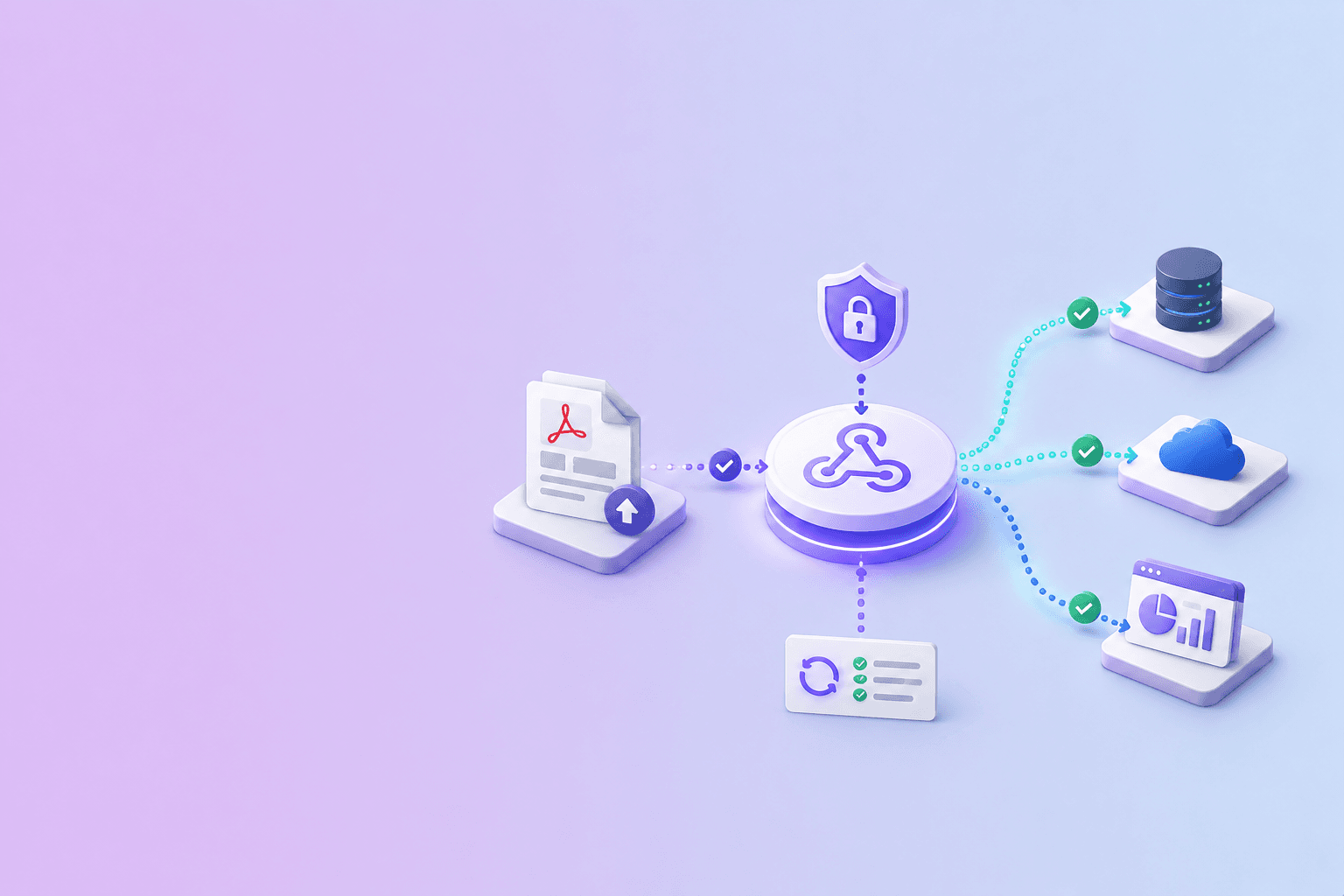
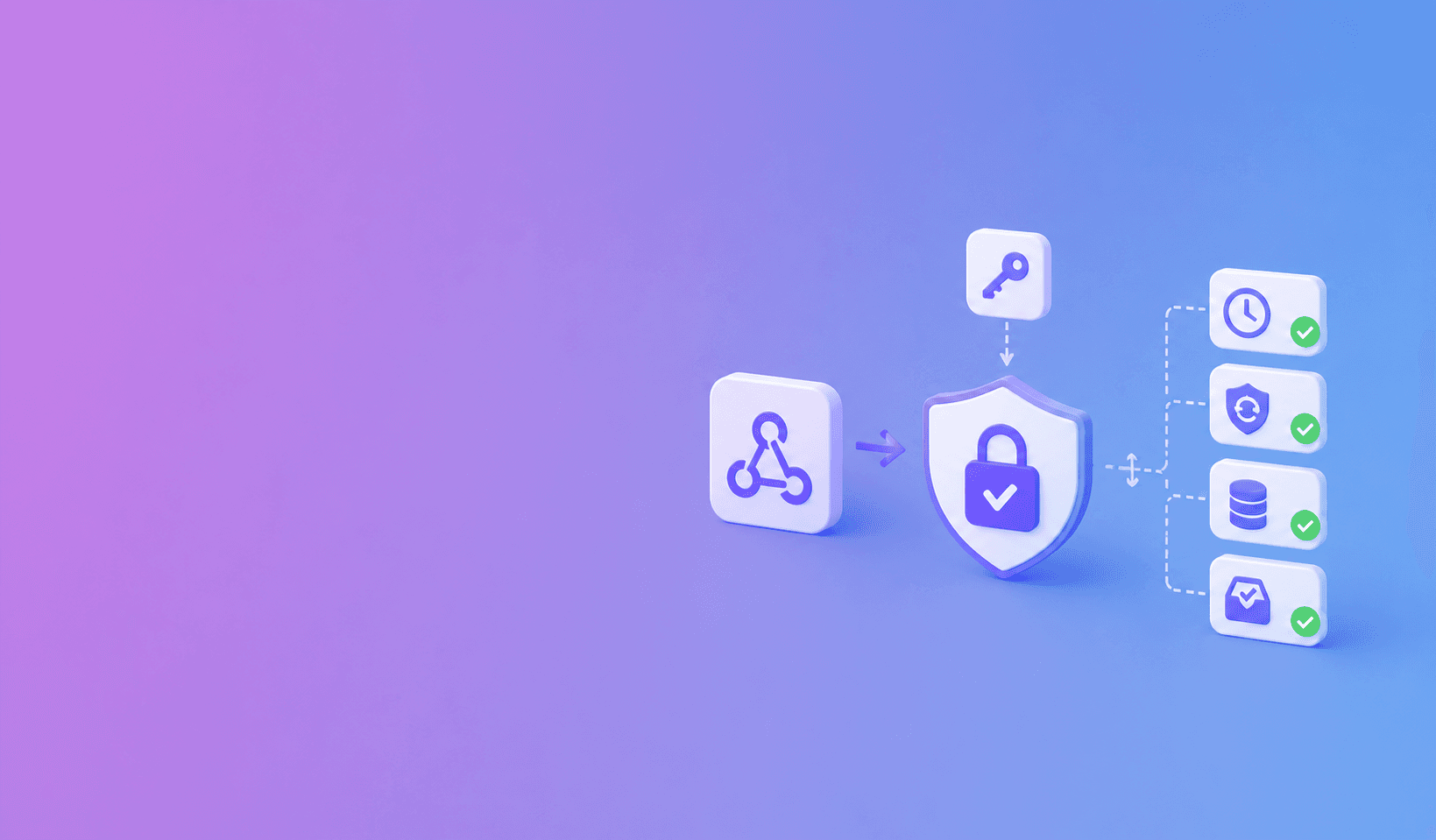
Verify a signed PDF API webhook before parsing or acting on it. Use the raw request bytes, the provided timestamp, and your webhook secret to compute the expected HMAC. Compare signatures in constant time, reject stale timestamps, and process each event ID only once.
import crypto from "node:crypto";

function verifyWebhook(rawBody, timestamp, received, secret) {
  const signed = `${timestamp}.${rawBody.toString("utf8")}`;
  const expected = crypto.createHmac("sha256", secret).update(signed).digest("hex");
  const left = Buffer.from(expected, "hex");
  const right = Buffer.from(received, "hex");
  return left.length === right.length && crypto.timingSafeEqual(left, right);
}
Use the exact signing format documented by the provider. The example shows the control flow, not a universal header contract.
Preserve the raw body
Many frameworks parse JSON automatically. That is convenient for application code but risky for signature verification because the signature covers the exact bytes sent.
Configure the webhook route to capture raw bytes. Verify first. Parse JSON only after the signature passes.
Check freshness and replay
A valid signature does not prove the event is new. Enforce a short timestamp window and store event IDs or replay nonces. Reject an ID that has already been accepted.
The DocuShell webhook integration uses signed delivery with timestamp and replay controls for document events.
Compare safely
Decode the received and expected signatures into byte arrays. Confirm the lengths match, then use a constant-time comparison function supplied by your runtime.
Never log the secret or full signature material. Support secret rotation by accepting the active and previous secret for a limited overlap.
Acknowledge quickly
After verification and deduplication, persist the event and return a successful response. Move slower work to a queue. A webhook endpoint that waits for a long AI or database task invites retries.
Assume at-least-once delivery. Every side effect should be safe if the same event appears again.
Reconcile important state
For a consequential action, use the job ID from the event to fetch the authoritative status from the API. This protects the workflow from stale events and keeps entitlement or access decisions tied to current server state.
A webhook is trustworthy when its identity, freshness, and meaning are all checked. Signature verification covers only the first part.
Define the signed message precisely
The provider documentation should state how the timestamp and raw body are combined, which algorithm is used, and how the signature header is encoded. Do not guess or sign a parsed object.
Keep the receiver's clock synchronized. A replay window is only useful when both sides agree on time.
Secret rotation without downtime
Create a new secret, begin signing with it, and allow the receiver to verify against the new and previous secrets during a short overlap. Record which key version passed verification.
Remove the old secret after the delivery window closes. Never send webhook secrets back in event payloads or expose them in client-side configuration.
Safe event processing order
The receiver should:
- Read the raw bytes and headers.
- Validate timestamp and signature.
- Parse and validate the event schema.
- Reserve the event ID in a deduplication store.
- Persist minimal event metadata.
- Acknowledge and process downstream work asynchronously.
If processing fails after acknowledgement, retry from your own queue instead of asking the sender to repeat delivery indefinitely.
Tests that catch real mistakes
Test a modified body, wrong secret, stale timestamp, missing header, malformed JSON, unknown event type, duplicate event, rotated secret, and body-parser configuration change. Confirm failed events produce no side effects.
| Test | Expected result | Side effects allowed? |
|---|---|---|
| Valid signature and fresh timestamp | Accept and reserve event ID | Yes, once |
| One-byte body change | Reject | No |
| Valid signature, stale timestamp | Reject as replay risk | No |
| Duplicate event ID | Acknowledge without repeating work | No new effect |
| Previous rotation key in overlap | Accept and record key version | Yes, once |
| Unknown event schema | Reject or quarantine | No business effect |
Operational gotcha: if framework middleware parses JSON before the webhook route captures raw bytes, correct signatures can fail even though the payload looks identical when logged.
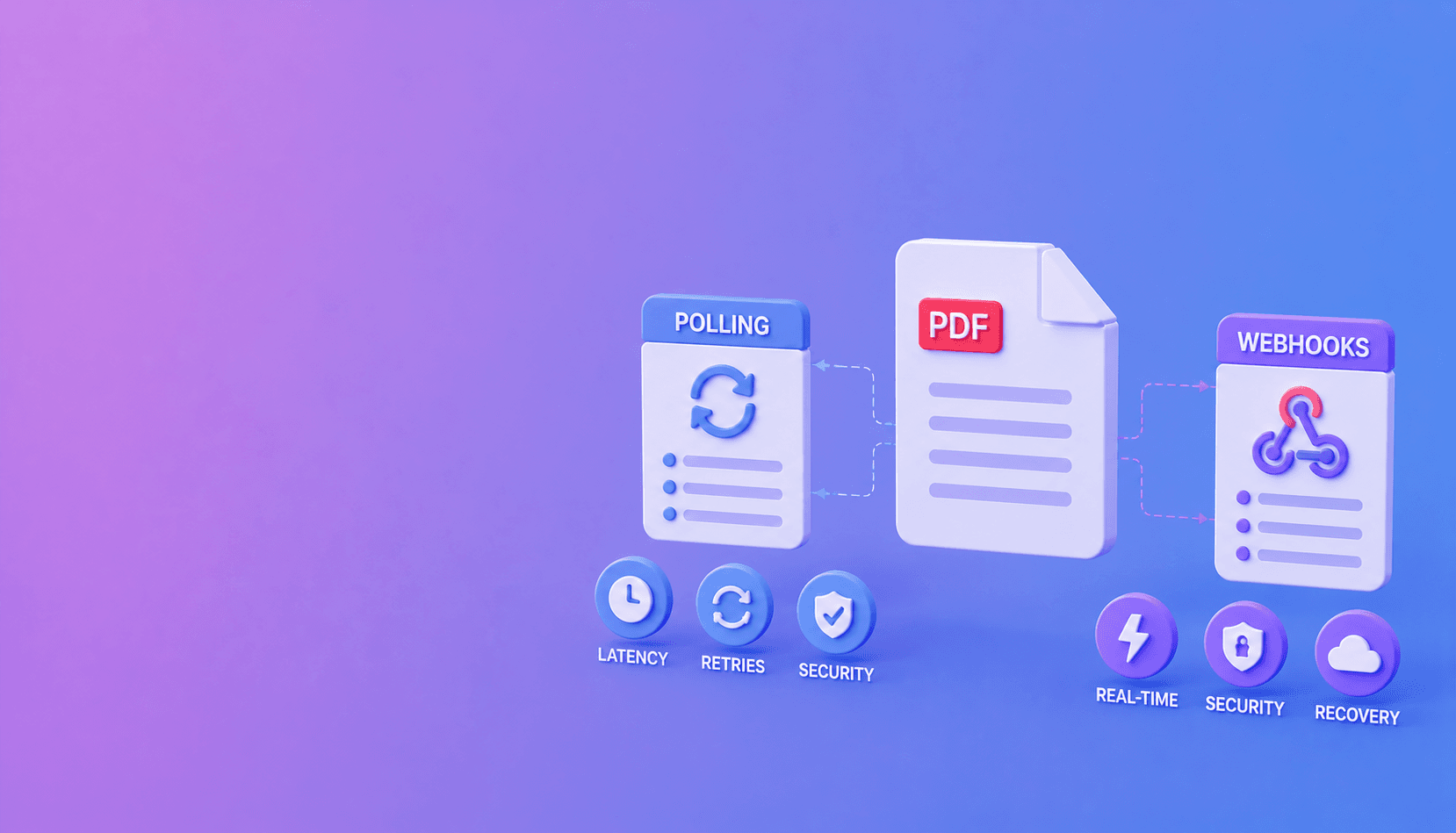
Use polling as a recovery path, protect job creation with idempotency keys, and follow DocuShell's webhook integration guide. For automation destinations, continue with n8n PDF parsing.
Frequently Asked Questions
Free Tool
PDF to JSON
Turn PDFs into structured, source-aware data for RAG, review, and automation.
Try PDF to JSONDocuShell Team
The DocuShell editorial group writes and maintains guides for everyday PDF workflows, with updates made when tool behavior or documented limits change. See our editorial standards for the process behind each article.
Focus: Webhook security and document automation APIs
Questions or feedback? Get in touch.