Direct answer
Build an internal developer portal around the tasks engineers repeat: finding a service owner, starting a new service, understanding an API, deploying safely, debugging an incident, and locating the current runbook.
Start with a trustworthy catalog and documentation graph. Add workflows and AI search after the underlying ownership, permissions, and source links are correct.
Define the portal’s jobs
Avoid building a homepage full of links without a clear user outcome. Choose a short list of high-value tasks:
- find who owns a service;
- create a service from an approved template;
- locate API and event contracts;
- find deployment and rollback instructions;
- inspect dependencies and environments;
- open the current incident or runbook;
- request access or an operational change.
Each task should have a visible starting point, prerequisites, expected result, and escalation path.
Build the service catalog
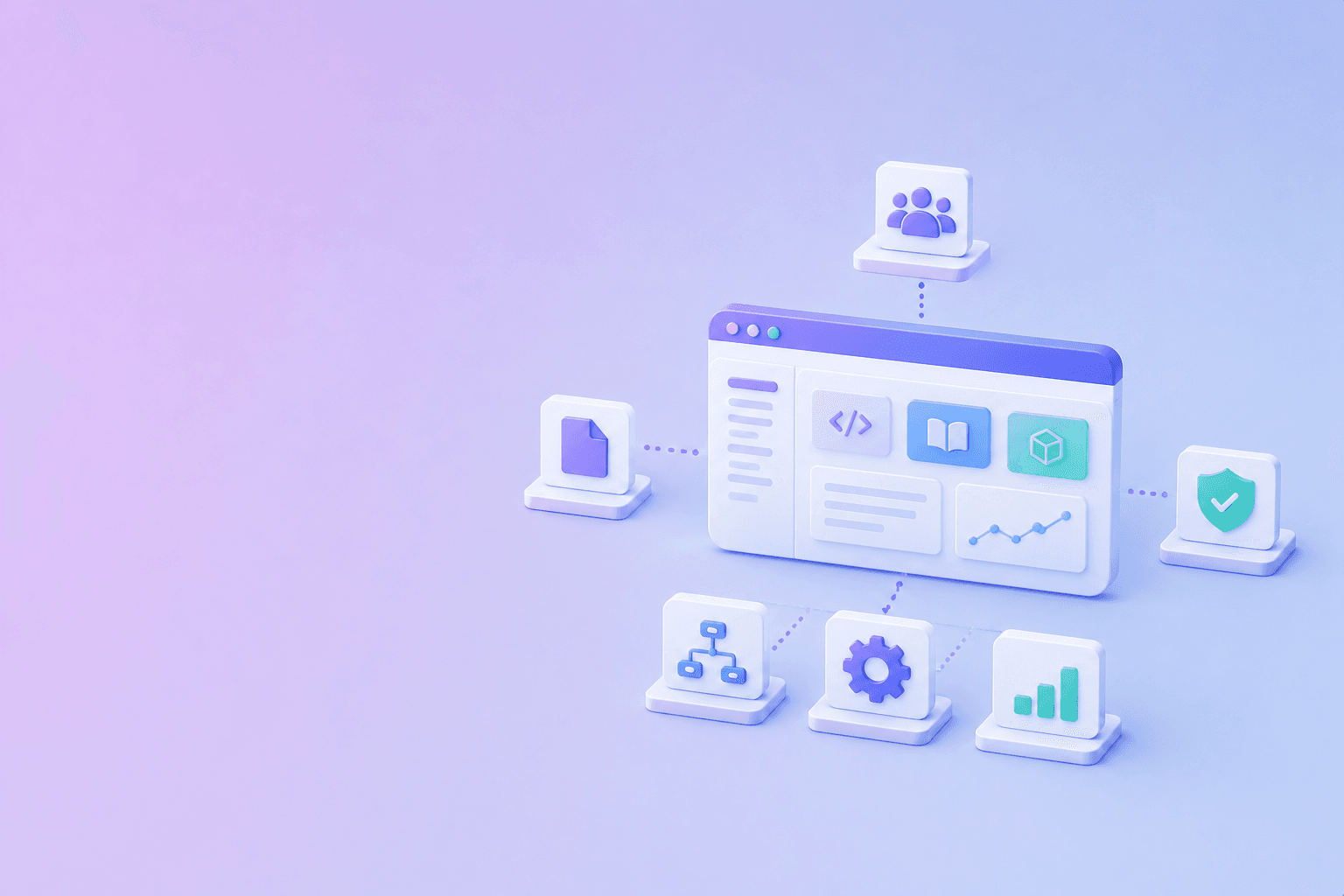
A service catalog is the portal’s identity layer. For every service, capture:
- name and description;
- owning team and escalation contact;
- repository;
- production and non-production environments;
- dependencies and consumers;
- API or event contracts;
- runbooks;
- lifecycle status;
- last reviewed date.
Do not create a catalog that nobody owns. Let teams update metadata through Git, an approved editor, or an automated source, but keep the source of truth visible.
Connect documentation to the catalog
The portal should link each service to the documentation needed to operate it:
- overview and architecture;
- local development;
- API reference;
- configuration;
- deployment;
- observability;
- incident response;
- security and data handling;
- deprecation and migration notes.
Use the developer documentation organization guide for page types and navigation. Use Docs-as-Code when technical reference should be versioned with the service.
Add self-service workflows carefully
Self-service is valuable when the portal can enforce guardrails. Examples include creating a repository from a reviewed template, requesting a database or queue, registering an API, creating a deployment environment, opening an access request, or generating an ownership file.
Make the workflow show permissions, cost, defaults, and rollback. “One click” should not mean “no review.”
Make search work across sources
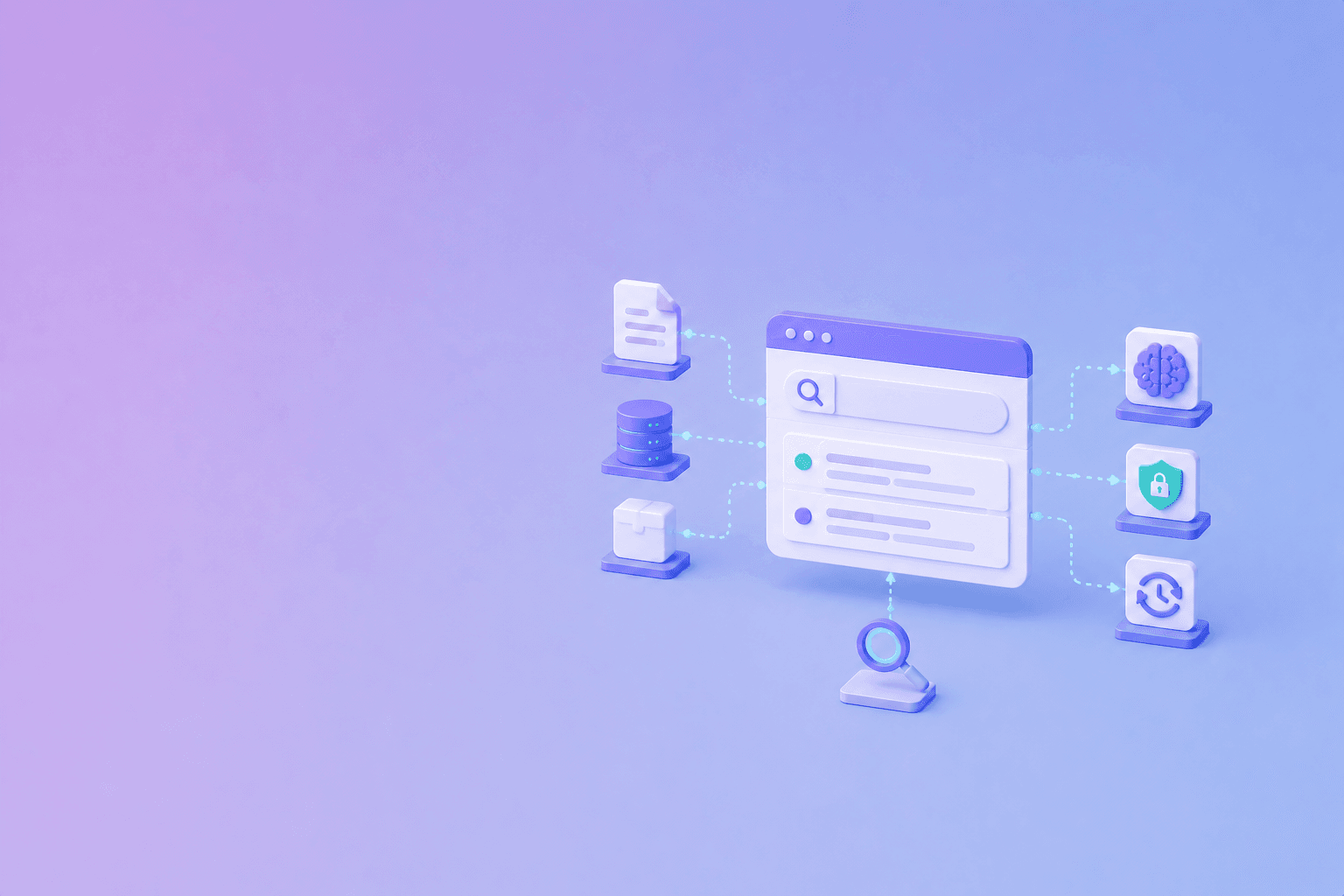
Portal search often spans repositories, pages, API schemas, runbooks, tickets, and PDFs. Normalize sources while preserving type, owner, version, and visibility.
For document-heavy teams, structured PDF to JSON extraction can prepare manuals and policies for search. For an AI-searchable portal, see the portal architecture guide.
Use keyword search for exact service names and errors, semantic search for natural-language questions, and filters for team, environment, version, and access.
Keep security and permissions explicit
Internal content is not universally visible. Separate public internal guidance from restricted incident details, security findings, customer data, credentials, and privileged procedures.
Enforce access before search results reach the user or an AI model. Log access to sensitive content and define what happens when ownership or team membership changes.
Add AI only after the sources are ready
AI can summarize a runbook, explain an API, or help find a service owner. It should return the source sections used and say when the portal lacks an answer.
Do not let AI silently create or change operational instructions. Route proposed edits through review, and evaluate answers with real onboarding and incident questions. How to prevent AI hallucinations covers the evidence boundary.
Measure developer friction
Track:
- time to find a service owner;
- time to first successful local run;
- onboarding completion;
- failed searches;
- repeated support questions;
- stale pages;
- broken links;
- workflow abandonment;
- runbook usage during incidents.
Use these signals to prioritize improvements. A portal with many integrations is not necessarily useful if users still ask where the current instructions live.
Choose a sustainable operating model
Assign ownership for the portal platform, service catalog, documentation standards, search, and security. Define how teams report stale content and how platform changes are reviewed.
The best internal documentation practices guide covers review and retirement. The portal should make those practices easier to follow, not add another place where stale pages accumulate.
Conclusion
Build an internal developer portal as a map of owned services, current documentation, safe workflows, and operational context. Start with service identity and source links, then add automation and AI search where they reduce real developer friction. Accuracy, permissions, and ownership matter more than the number of integrations.
Frequently Asked Questions
Free Tool
PDF to JSON
Turn PDFs into structured, source-aware data for RAG, review, and automation.
Try PDF to JSONDocuShell Team
The DocuShell editorial group writes and maintains guides for everyday PDF workflows, with updates made when tool behavior or documented limits change. See our editorial standards for the process behind each article.
Focus: Internal developer portals, documentation architecture, developer experience, and source-aware search
Questions or feedback? Get in touch.