Direct answer
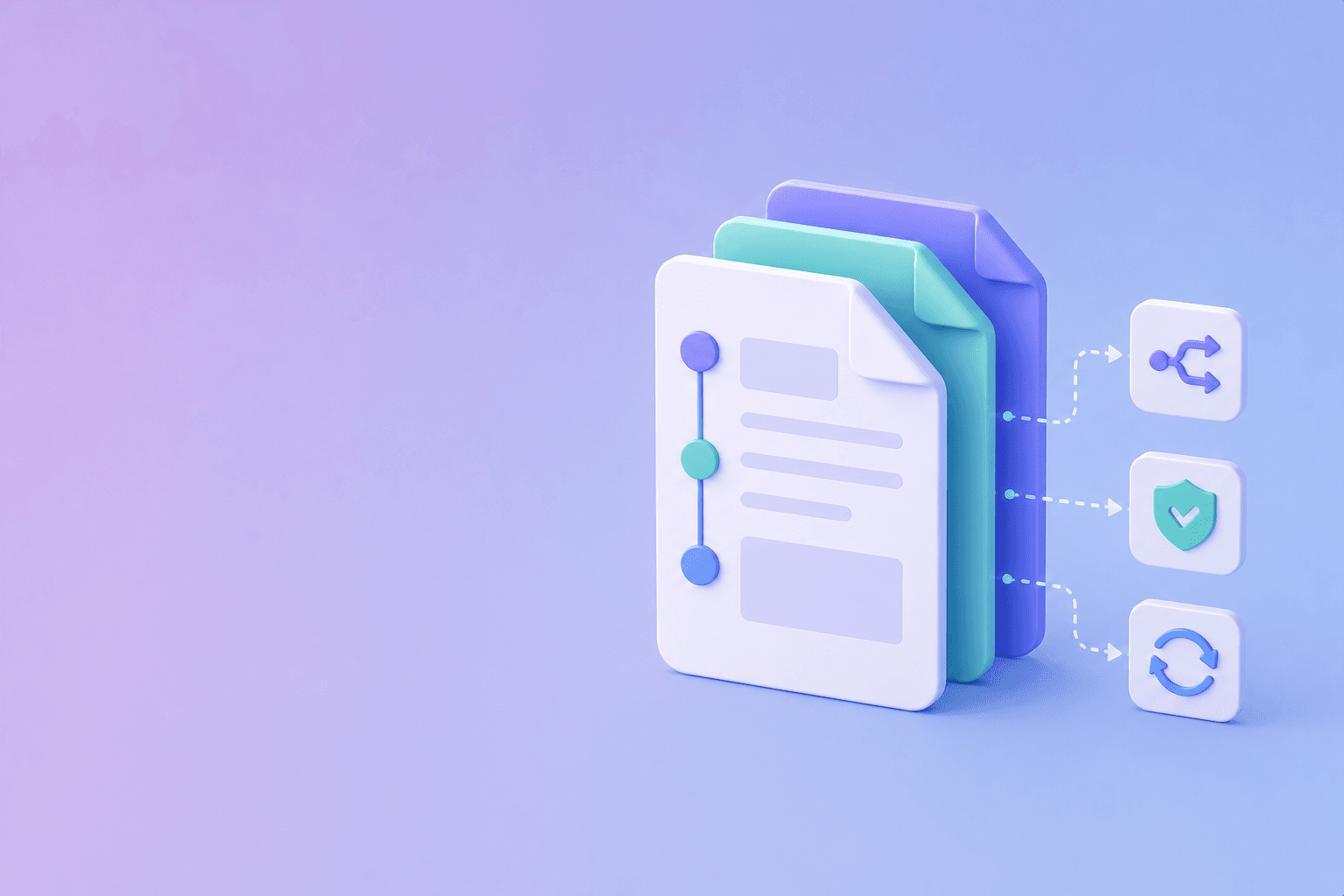
Docs-as-Code is a documentation workflow that uses software practices for content:
- source files live in version control;
- changes are reviewed;
- builds produce previews or published output;
- links and examples are tested;
- releases can update documentation with the product;
- ownership and history are visible.
Markdown is common, but Docs-as-Code is not a file format. It is an operating model.
Why teams use it
Docs-as-Code reduces the distance between product changes and documentation changes. A developer changing an API can update the reference and example in the same pull request. A reviewer can inspect the exact diff. CI can catch broken links before publication.
It also provides an audit trail: who changed the page, what changed, when it changed, which review approved it, and which build published it.
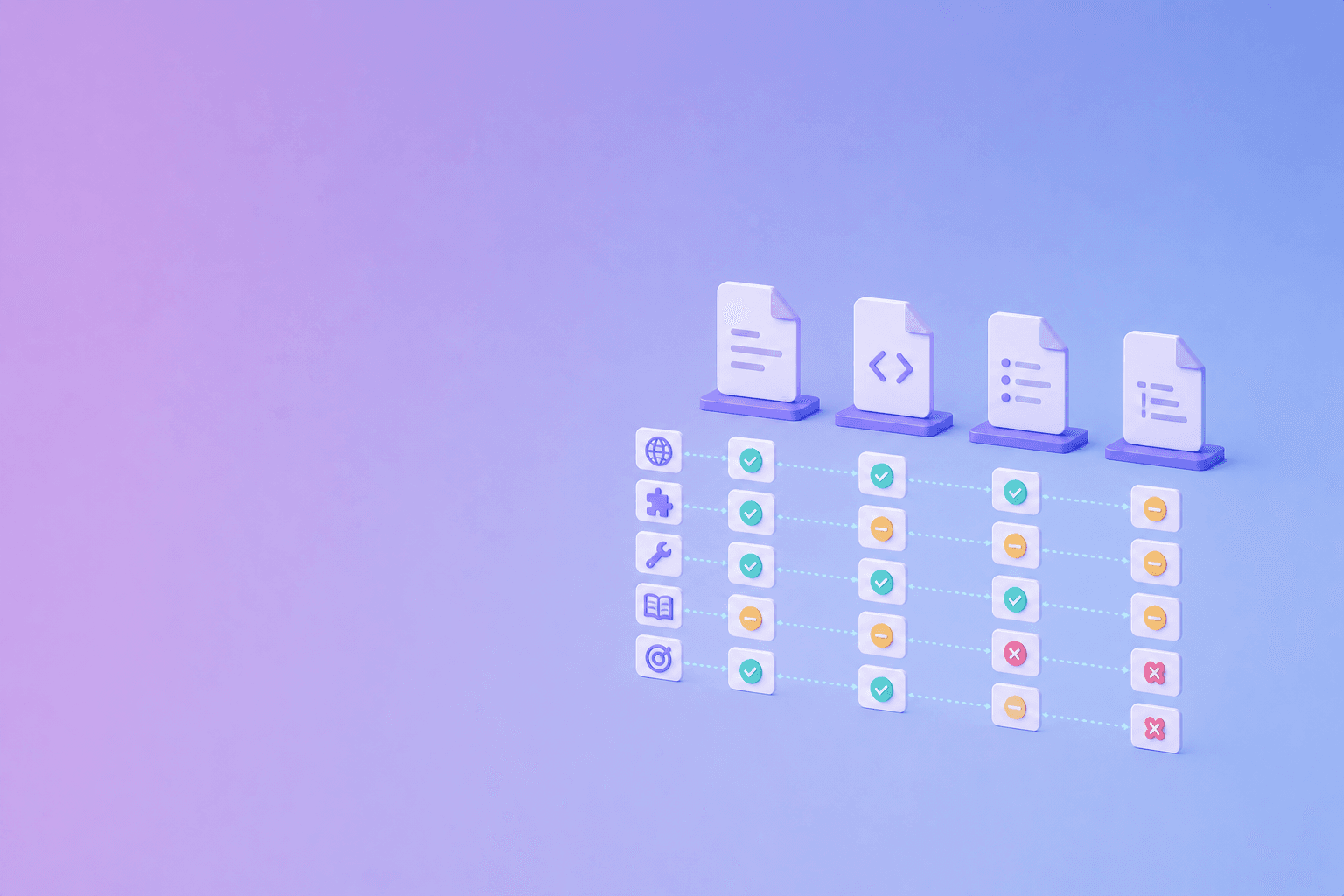
For current format and platform tradeoffs, compare Markdown, MDX, AsciiDoc, and reStructuredText.
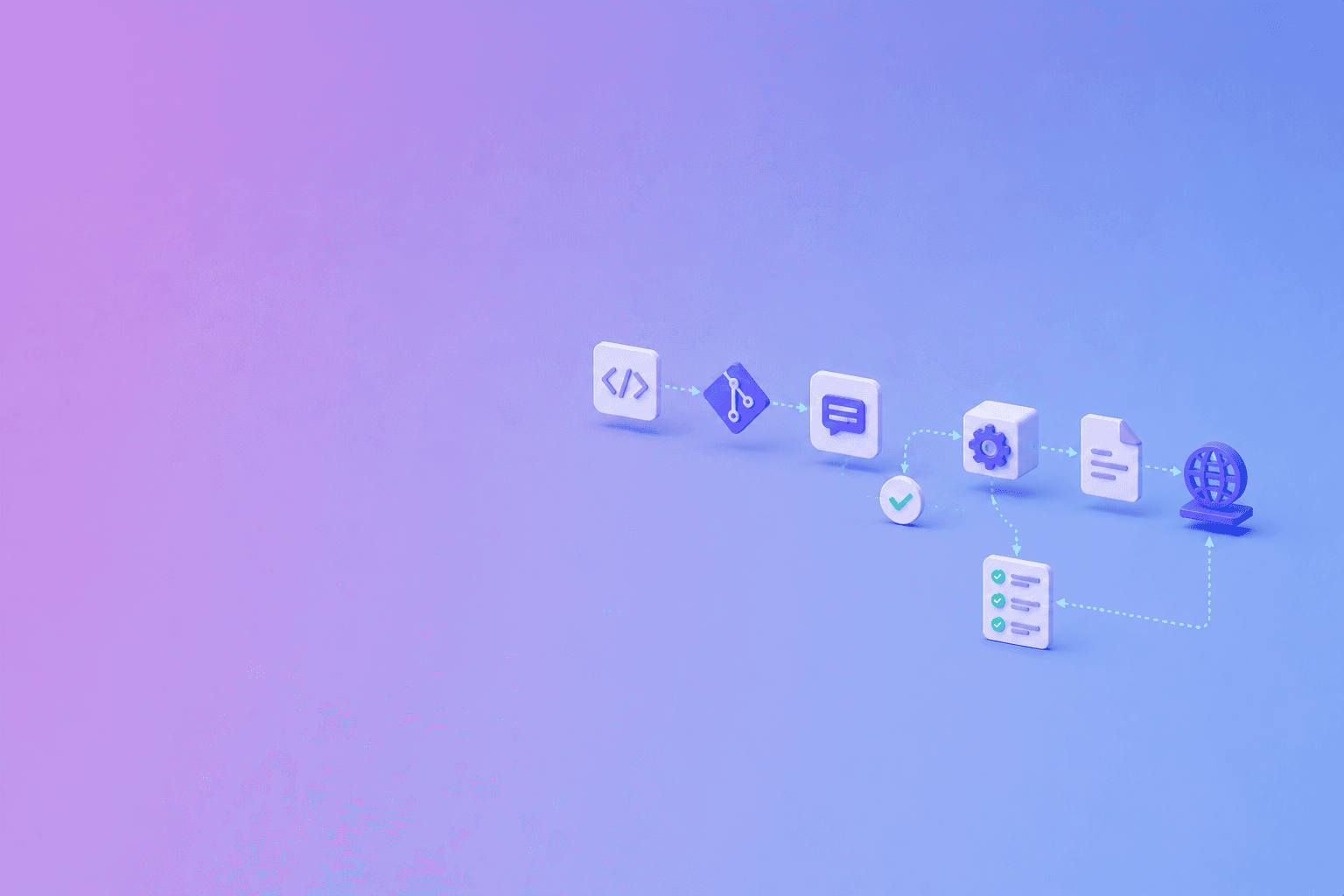
A typical workflow
Edit source
  -> open pull request
  -> preview build
  -> run link and content checks
  -> review
  -> merge
  -> deploy
A repository may contain Markdown, MDX, OpenAPI files, images, examples, scripts, and configuration. The build converts those sources into a documentation site.
What belongs in the pipeline
Automate deterministic checks:
- Markdown and frontmatter validation;
- broken links and anchors;
- duplicate headings;
- code formatting;
- OpenAPI schema validation;
- example tests;
- spelling and terminology checks;
- accessibility checks;
- secret scanning;
- preview builds.
Use human review for decisions that require context: whether a claim is accurate, whether a breaking change is explained, whether the audience can follow the page, whether security or policy details are safe to publish, and whether the source is authoritative.
Git review is a content affordance
A pull request should make a documentation change easy to understand. Use focused commits and descriptive titles. Link the documentation change to the product issue or code change when appropriate.
Reviewers should ask:
- Does the page answer the user’s question?
- Are examples complete and current?
- Are version and limits explicit?
- Are links stable?
- Does the change remove a caveat or exception?
- Does the change need a migration note?
Docs-as-Code versus a visual editor
Docs-as-Code is strong when developers contribute frequently, content must be versioned with releases, reproducible builds matter, code examples can be tested, and Git permissions already exist.
A visual editor may be stronger when subject-matter experts edit frequently, non-technical contributors need fast publishing, content changes are not tied to software releases, or permissions and approvals are easier in the platform.
A hybrid model can work: technical reference in Git, collaborative knowledge in a hosted system, and a source-aware ingestion layer for PDFs and other documents.
Common failure modes
Treating Markdown as the whole system
A folder of Markdown files without owners, tests, or navigation is not a maintained Docs-as-Code workflow.
Making every change developer-only
Technical review is valuable, but writers and subject-matter experts should be able to contribute through a clear process.
Publishing without previews
A broken build, missing image, or incorrect link should be visible before merge.
Ignoring source documents
If policies, manuals, or contracts enter the documentation corpus, parse and preserve their structure. DocuShell’s PDF to JSON workflow can be part of that ingestion boundary.
Conclusion
Docs-as-Code means content has a versioned source, a reviewable change, a reproducible build, and a maintenance owner. It is a strong fit for developer documentation when it improves accuracy and collaboration. Choose the workflow that keeps the people who know the content involved in the review.
Frequently Asked Questions
Free Tool
Markdown to PDF
Convert Markdown to PDF instantly in your browser. No upload, no account, no limits.
Try Markdown to PDFDocuShell Team
The DocuShell editorial group writes and maintains guides for everyday PDF workflows, with updates made when tool behavior or documented limits change. See our editorial standards for the process behind each article.
Focus: Docs-as-code workflows, technical documentation, content operations, and source governance
Questions or feedback? Get in touch.